Instructions for use Primus Infinity Empowered SW 4.5n 41
Operating concept
Color concept
Colors are used to highlight operating sequences.
They indicate the status of the soft keys.
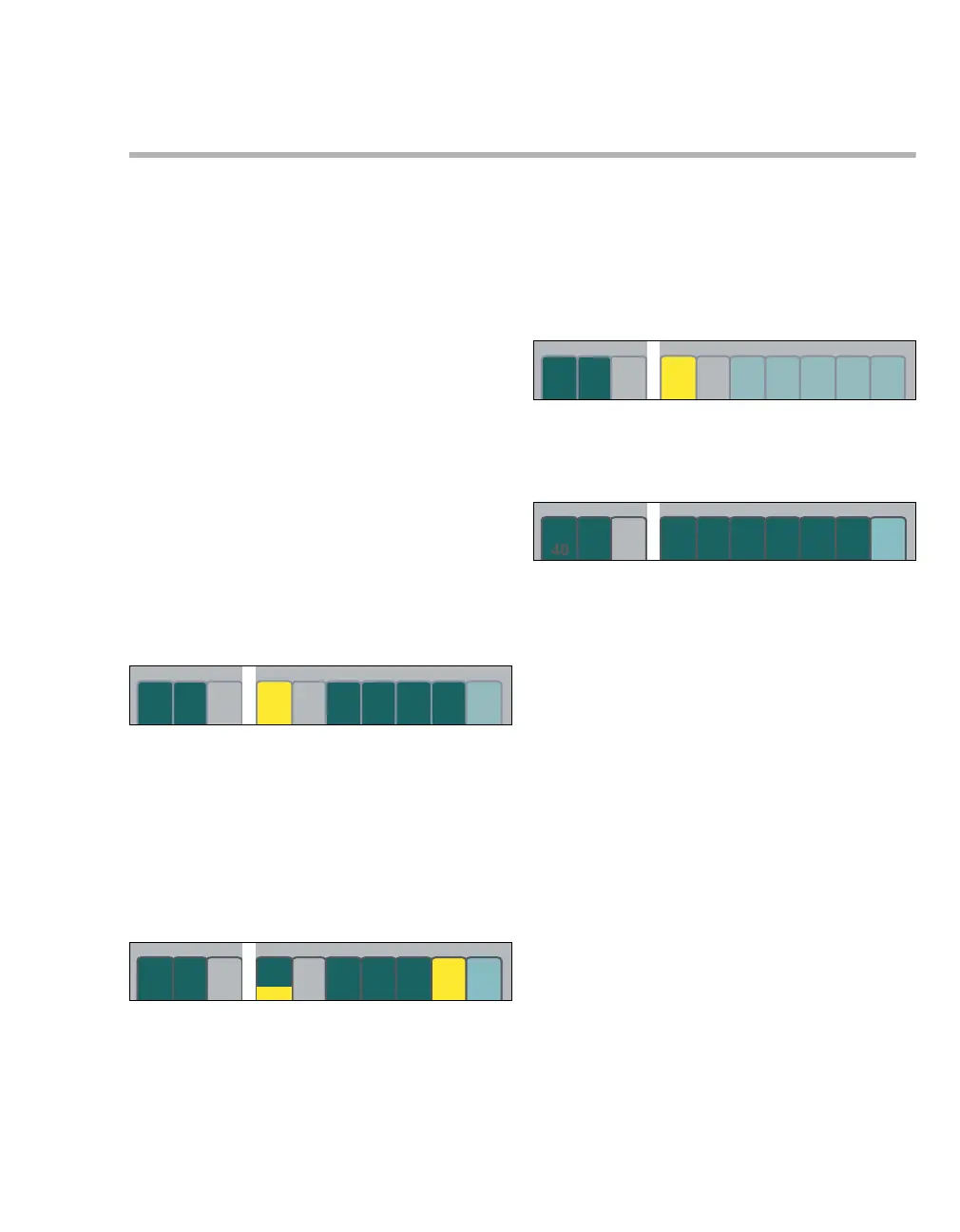
Color examples for horizontal soft keys
The horizontal soft keys appear dark green (A)
when operable.
Proceed as follows to set a ventilation parameter:
1 Press the relevant soft key (B). The color
changes from dark green to yellow, the setting
function has been selected.
2 Change, confirm the value = turn, push the ro-
tary knob. The color changes from yellow to
dark green, the set value has been confirmed
and is now effective.
If other set values (C) change automatically when
setting a parameter, these changed settings only
appear in yellow in the area around the parameter
value (D).
Keys with presettings which are not yet active ap-
pear in light green (E).
The selected parameter is yellow (F) and can be
changed.
Values shown in gray (G)
– indicate discrepancies between the set and the
actual values (e.g., following a failure of the O2
supply)
– indicate that the specified accuracy is not being
maintained.
Light green – can be operated, leads to an-
other menu or operating func-
tion
– not yet active, presettings
Yellow – selected, can be changed or set,
not yet confirmed
Dark green – active parameter, can be oper-
ated
– current selection (configuration
menu)
Gray type – cannot be operated
366367
AB
D
C
368369
EF
G












 To Next Page