Operating concept
42
Instructions for use Primus Infinity Empowered SW 4.5n
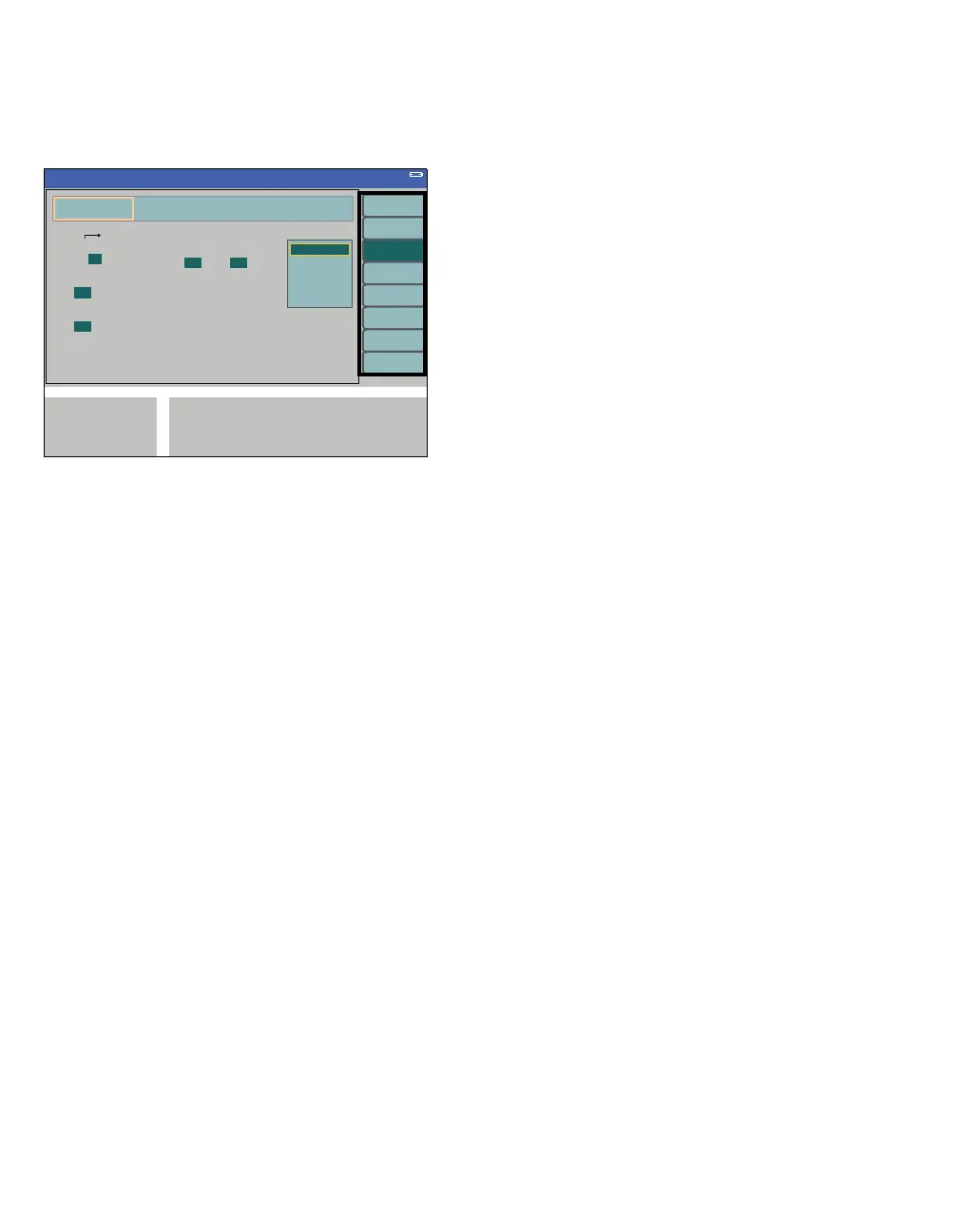
Color examples for vertical soft keys
The vertical soft keys (A) appear in light green.
z Push the soft key,
e.g., interfaces logbook (B).
The soft key appears in dark green.
A menu bar with parameters (C) is displayed in light
green.
Parameter bar
– Orange cursor frame (D) around the menu title:
selected submenu.
– Parameters with dark green background (E):
current selection.
– Parameters in gray type:
inactive and cannot be selected.
343
B
A
C
E
D












 To Next Page