Configuration
180
Instructions for use Primus Infinity Empowered SW 4.5n
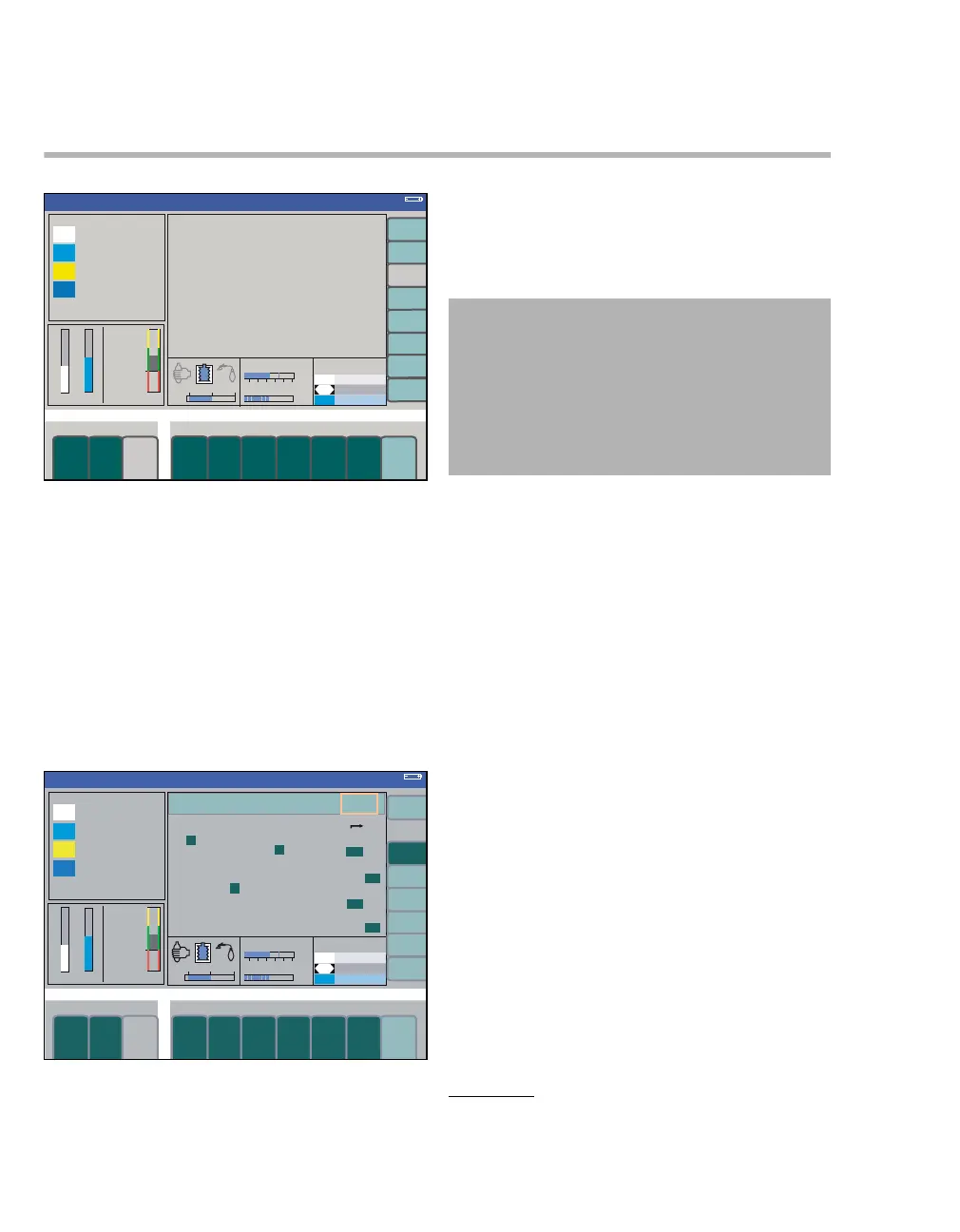
Configuration during operation
During operation, certain monitoring functions can
be selected or changed via configuration menus.
The settings made here remain valid until the work-
station is switched off.
On the standard screen or data screen:
z Press the config. soft key (A).
The first configuration menu volumes/ alarms
(B) opens.
The menu volumes/ alarms (B) contains the fol-
lowing submenus:
C alarm volume
1 = minimum volume
to
9 = maximum volume (<75 dB(A))
The alarm NO O
2 DELIVERY is always announced
at the maximum volume.
Primus Infinity Empowered takes into account the
national regulations of certain countries which re-
quire a minimum volume of 45 dB(A). Settings 1 to
3 are not available for these countries. The mini-
mum volume can be adjusted in the default set-
tings.
D breathing sound (optional)*
0 = off
to
9 = maximum volume
The breathing sound is generated by a breathing
sound module. This module converts the measured
inspiratory and expiratory flow values into audible
sounds similar to the sound of breathing.
The volume depends on the set patient age. This
dependency allows optimal volume at all flow lev-
els.
All alarms are still audible with the breathing sound
volume set to the maximum.
377337
Volume
A
Volume
B
C
FED
CAUTION
Risk of use error
If using features like the 'breathing sound' or when
operating under loud ambient conditions, the au-
ditory alarm signals may not be heard.
Always set the volume of the alarm signal suffi-
ciently high.
* Only in connection with breathing sound module.












 To Next Page