Instructions for use Primus Infinity Empowered SW 4.5n 179
Configuration
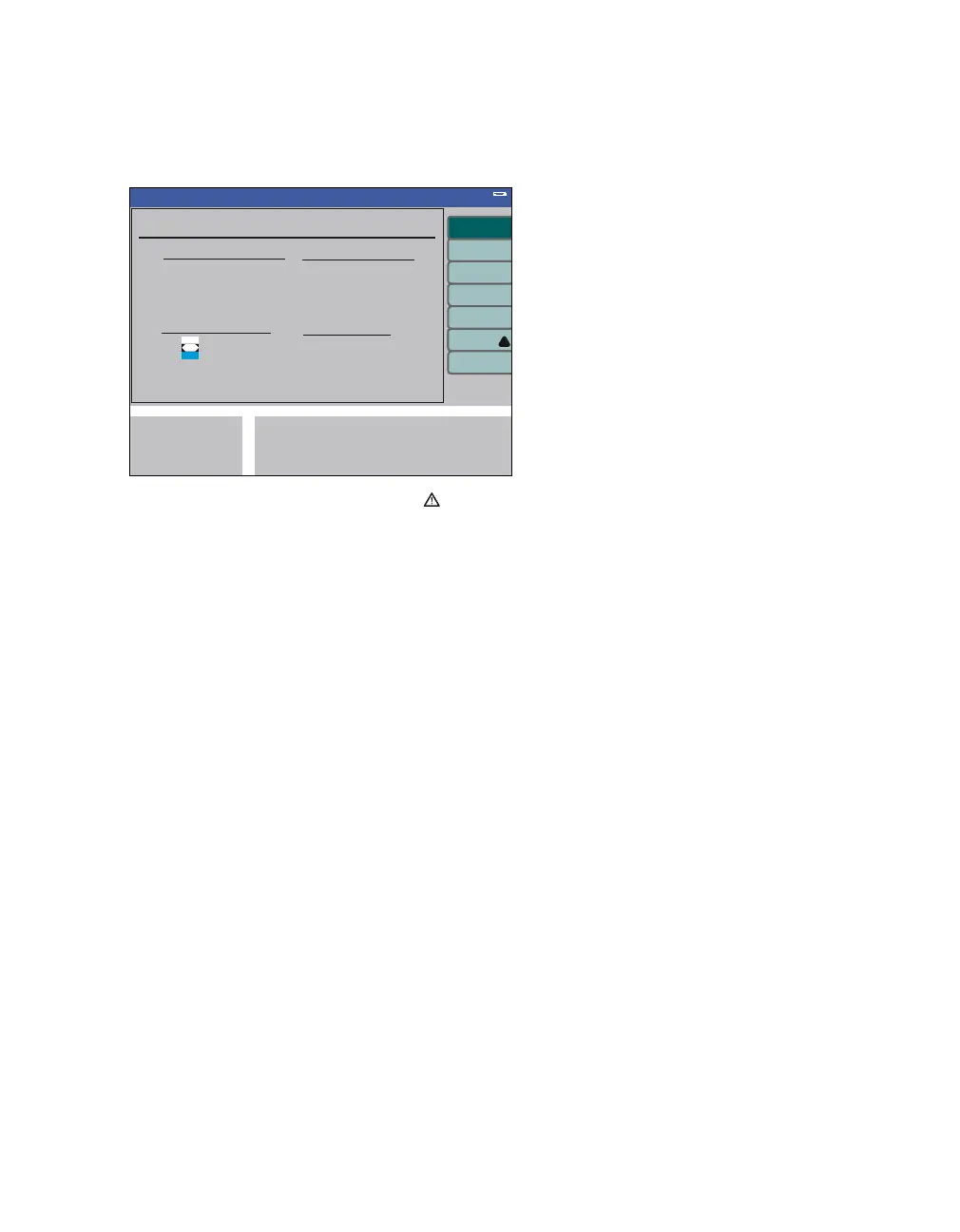
Before activating the remote service
1 Perform self test.
2 Press the soft key remote service (A).
The remote service screen is displayed with a
prompt advising the operator how to continue:
Please run a self test before connecting the Re-
mote Service Link.
Connect the Remote Service Link to COM1.
Please refer to the instructions for use of the
Remote Service Link.
Shut down the device after completion.
3 Connect the Remote Service Link to the COM 1
interface.
The service data of Primus Infinity Empowered can
now be transferred. For further operation, see in-
structions for use for the Remote Service Link.
After exiting remote service
4 Switch off Primus Infinity Empowered.
349
Standby Conf.
System Information
A












 To Next Page