Instructions for use Primus Infinity Empowered SW 4.5n 135
Alarms
HLM mode
The HLM mode permits patient monitoring without
unnecessary alarms during extra-corporal oxygen-
ation of the patient by a heart lung machine (HLM).
In HLM mode:
– All gas concentrations are measured independ-
ently of the breathing phase.
–CO
2 apnea and pressure apnea alarms are in-
active.
–SpO
2 monitoring alarms are inactive.
–The MAC LOW? alarm is inactive.
– MV alarms and flow apnea monitoring can be
configured (see page 171).
The HLM mode can be used in all active ventilation
modes.
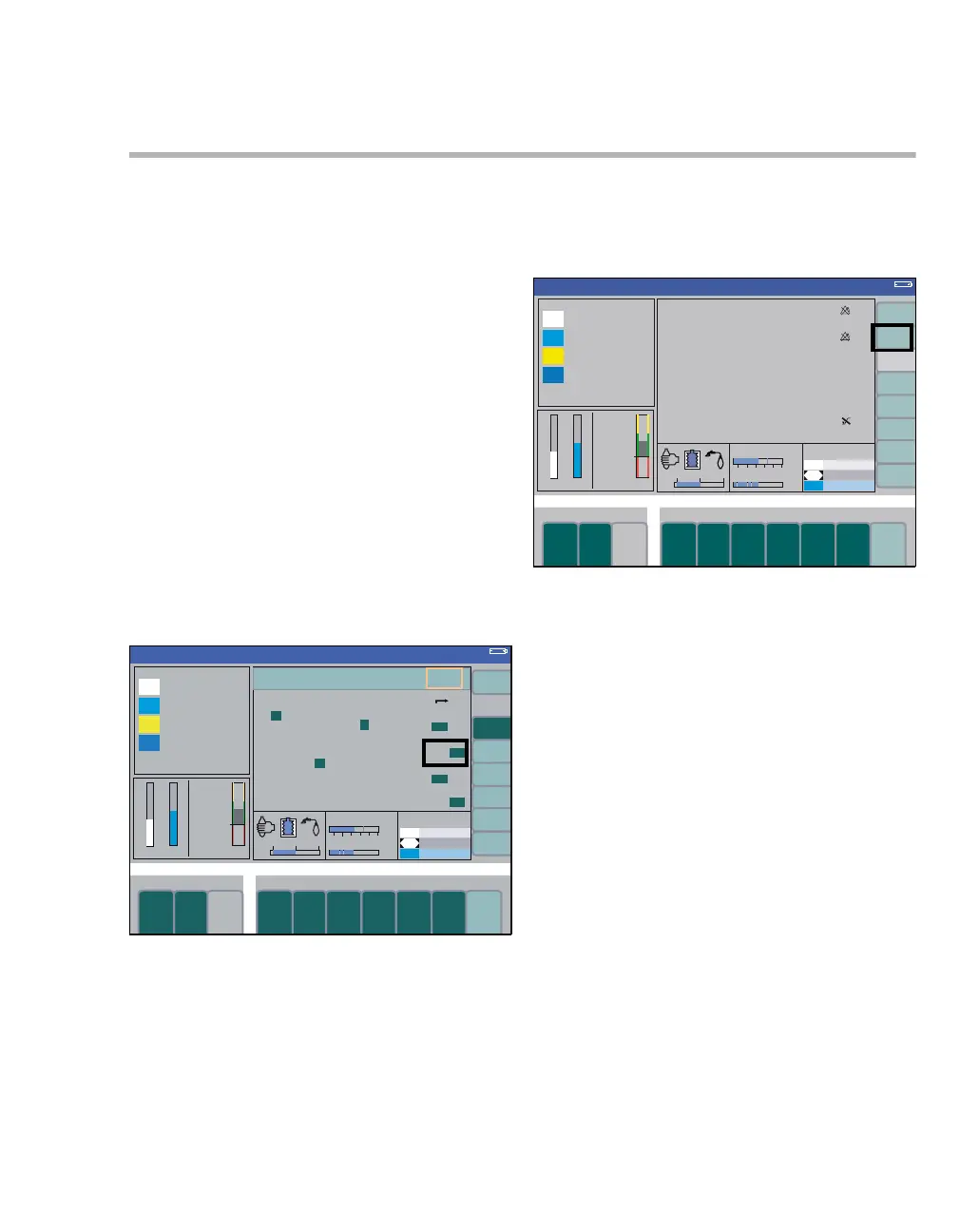
Enabling/disabling HLM mode
To activate/deactivate HLM mode in an active ven-
tilation mode:
1 Press the soft key config. (A) on the standard
or data screen. The submenu volumes/ alarms
is opened.
2 Select and confirm the column alarms on/off
(B) via the rotary knob.
3 Select and confirm the line HLM mode (C) via
the rotary knob.
4 Select and confirm on or off via the rotary knob.
5 The HLM mode can also be deactivated by
pressing the soft key exit HLM (D).
The HLM mode remains activated when changing
ventilation modes; it is deactivated when changing
to Standby.
Deactivating the HLM mode immediately reacti-
vates the CO2 apnea and pressure apnea alarms,
but SpO2 measurement (optional) is only reacti-
vated when pulse signals have been detected
again.
Deactivating the HLM mode has no effect on the on
or off status of SpO2 measurement; the last status
set is retained.
337
B
C
Volume
A
376
Volume
D
HLM












 To Next Page