Configuration
178
Instructions for use Primus Infinity Empowered SW 4.5n
System information
A General information
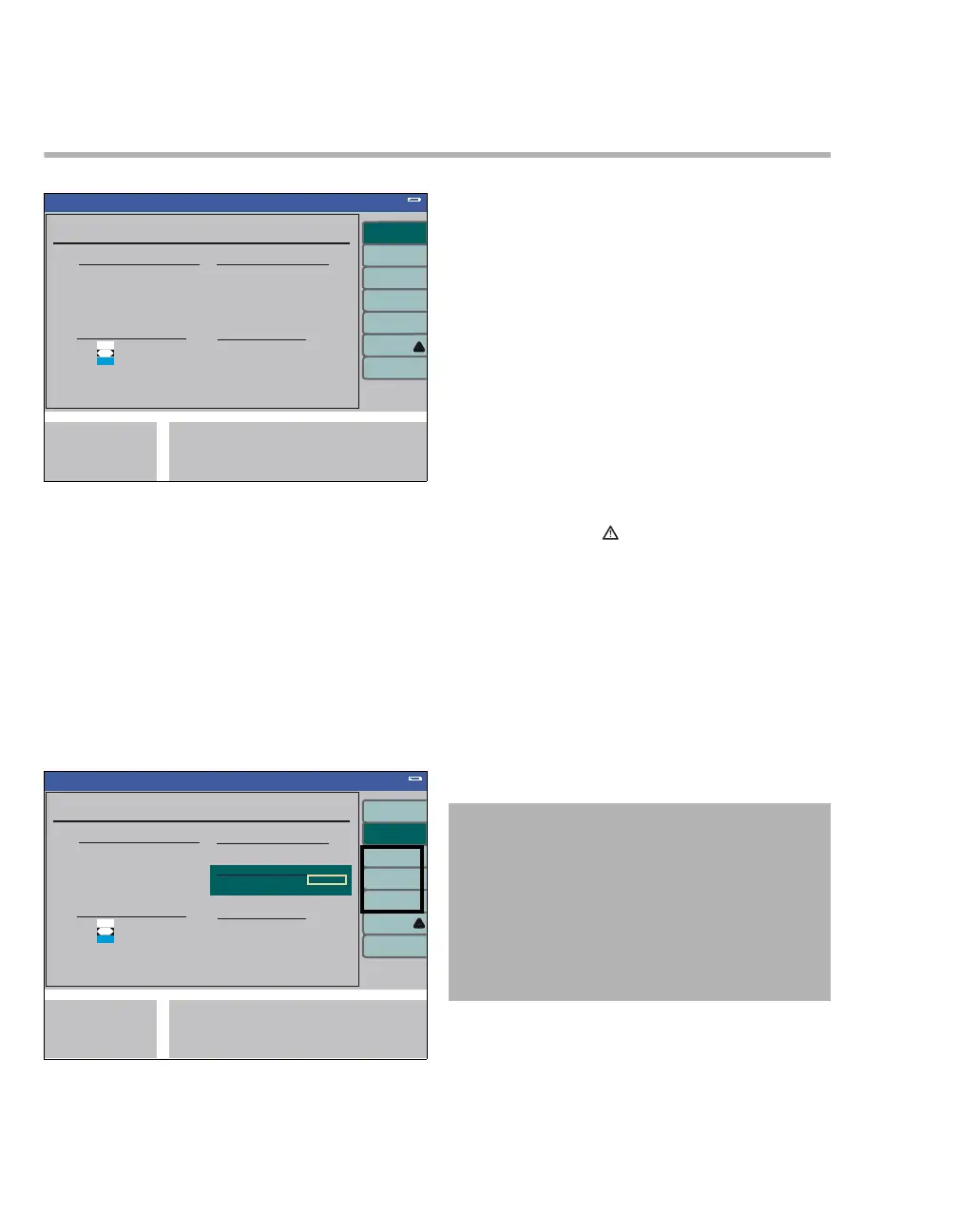
The system information screens contain informa-
tion on
– Software versions of the individual compo-
nents (B)
– Enabled Software Options (C)
– Gas Consumption and sampling rate of the
patient gas module (D)
– Operating Hours of individual components
(E)
F activate option
Software options can be activated by entering a
multi-digit code.
Options and the associated activation codes are
available from the respective Dräger sales organi-
zation.
z Select and confirm the figures successively
from the line displayed (G) via the rotary knob.
Then activate, select, and confirm the menu
item via the rotary knob.
H trace 1, trace 2, trace 3
Description of internal equipment states and pa-
rameters.
I remote service
See page 178 for details.
To exit the System Information and return to the
Standby Conf. menu:
z Press exit (J), to exit the menu.
Remote Service
An inspection for the technical status of the device
can take place by using Remote Service.
349350
Standby Conf.
A
BC
DE
System Information
Standby Conf.
F
G
H
I
J
System Information
WARNING
Risk of patient injury
The patient may be injured if connected to the
device when the remote service function is ac-
tive.
Only use the Remote Service Link on medical
devices which are not otherwise in use. This is
a law according to the MPG.












 To Next Page