Instructions for use Primus Infinity Empowered SW 4.5n 121
Operation
Changing patients
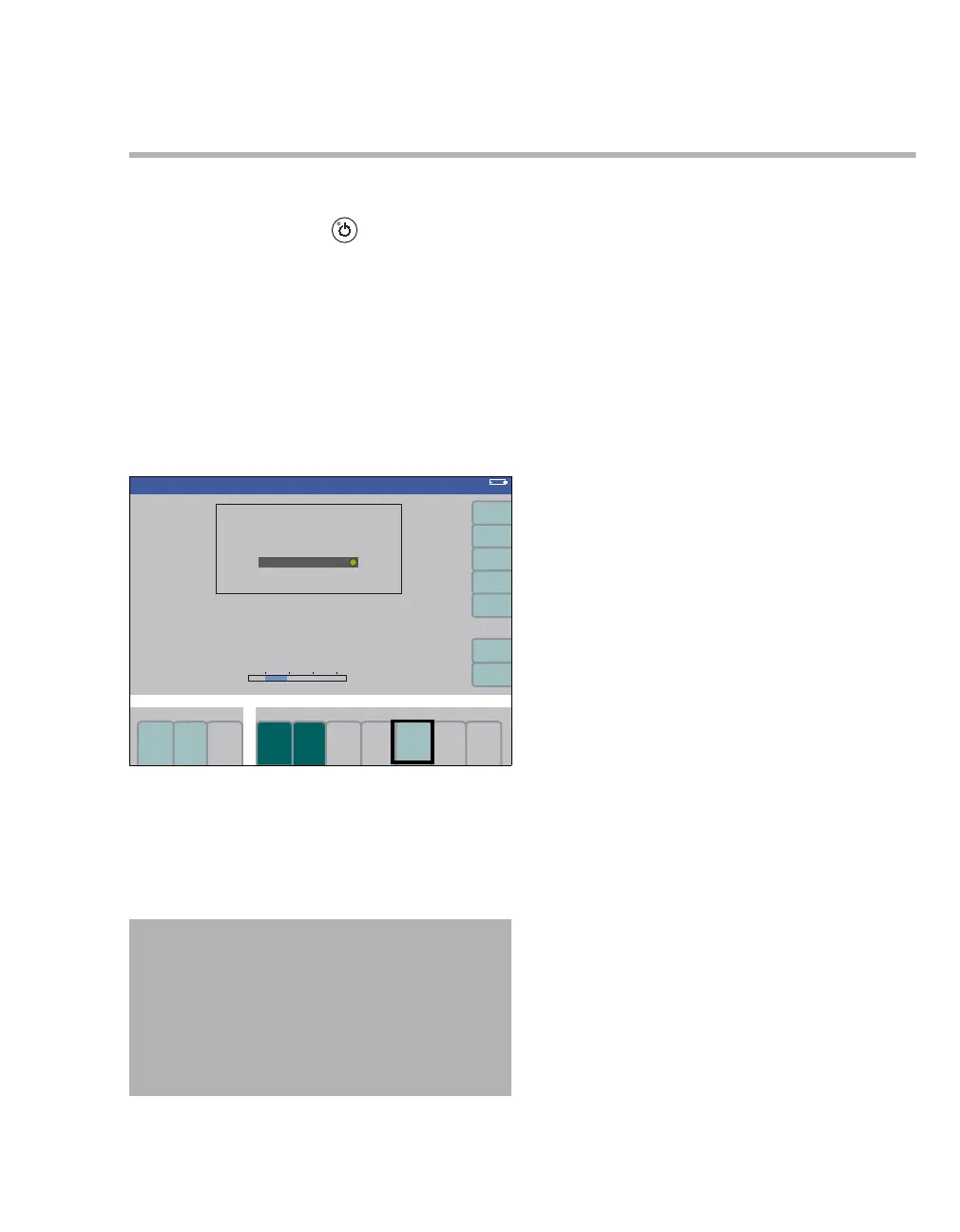
To switch Primus Infinity Empowered into Standby:
z Press the Standby key and confirm via the
rotary knob.
The functions of the workstation are switched off.
The set patient age, weight, alarm limits, fresh gas
delivery settings, and ventilation parameters are re-
tained.
Therapy-related data stored on an Infinity ID
breathing circuit will be deleted one minute after
changing to the Standby mode and thus are no
more available for further transfer.
To activate the default settings:
z Press the soft key restore default settings (A)
and confirm.
The default settings for fresh-gas delivery, ventila-
tion parameters, and alarm limits are restored.
Changing soda lime
The disposable absorber Drägersorb CLIC or a re-
usable absorber can be used with the Primus
Infinity Empowered. The soda lime must be ex-
changed, if:
– the soda lime in the absorber has changed
color.
Dräger recommends the use of
Drägersorb 800 Plus or Drägersorb FREE. The
color change indicates that the CO2 absorbent
can no longer absorb CO
2
(Drägersorb 800 Plus and Drägersorb FREE
change from white to violet).
– the inspiratory CO
2 concentration inCO2 ex-
ceeds the alarm limit.
– the time limit for usage has been reached.
– the Infinity ID CLIC absorber has reached its
user-set depletion limit.
305
WARNING
Risk of patient injury
Restored default settings may contain set-
tings inappropriate for a new patient.
After default settings have been restored,
make sure the ventilation and monitoring set-
tings are appropriate to the patient connected.
Standby
A
Standby












 To Next Page