Configuration
182
Instructions for use Primus Infinity Empowered SW 4.5n
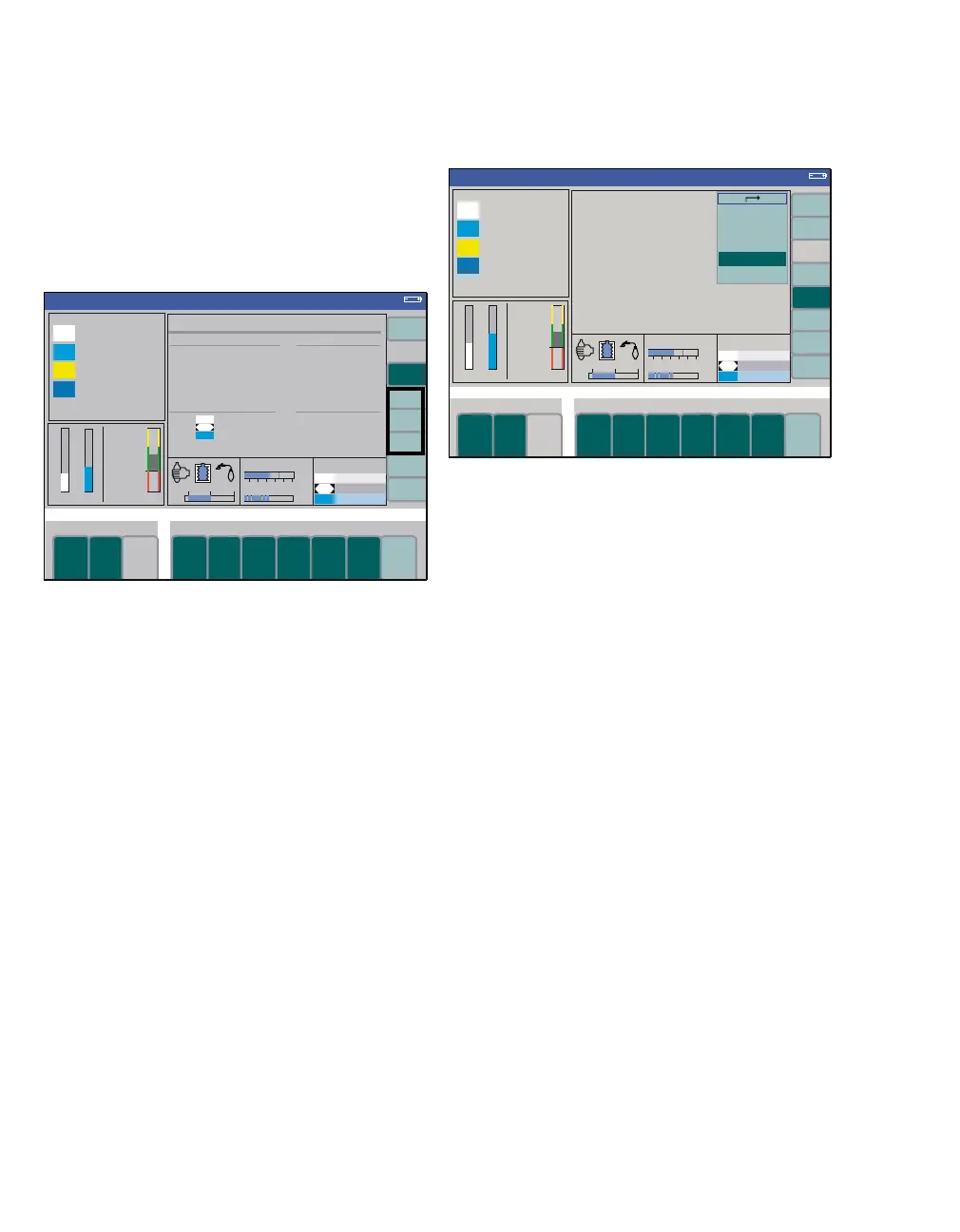
Displaying system information
z Press the softkey system info (G) to enter the
system information.
For more information about the system information
screen, see page 178.
A general info
This screen contains information on
– Software versions of the individual compo-
nents (B)
– Enabled Software Options (C)
– Gas Consumption and sampling rate of the
patient gas module (D)
– Operating Hours of individual components
(E)
F trace 1, trace 2, trace 3
Description of internal equipment states and pa-
rameters.
z Press the soft key exit sys. info (G) to exit the
system information.
Screen layout
1 Press the screen layout softkey (H).
2 Set the screen brightness via the menu item
brightness (I).
1 = dark, 16 = bright
Three screen layouts can be selected.
3 Select the desired layout, e.g., activate
layout 3 (J), and confirm with the rotary knob.
These layouts can be freely configured in the menu
Standby Conf., seepage170.
The active screen layout can be changed via the
screen layout menu item (K).
The screens comprise three curve modules with
associated numerical modules and three configura-
ble modules.
354
Volume
D
CB
A
E
System Information
F
G
322
Volume
H
J
I
K












 To Next Page