Monitoring
158
Instructions for use Primus Infinity Empowered SW 4.5n
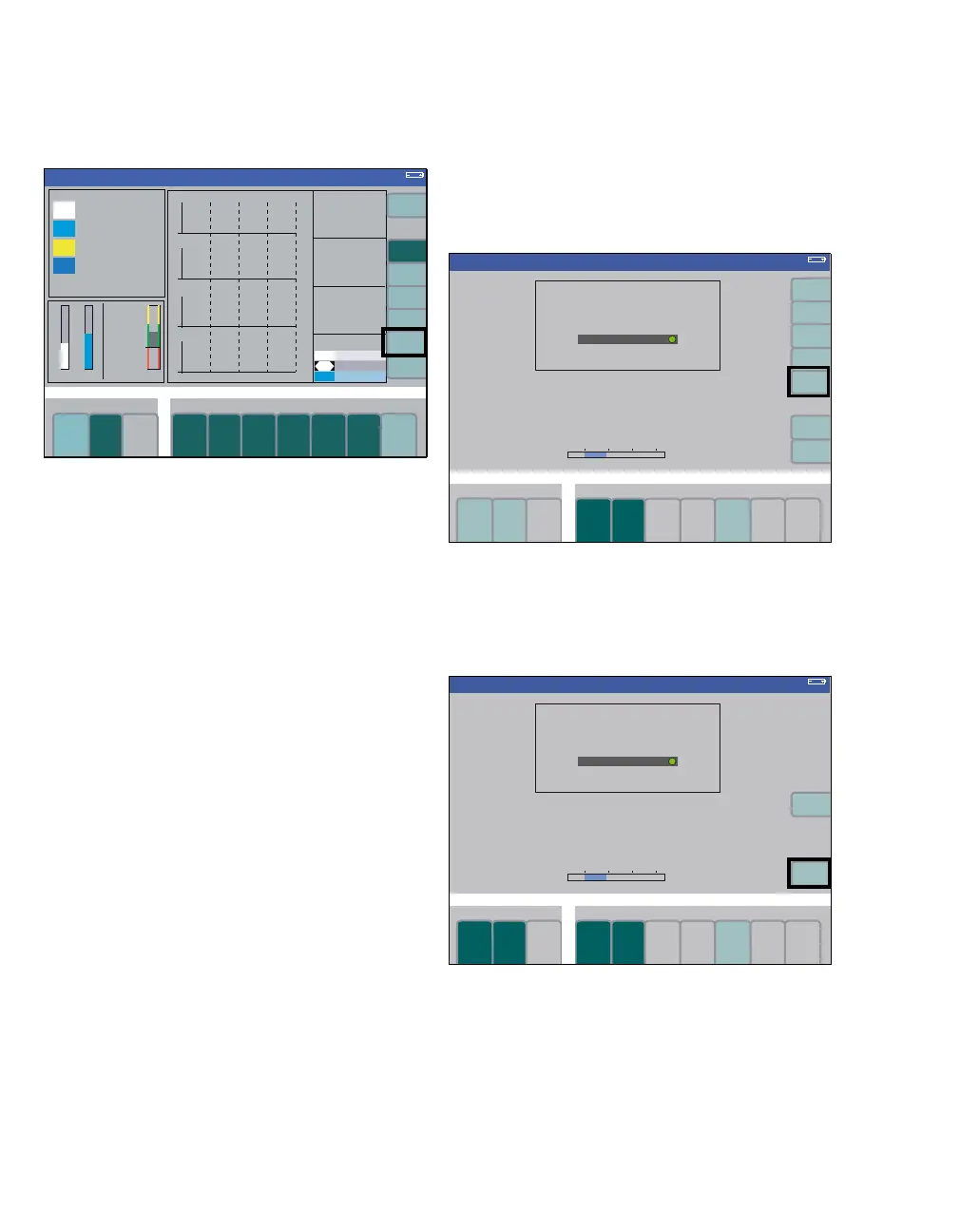
Zoom function
The trend display can be magnified with the zoom
function after half-an-hour’s operation.
To select the area:
z Turn the rotary knob = the dashed frames
move.
To enlarge the selected area to the full width of the
display:
z Push the rotary knob.
A new dashed frame appears after a corre-
sponding period of operation which can also be
enlarged.
To return to the trend overview:
z Press the soft key total trend (A). The complete
trend is displayed on the screen again.
This soft key is ineffective if there is insufficient
trend data available (e.g., less than 30 minutes of
operation).
Deleting the trend memory
Deleting is only possible in Standby.
Graphic trend, mini trends (optional) and logbook
are deleted simultaneously!
In the Standby mode:
z Press the soft key delete trend (A).
The system requests confirmation that the trend re-
ally should be deleted.
To delete:
z Press the soft key delete (B).
331
Volume
A
305364
Standby
Standby
A
Standby
Standby
B












 To Next Page