Instructions for use Primus Infinity Empowered SW 4.5n 159
Monitoring
Selecting the logbook
For recording ventilation modes, measured values
and primary anesthetic agent to facilitate compila-
tion of the anesthetic record.
Primus Infinity Empowered automatically records
events such as performed or canceled self tests,
changes of agent, and changes of ventilation mode
(followed by the date). At the end of each case, the
case duration, the use of each fresh gas, patient
uptake, and total use of anesthetic agent are re-
corded.
The trigger criteria for entries can be configured,
see "Interfaces/logbook" on page 169 and "The
logbook entries menu (E) contains the following
sub-menus:" on page 181.
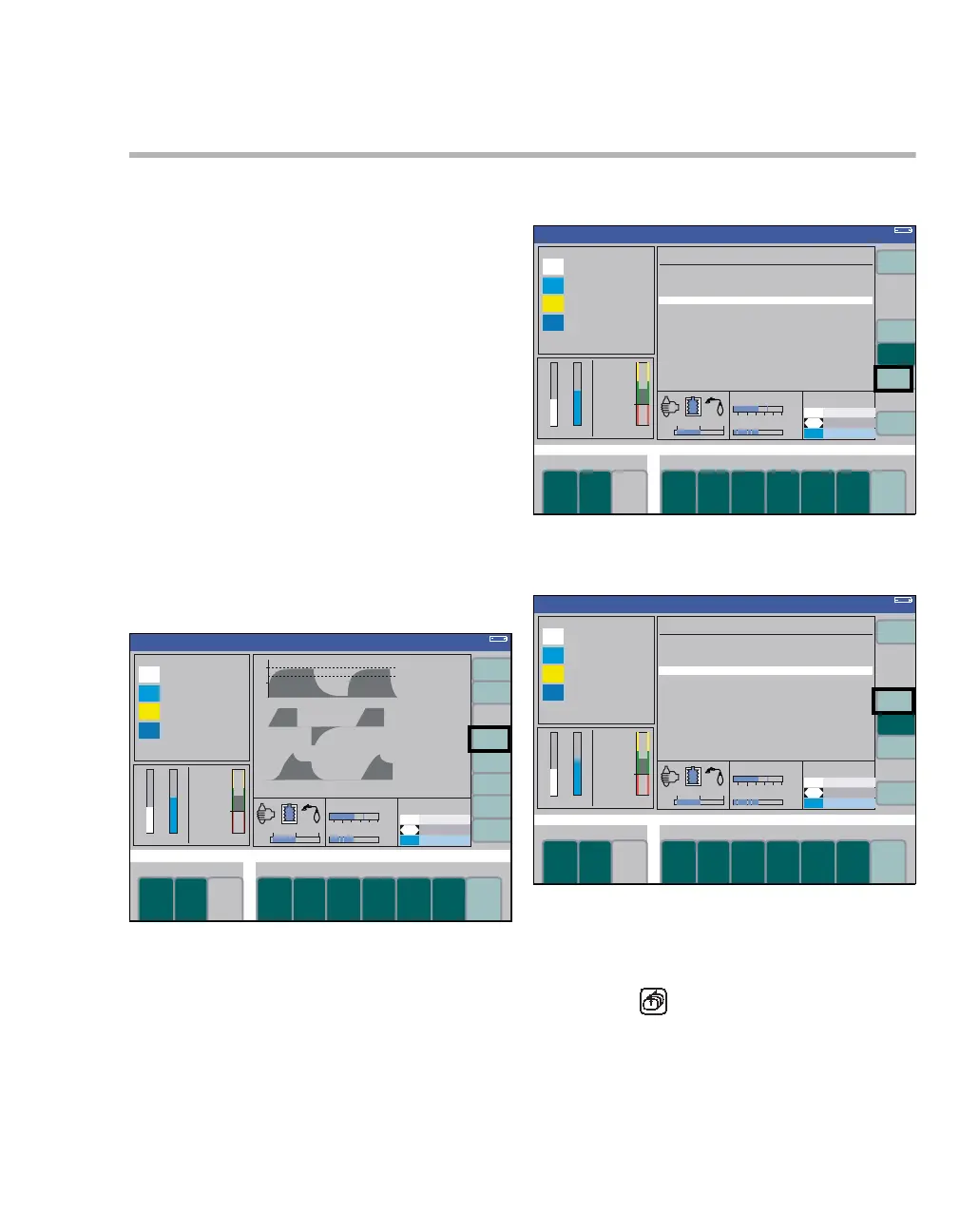
The logbook can be accessed during operation as
well as in Standby. It consists of two pages: page 1
lists standard patient parameters; page 2 lists more
standard parameters as well as optional parame-
ters, such as SpO
2 and pulse.
z Press the soft key logbook (A).
Page 1 of the logbook is displayed (B).
To view the second page:
z Press the soft key page 2 (C).
To return to the standard screen:
z Press the soft key exit logbook (D).
or
z Press the key.
363
Volume
A
332332
Volume
C
B
Volume
D












 To Next Page