Diagnostic instruments
file:///D|/Manuales/Para%20recolocar/MOTOS/DUCATI/DUCATI/M796/wsm/EN/M796_ABS_11_6_13.36.1.html[11/12/2015 18:40:27]
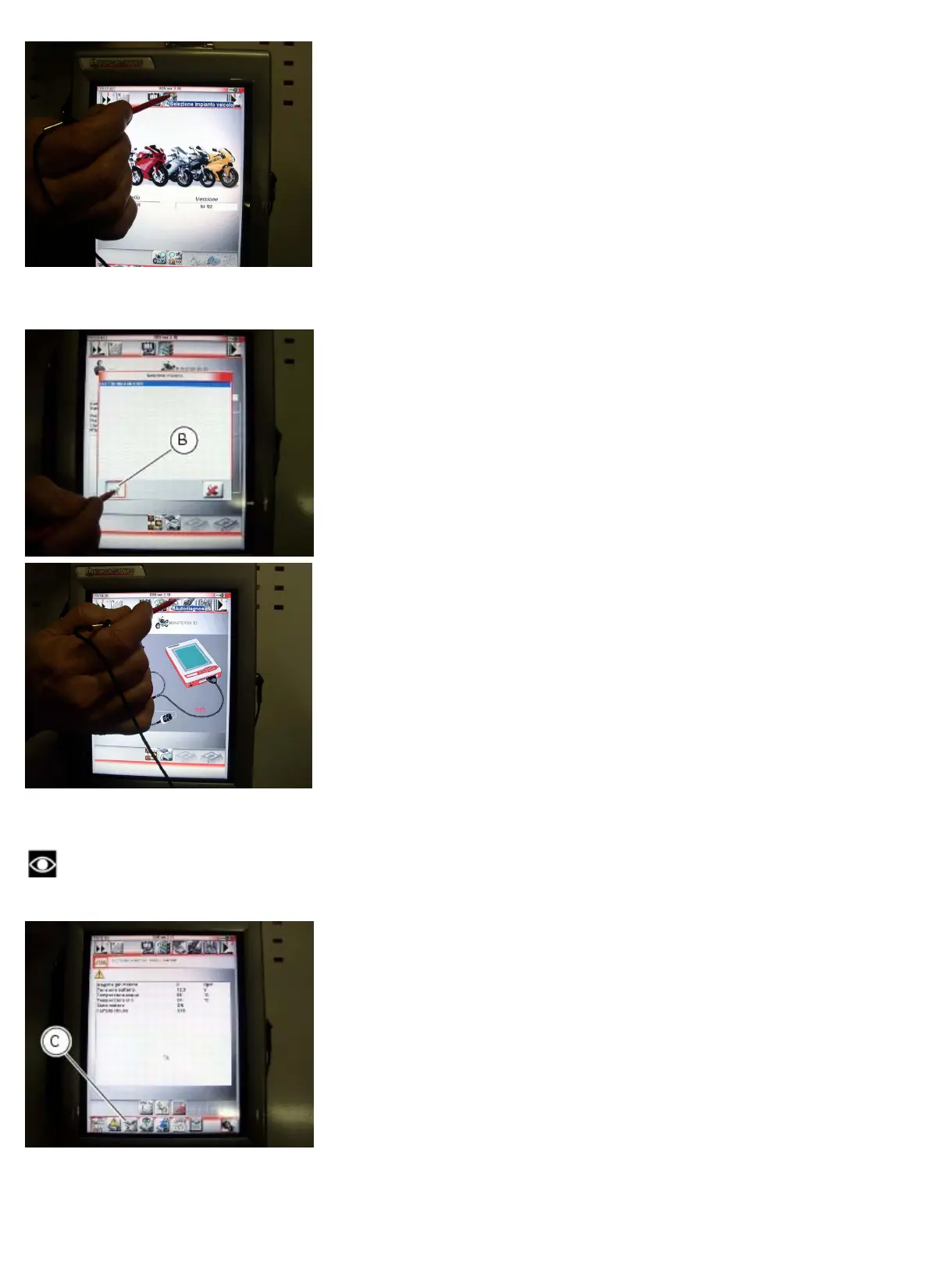
Press the icon “Select system” to display a list of the bike’s systems that can be analysed.
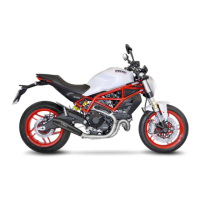
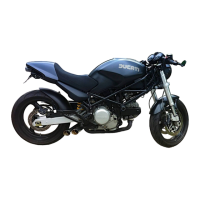
Select “Engine electronics” and press the “Confirm” icon (B). Next, press the “Self-diagnosis” icon to access the
corresponding function.
The DDS diagnosis instrument will interrogate the electronic control unit and display the parameters analysed with their
relative values.
Note
Make all connections with the motorcycle ignition key in the OFF position.
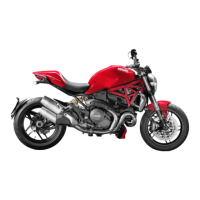
Press the “Actuators” icon (C) to display the actuators and other components connected to the ECU.
Select the option “immobilizer Override” and then press the icon “Apply” (D).










 To Next Page