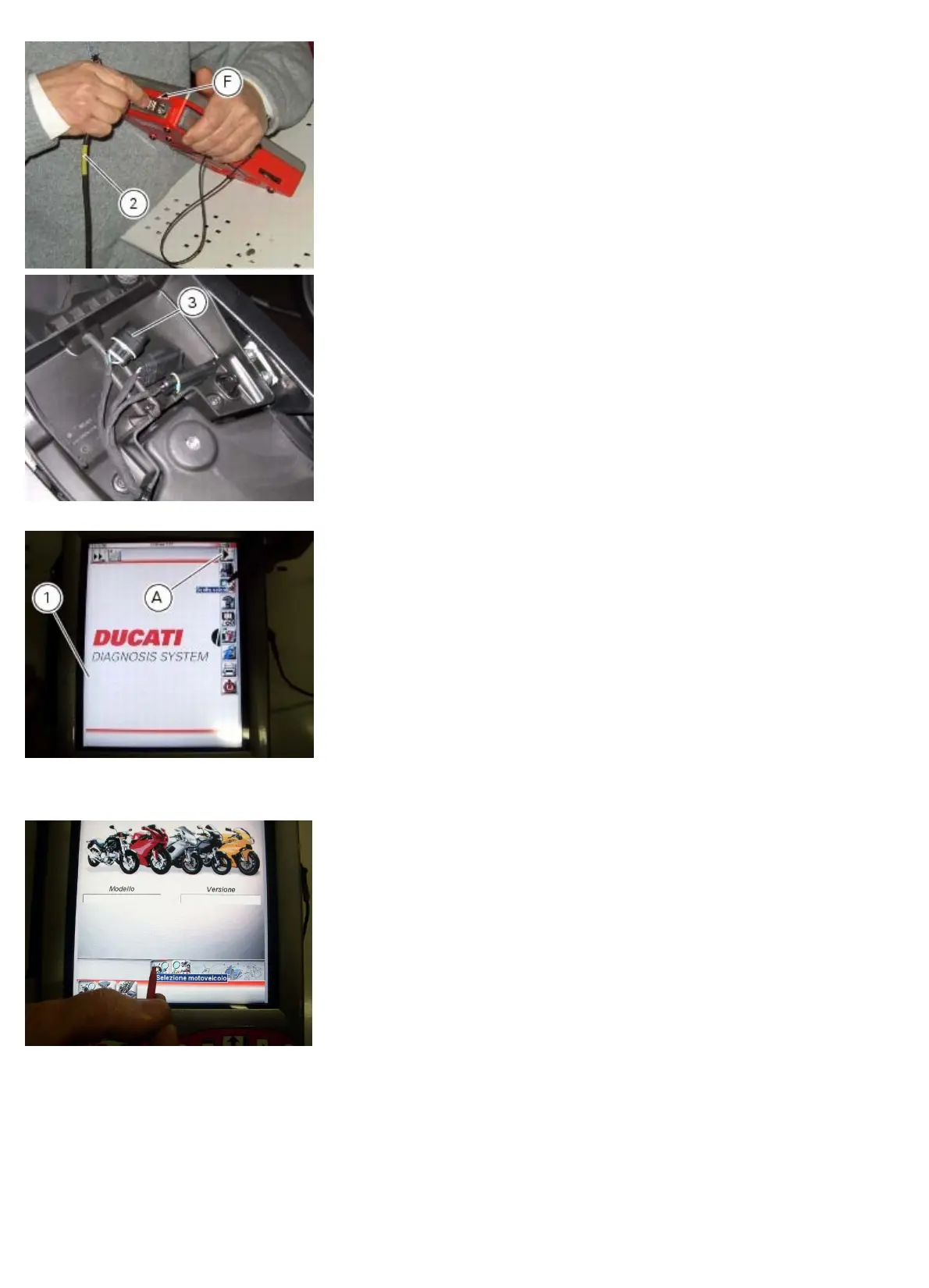
Diagnostic instruments
file:///D|/Manuales/Para%20recolocar/MOTOS/DUCATI/DUCATI/M796/wsm/EN/M796_ABS_11_6_13.36.1.html[11/12/2015 18:40:27]
Enter the general functions menu by pressing the icon “Menu 1” (A).
Press the “Select vehicle” icon and, on the next screen, press the “Select motorcycle” icon; select the motorcycle model
and confirm, then select the version and confirm.
Press the icon “Select system” to display a list of the bike’s systems that can be analysed.










 To Next Page