2. Replacement and adjustment of parts
26510
2/4
26510
Paper advance unit 1
!
!!
! Adjusting the attaching position
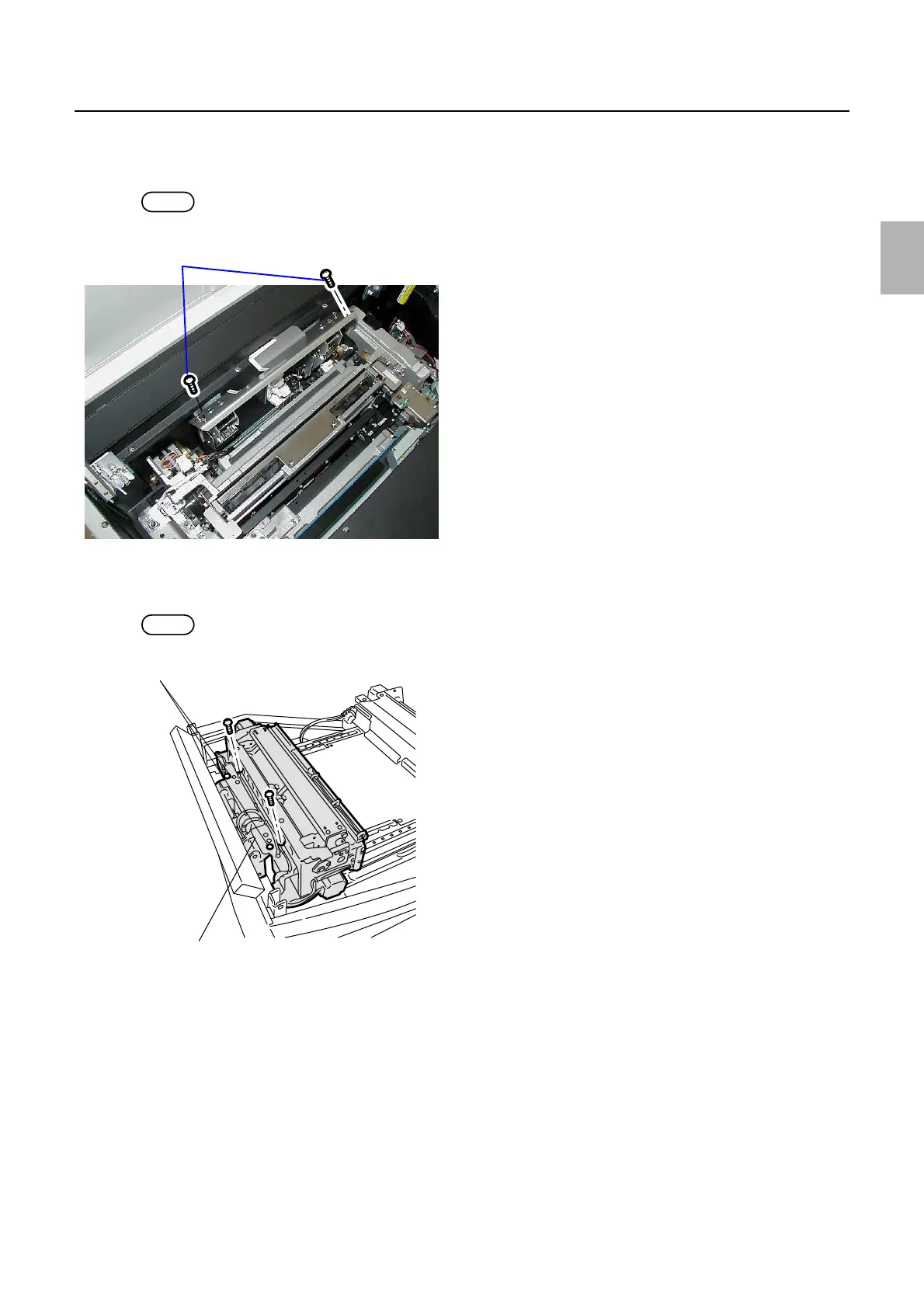
1. Attach paper advance unit 1.
NOTE
• Remove two of four screws of the paper advance unit 1 to attach the unit.
2. Set paper advance unit 1 to the positioning pin.
3. Tighten four screws of paper advance unit 1 temporarily.
NOTE
• Attach two screws if you removed them in step 1 of Attaching position.
Remove the screws.
G085233
Paper advance unit 1
Loosen these screws.
G070716
Distributed by: minilablaser.com



 To Next Page