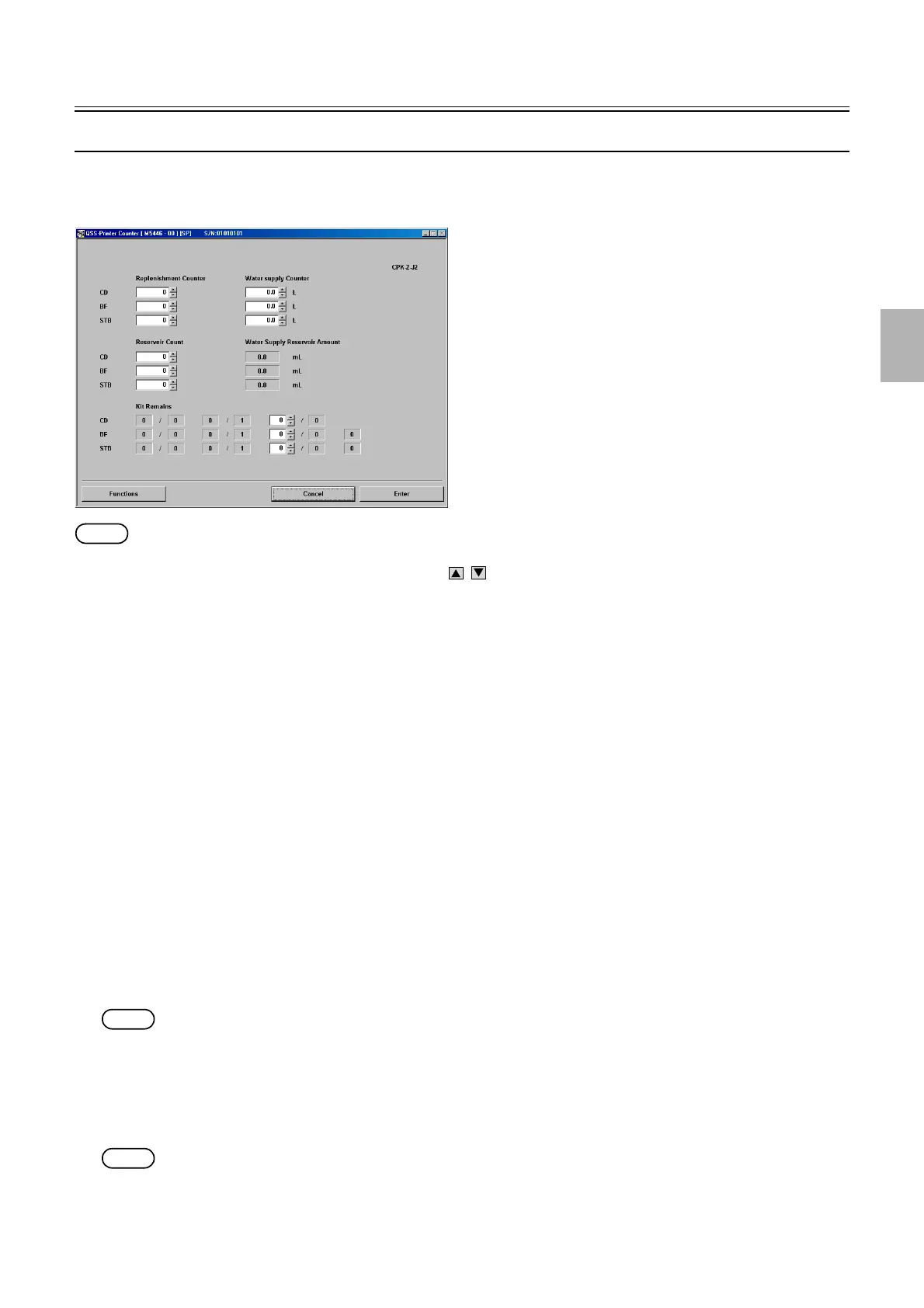
Processor Settings
1/2
3. Mode
33070
33070
Counter [J]
Bringing up the display
Maintenance: 2260 → Extension → Processor Settings → Counter
NOTE
• Enter the service personnel password (2260) to configure these settings.
• The service personnel password (2260) is required to display .
!
!!
! Explanation
!
!!
! Replenishment Counter (Input range: 0 to 999999)
The number of tablets that have been dropped can be checked and set.
!
!!
! Water supply Counter (Input range: 0.0 to 9,999.9 ml)
The total water supply amount can be checked and set.
!
!!
! Reservoir Count (Input range: 0 to Drop Limit/without Replenishment Limit)
The number of insufficient tables to be replenished for the amount of paper that has been processed since last tablet replenishment can
be checked and set.
If any of the following errors occurred, the tablet replenishment is to be canceled.
(Error)
05600-05602 Tablet Drum operation error.
05603-05605 A tablet has jammed.
05609-05611 Printing cannot continue without replenishment.
05612 Tablet Replenishment Elevator operation error.
(Attention)
00600-00602 The Tablet Cartridge is empty.
00605-00607 Attach the Tablet Cartridge.
00608 Attach the Tablet Replenishment Unit.
NOTE
• To reset the reservoir count, enter 0 with the key.
!
!!
! Water Supply Reservoir Amount
The insufficient water supply amount for the amount of paper that has been processed since last water supply can be checked and set.
Water supply amount is accumulated every time when printing is processed.
If any of the following errors occurred, the water supply is to be canceled.
NOTE
• Water supply reservoir amount is display only. You cannot input any value.
(Attention)
0603 Add water to the Water Supply Tank.
M5446-00
Distributed by: minilablaser.com



 To Next Page