Self-diagnostic
1/2
3. Mode
35953
35953
Laser Self-Diagnostic (starting/exiting)
Also see the following references to utilize for diagnosis.
!
!!
! Start procedure
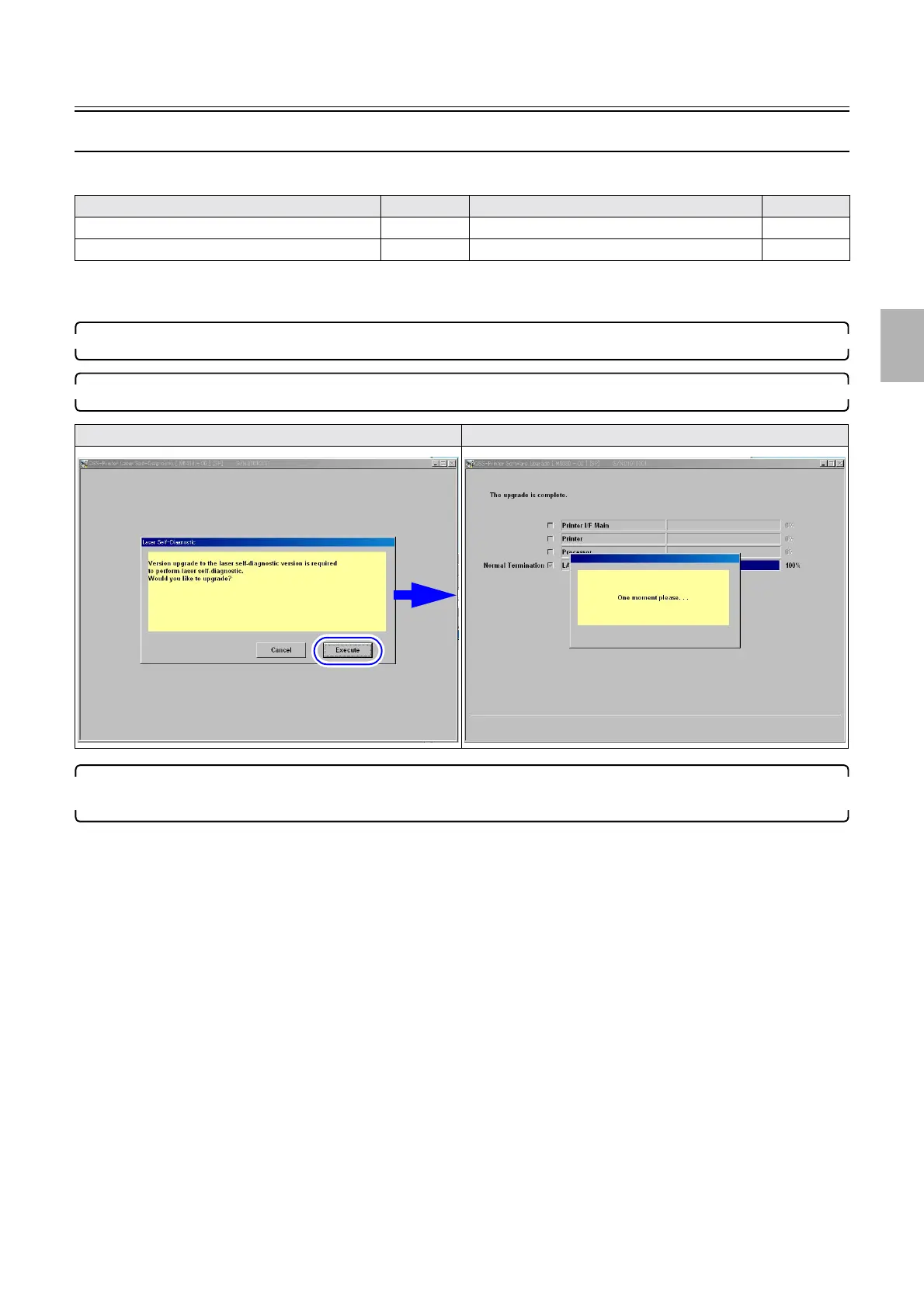
1. On the Self-diagnostic mode, click Laser Self-Diagnostic.
2. Clicking execute performs Upgrade then Laser Self-Diagnostic is shown.
3. If the EZ Conrtoller has been started, ☞ No. 01804 The printer version is incorrect. Upgrade the
printer software. is shown. Click YES.
For the FRONTIER-Printer, if Laser Self-Diagnostic is performed while the printer's application is running, the same
message as above is shown.
Model Reference Model Reference
Laser Self-Diagnostic (details of modes)
☞35950 Laser Self-Diagnostic (diagnosis: AUTO) ☞35951
Laser Self-Diagnostic (diagnosis: MANUAL) ☞35952
Click Laser Self-Diagnostic Click Execute
Distributed by: minilablaser.com



 To Next Page