2/3
4. Troubleshooting
41550
41550
Attention message: Colorimeter
No. 01555
The calibration plate data is out of range.
Attention message release
YES
Condition
NOTE
• See the setup print judgment operation flow. ☞ 56620
Check Point
IMPORTANT
• Check if there is no dirt on the calibration plate, and inserted it properly, then calibrate the colorimeter unit again.
If the same attention message appears again, perform Updating the Calibration Plate Data.
☞27460
• If the same attention message appears after Updating the Calibration Plate Data, follow the diagnosis below.
Diagnosis
NOTE
• To access the wiring diagrams, click Wiring diagrams in Bookmarks.
Suffix number Condition
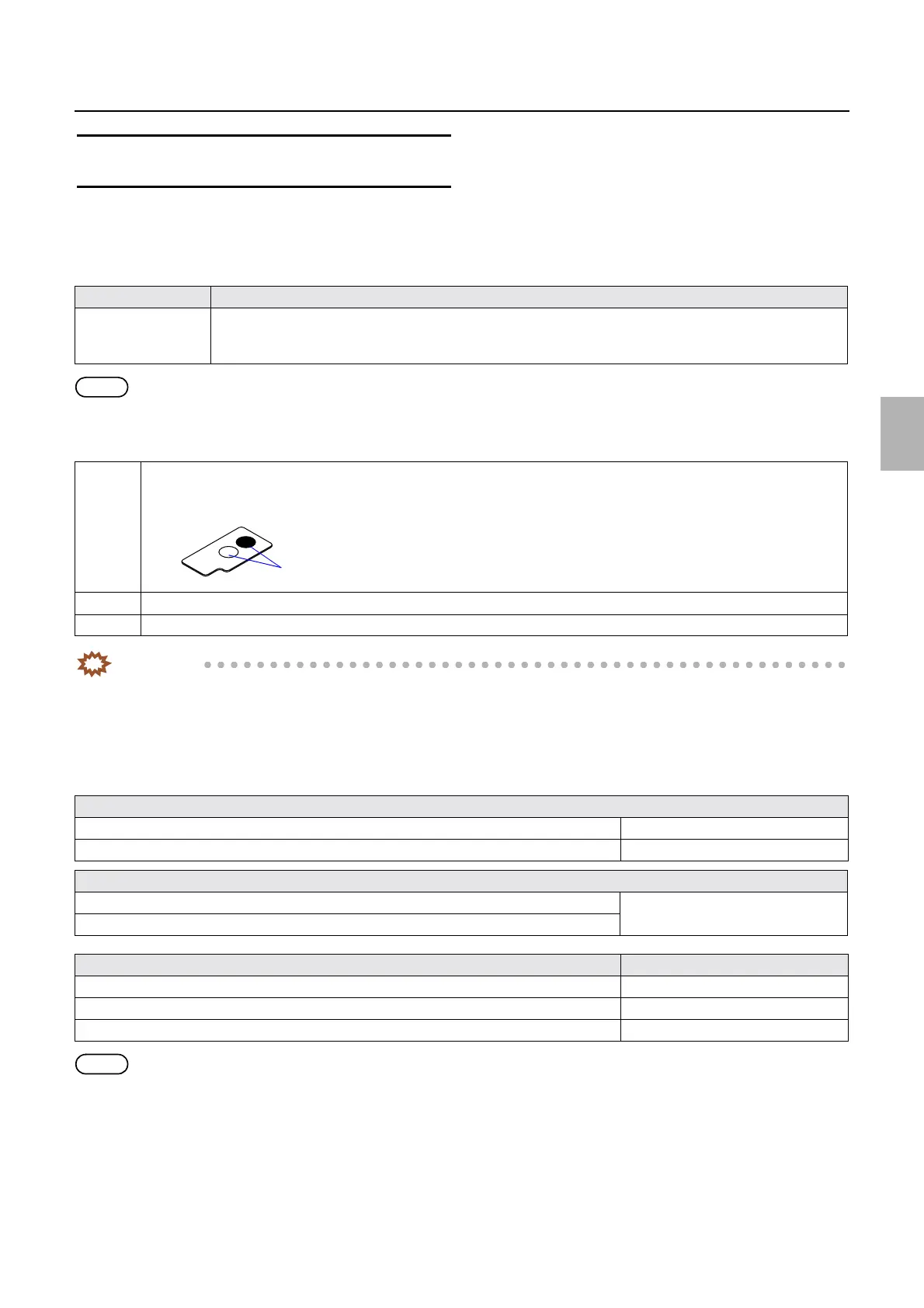
00000 When calibrating the colorimeter, the difference between the two photometry values obtained by the calibration
plate measurements at the 9 mm point (black position) and 18 mm point (white position) from the leading end is
100 or less.
1 Wipe the measurement area using a firmly squeezed damp soft cloth with a neutral detergent diluted with water. Then, wipe
and dry it up using a dry soft cloth.
2 Check that the calibration plate is correctly inserted.
3 Carry out each correction via Colorimeter Unit Adjustment.
Adjustment failure
Adjust the height of the colorimeter unit.
☞27470
Adjust the colorimeter unit.
☞35100
For defective parts
Replace the calibration plate if it is scratched on.
☞27460
Replace the colorimeter unit in the case of the colorimeter unit failure.
Failed part Manual No.
Processor control PCB ☞66200
Processor I/O PCB 2 ☞66211
Colorimeter unit
☞27460
Measurement part
Distributed by: minilablaser.com



 To Next Page