Processor Settings
1/2
3. Mode
33001
33001
Processor Settings
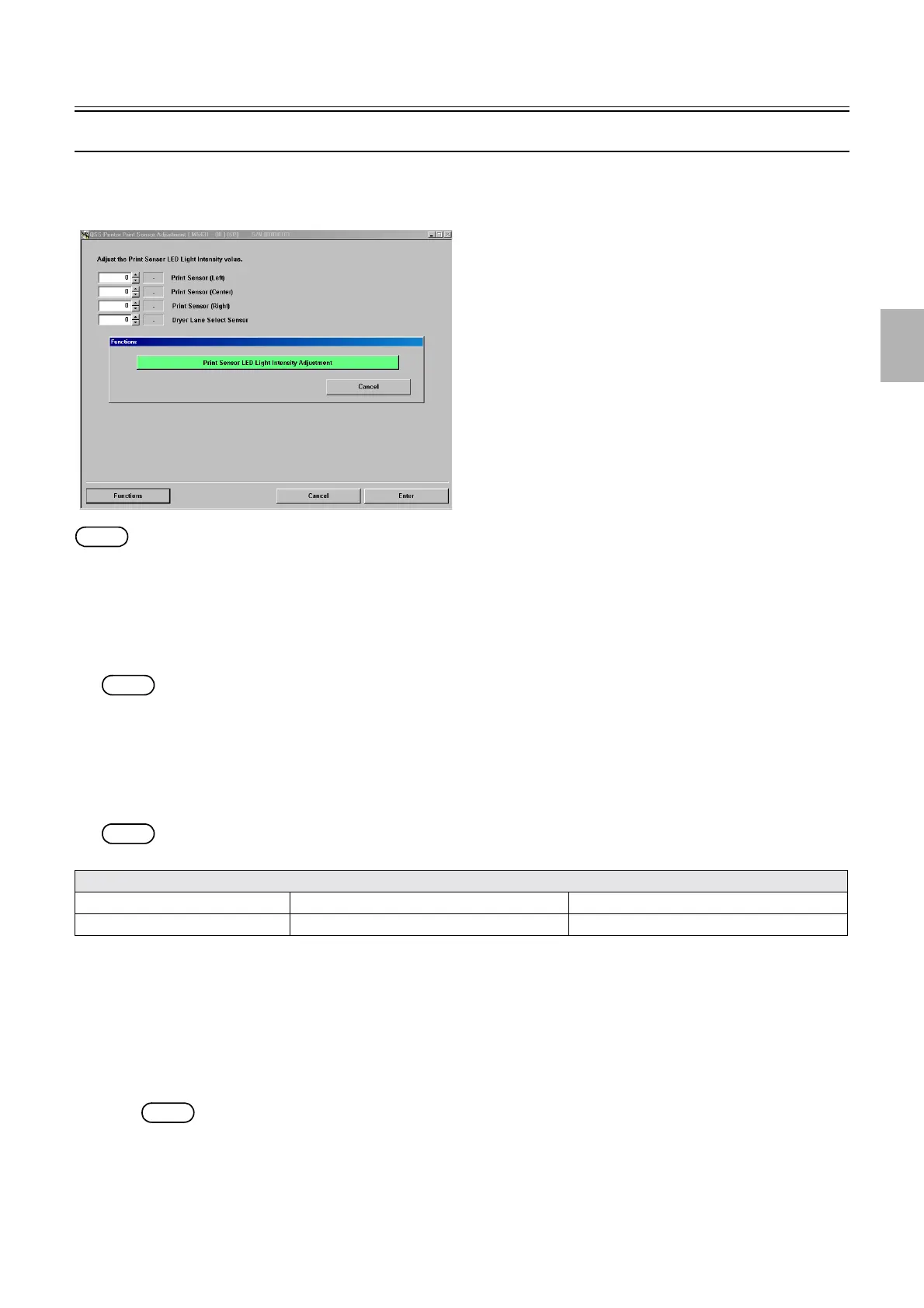
Print Sensor Adjustment
Bringing up the display
Maintenance: 2260 → Extension → Processor Settings → Print Sensor Adjustment
NOTE
• The LED light intensity value of each sensor can be checked and set by entering the service personnel password (2260).
!
!!
! Explanation
!
!!
! Print Sensor Adjustment (Standard value: 150) (Input range: 0 to 255)
It is the standard value to be used for adjusting the LED light intensity of each sensor.
NOTE
• The normal range of the LED light intensity value of each sensor is from 1 to 254.
!
!!
! Functions
!
!!
! Print Sensor LED Light Intensity Adjustment
Adjust the LED light intensity of each sensor.
NOTE
• With this Print Sensor LED Light Intensity Adjustment function, the sensors below are adjusted.
!
!!
! Adjusting procedure
!
!!
! Print Sensor LED Light Intensity Adjustment
1. Confirm that each cover of the dryer section is closed.
2. Perform Print Sensor LED Light Intensity Adjustment.
NOTE
• The LED light intensity value of each sensor is not shown if the service personnel password has not been entered.
• After Print Sensor LED Light Intensity Adjustment is completed normally, OK is shown.
OK: When the LED light intensity of each sensor is from 1 to 254
• After Print Sensor LED Light Intensity Adjustment is not completed normally, − is shown.
−: When the LED light intensity of each sensor is 0 or 255 or more
Sensors for Sensor LED Light Intensity Value Adjustment
Print Sensor (Left) Print Sensor (Center) Print Sensor (Right)
Dryer Lane Select Sensor
M5431-00
Distributed by: minilablaser.com



 To Next Page