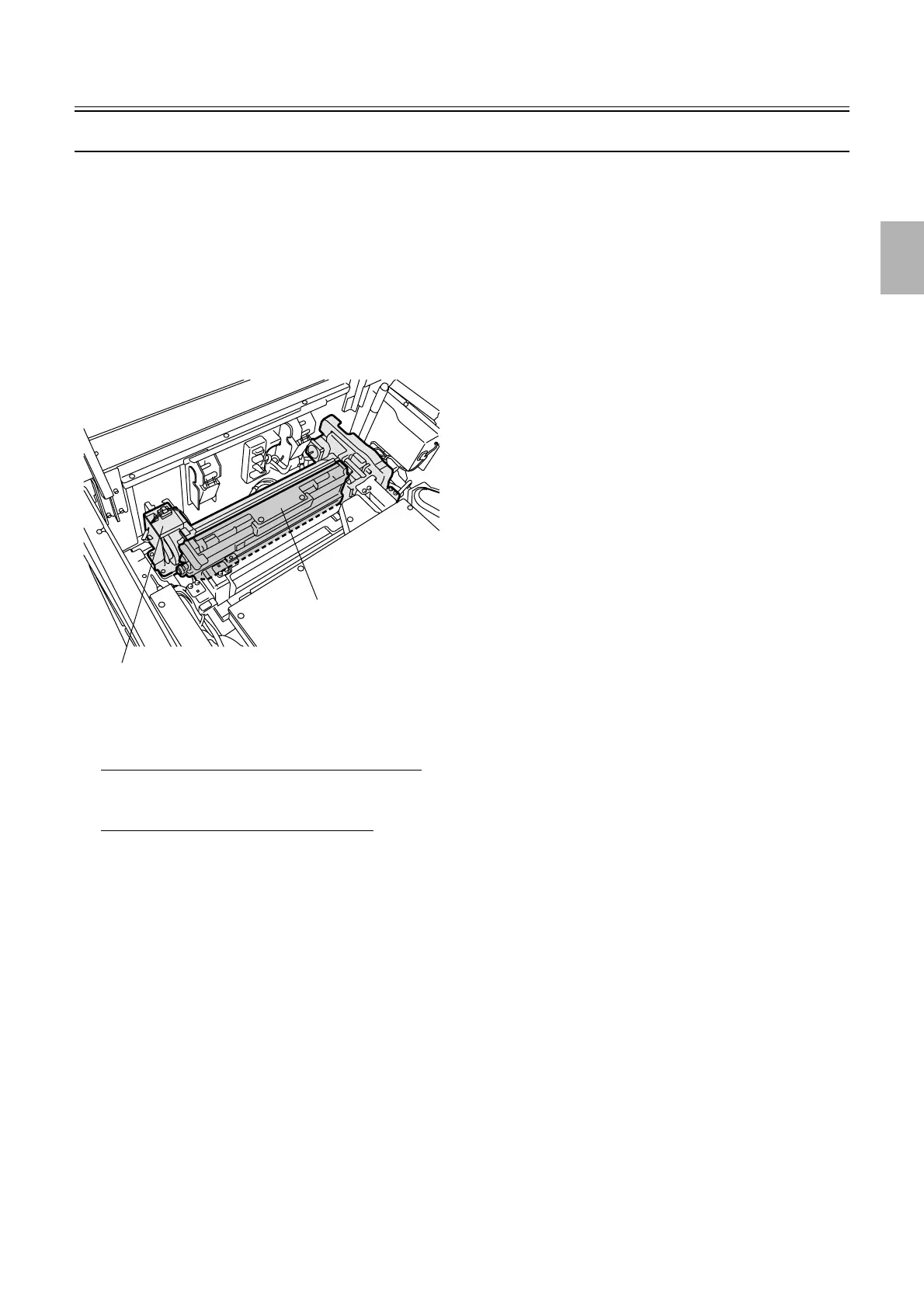
Exposure advance unit
1/1
2. Replacement and adjustment of parts
25820
25820
Replacing the pressure guide in the exposure advance unit
!
!!
! Procedure
1. Open the printer top cover.
2. Open paper advance unit 2.
3. Remove the pressure guide from the exposure advance unit.
!
!!
! Adjustment after reattaching and setup
When the original pressure guide is reattached
• There is no need for adjustment.
When a new pressure guide is attached
1. Perform the exposure advance adjustment.
☞36080
2. Check the exposure center correction.
☞36070
Exposure advance unit
Pressure guide
G072366
Distributed by: minilablaser.com



 To Next Page