Setup
1/2
3. Mode
32550
32550
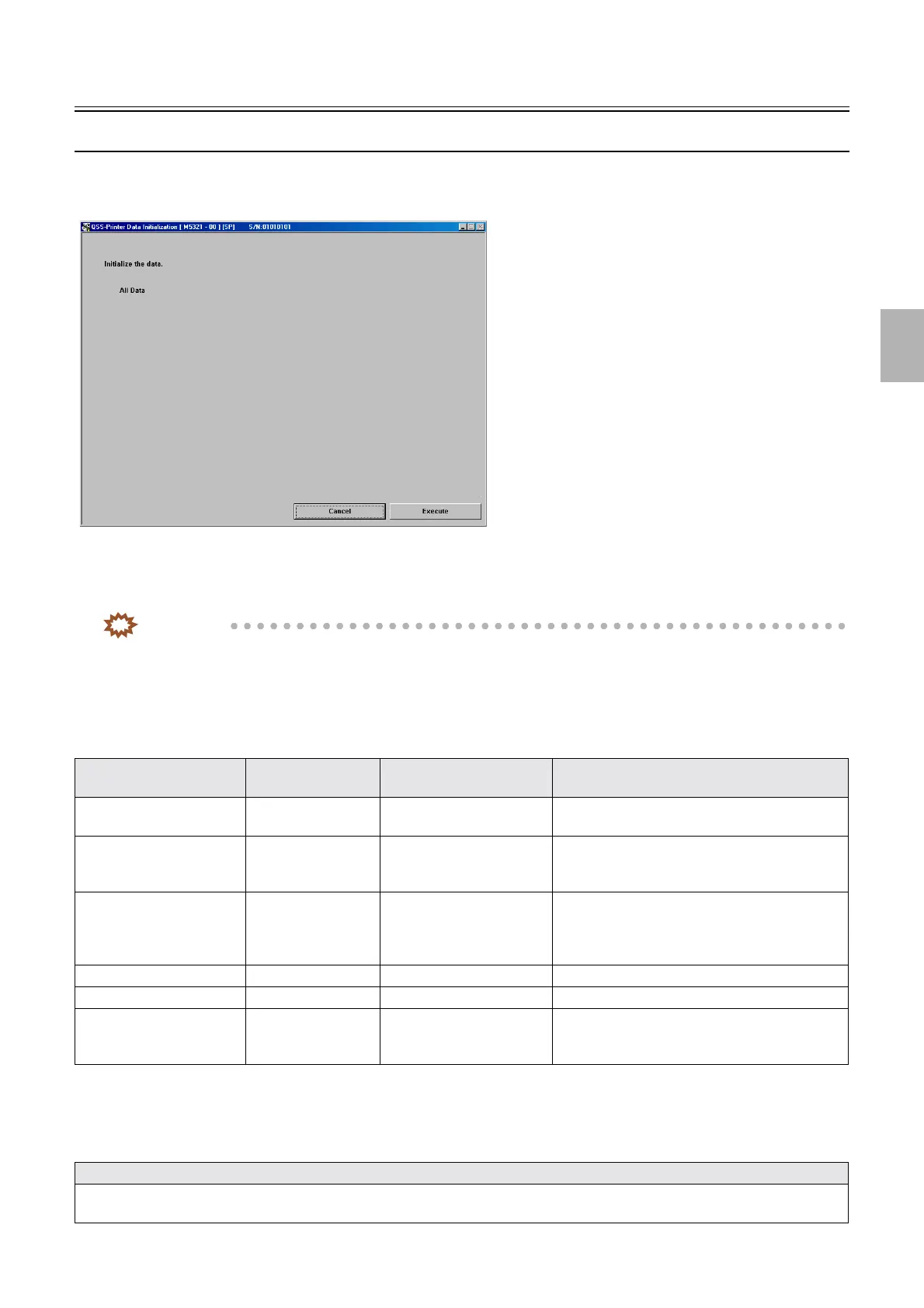
Data Initialization
Bringing up the display
Maintenance: 2260 → Extension → Setup → Data Initialization
!
!!
! Explanation
You can initialize the stored data of the printer, processor or each controller PCB.
IMPORTANT
• Before initializing the data, be sure to backup the data.
If the data has been initialized by mistake, the data can be restored by loading the backup data.
☞35400
• Only for F specification, the error message ☞No. 05905[F], ☞No. 05906[F] , or ☞No. 05907[F] may appear in
specific condition after initializing the data.
For details, see ☞57020.
• For all data, the following data are all initialized.
!
!!
! Data that are not initialized
Basically, all data are initialized when initialization is performed.
Some data are not initialized, which are listed below.
Item Backup file name Mode or data to be
initialized
Remarks
Main PrinterIF.bin Printer I/F Main PCB data Machine Specification, Option Setting, Operator
Selections, Laser Setup and others
Printer Printer.bin Printer control PCB data Mechanical Adjustment data, Operator Selections
information, Unit Setting information, Machine
Working Information, other
Processor Proc.bin Processor control PCB data Processor Adjustment data, Operator Selections
information, Unit Setting information, Various
Setting data, Timer Setting data, Twenty-Four-
Hour timer, other
Colorimeter color.bin Each data of Colorimeter Various adjustment data of Colorimeter
LASER Laser.bin Laser control PCB data Each data of Laser
Correction Data for
Brightness of the Edge of
Image Field
LsrSHD_X.bin Shading data of laser engine
Data that are not initialized
Data of total counter, daily totals counter, daily sales totals, remaining amount of paper, order number, archive number, total counter 2,
laser operation record, exposure adjustment, and serial number of colorimeter calibration plate
M5321-00
Distributed by: minilablaser.com



 To Next Page