Printer Mechanical Adjustment
1/3
3. Mode
36040
36040
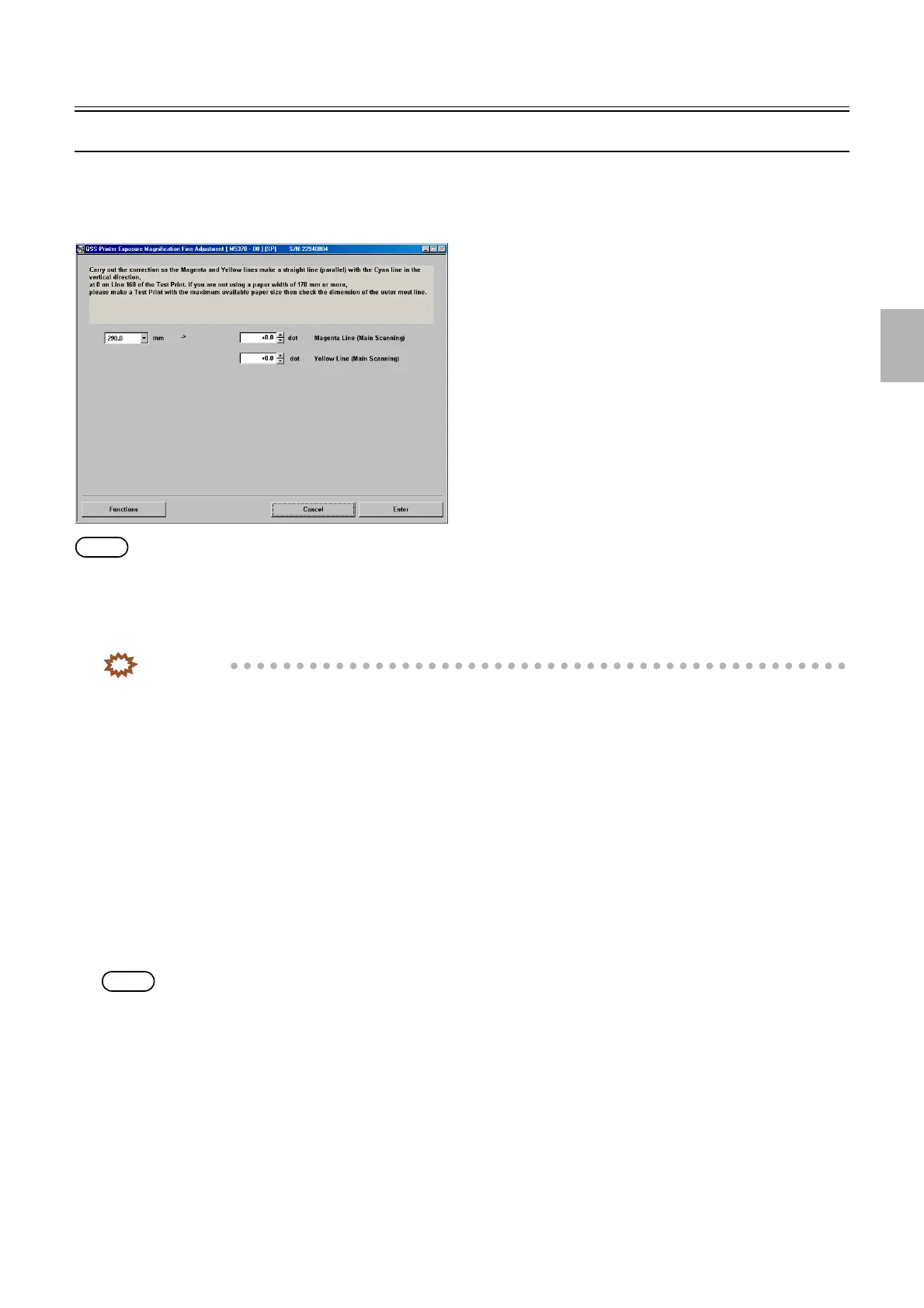
Exposure Magnification Fine Adjustment
Bringing up the display
Maintenance: 2260 → Extension → Maintenance → Various Adjustment → Printer Mechanical Adjustment → Exposure Magnification
Fine Adjustment
NOTE
• Enter the service personnel password (2260) to configure these settings.
!
!!
! Explanation
This mode is used to correct dot displacement for each laser of B, G and R on the both sides of a print.
IMPORTANT
• Perform Exposure Position Adjustment with any of paper magazine A, A2, B or C.
• When you do not have the paper of 178 mm width or more, make a test print with the maximum paper size which you
used, then measure the dimension of the most outside line of it.
!
!!
! Magenta Line (Main Scanning) (Initial value: 0.0 dot) (Input range: from −9.9 to +9.9 dot)
G laser expansion and contraction can be corrected against the paper width direction.
!
!!
! Yellow Line (Main Scanning) (Initial value: 0.0 dot) (Input range: from −9.9 to +9.9 dot)
B laser expansion and contraction can be corrected against the paper width direction.
!
!!
! Functions
!
!!
! Test Print (Paper Magazine A/A2/B/C)
A test print is made without any correction.
NOTE
• A piece of paper with the advance length 178 mm is printed.
• The paper width, [A ####(#)] is printed as the CVP imprinting.
!
!!
! Test print confirmation (Paper Magazine A/A2/B/C)
A test print is made using correction values.
M5378-00
Distributed by: minilablaser.com



 To Next Page