Colorimeter unit operation
1/3
5. Operation sequence
56620
56620
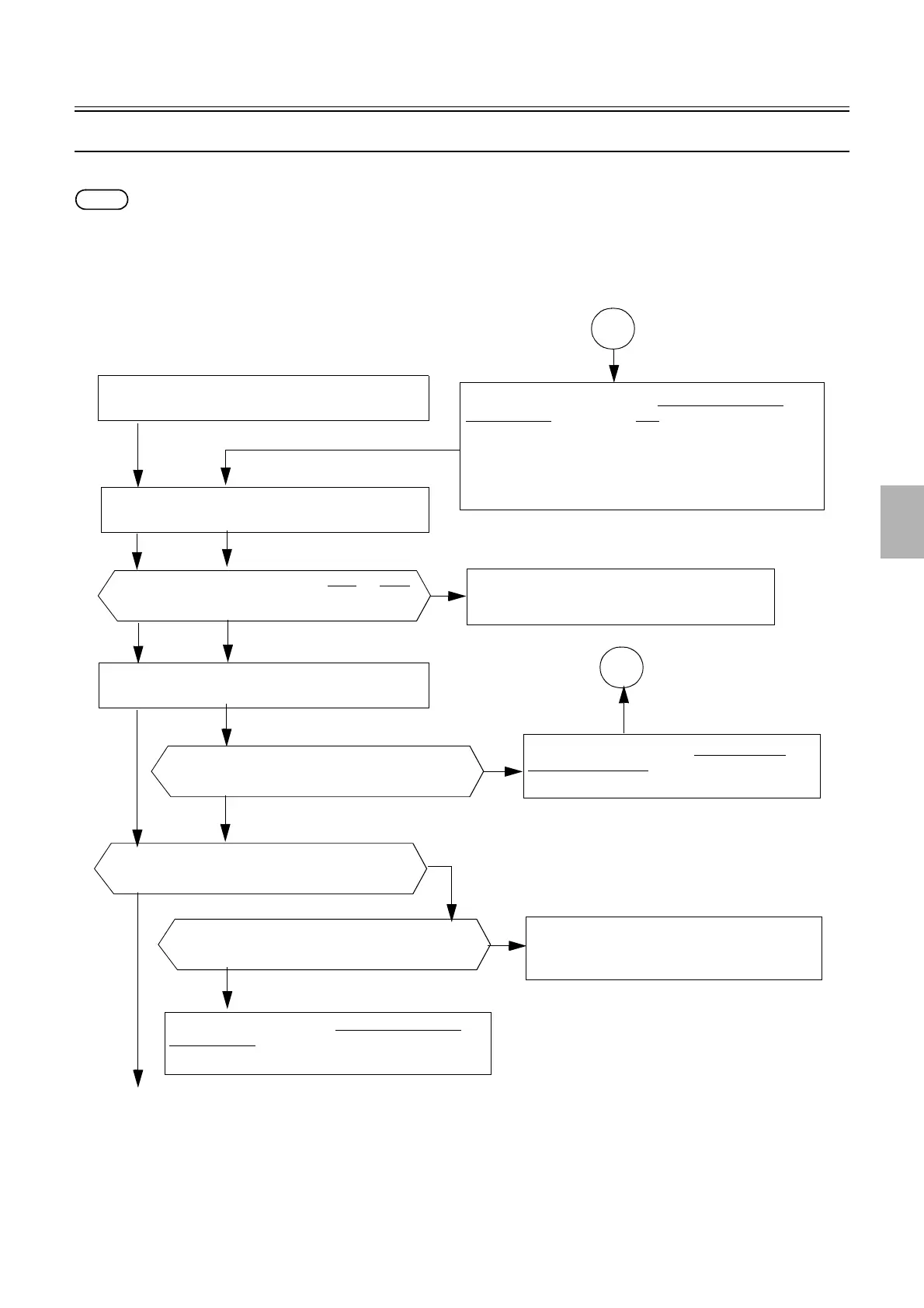
Judgment operation of setup print
This section explains the judgment operation to measure the setup print at the daily setup.
NOTE
• When the daily setup is automatically performed after the startup of the program timer, the measurement is stopped to output the paper
when attention messages or error messages is shown.
• When the daily setup is performed from the Menu or Start Up Checks, all the papers are output after the measurement even though
attention messages or error messages is shown.
Performing a setup print
Density between each step is consecutively increasing.
NO
Error
☞No. 06203-#2001
Setup error.
YES
Attention message ☞No. 01555
The calibration plate data is out of range.
Performing a colorimeter calibration
Measurement of print density
Paper type is correct.
NO
Attention message
☞No. 01029The measurement
failed. Measure it again.
YES
All three colors of C, M and Y have the similar tendency.
NO
YES
Attention message ☞No. 01029The measurement failed.
Measure it again.
After attention message ☞No. 01029The measurement failed.
Measure it again. is shown, select YES to measure again.
(Input the print failed to measure or the print with the correct paper
type to the colorimeter unit.)
Measurement value difference of between Black and White
of the calibration plate is above the specified value.
YES
A
A
NO
YES
Distributed by: minilablaser.com



 To Next Page