Processor Settings
1/1
3. Mode
33060
33060
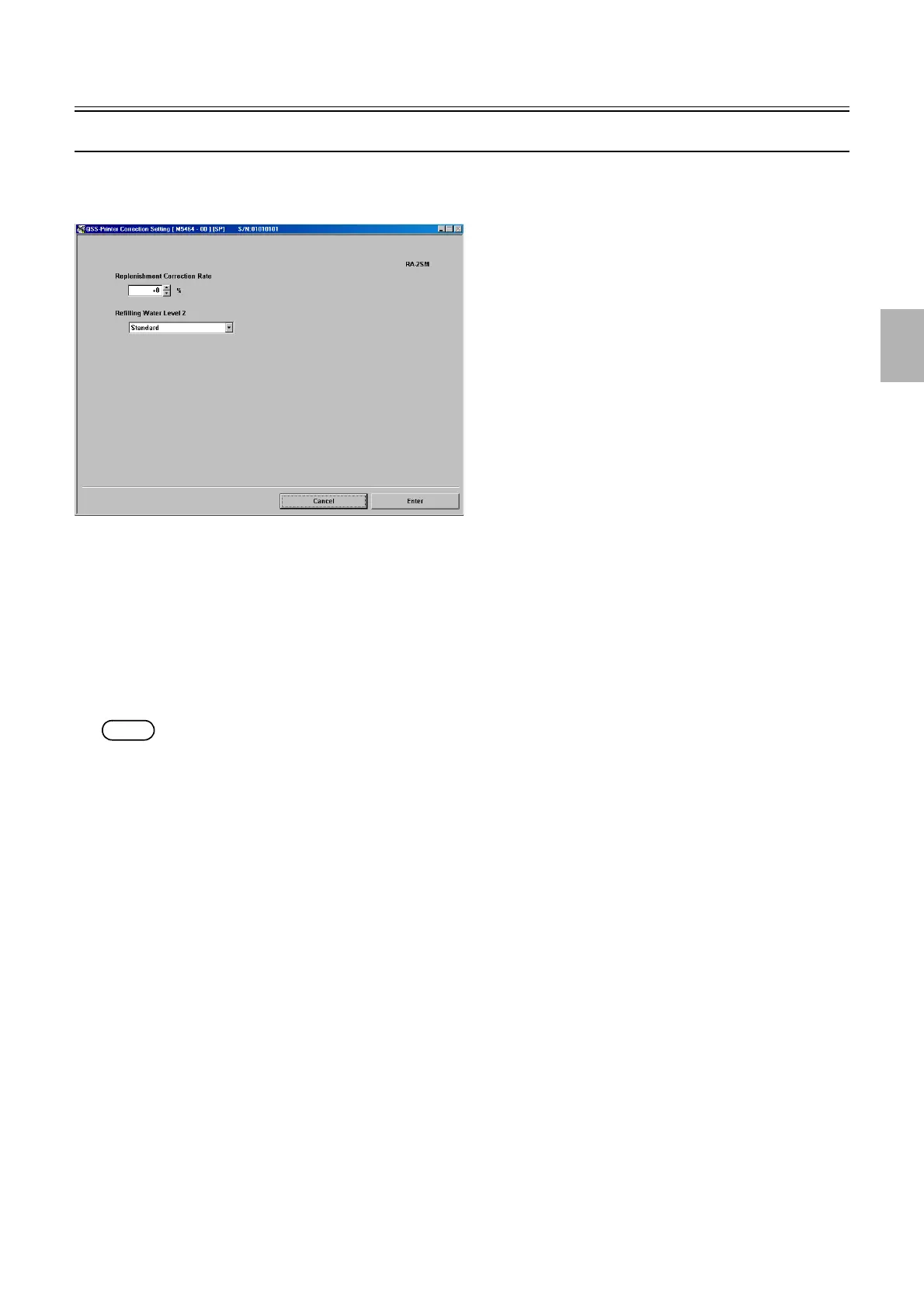
Correction Setting [SM]
Bringing up the display
Maintenance: 2260 → Extension → Processor Settings → Correction Setting
!
!!
! Explanation
!
!!
! Correction Setting
The amount of replenish and water supply can be increased depending on the paper process amount.
!
!!
! Replenishment Correction Rate
The standard replenishment amount including the water supply amount can be changed by the same rate, without changing the value
of Standard Replenishment Amount Setting.
NOTE
• The replenishment correction rate can be changed by entering the service personnel password (2260).
!
!!
! Refilling Water Level 2
It switches Refilling Water Amount according to the operating environment of the system.
• Standard: It becomes the refilling water amount set in the Refilling Water Amount Setting 2.
• Low Humidity: It becomes the refilling water amount set in the Refilling Water Amount Setting 2 (Low Humidity).
• Low Processing Amount: It becomes the refilling water amount set in the Refilling Water Amount Setting 2 (Low Processing
Amount).
See
☞33510 Refilling Water Amount Setting [SM].
M5464-00
Distributed by: minilablaser.com



 To Next Page