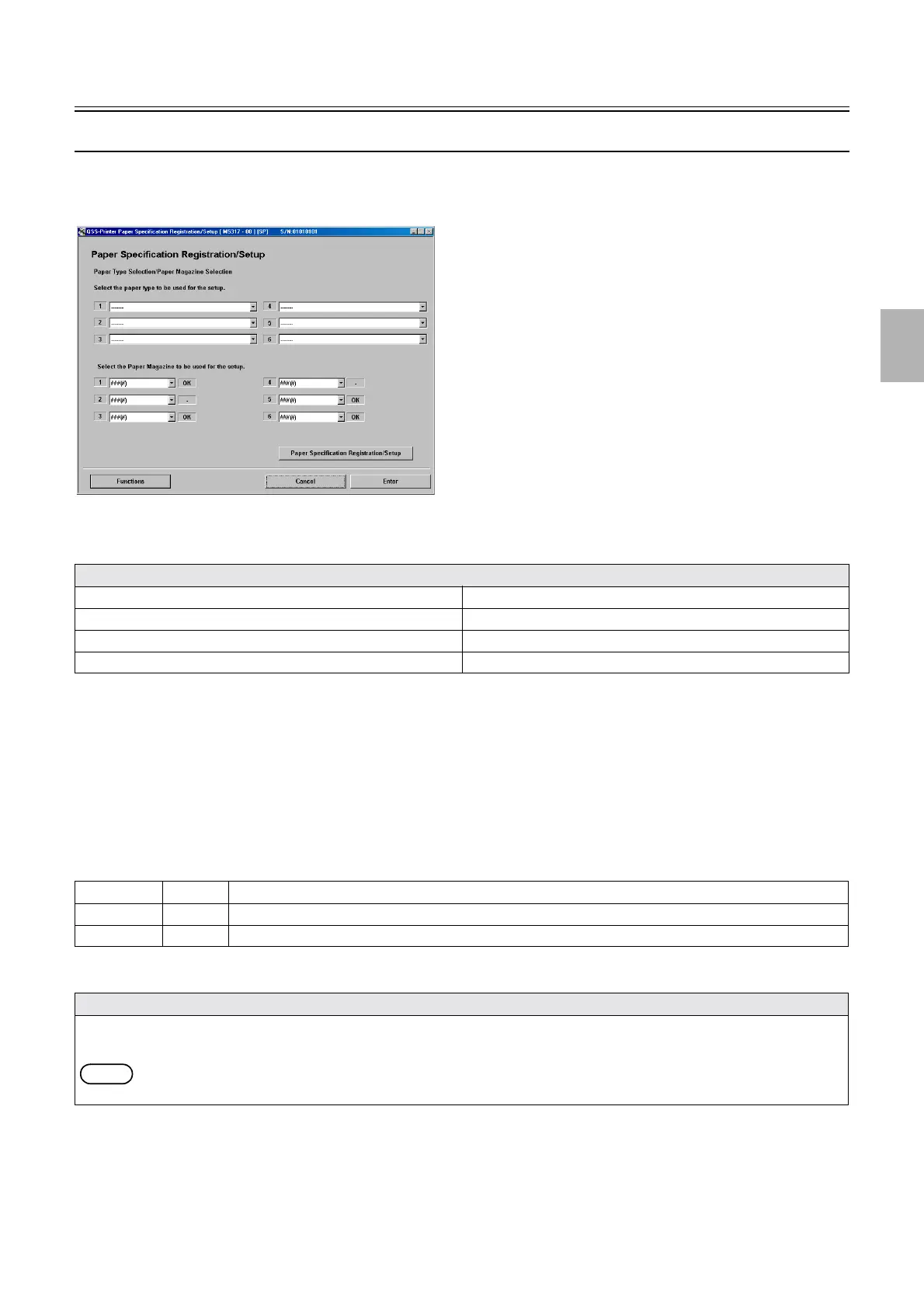
Setup
1/4
3. Mode
32510
32510
Setup
Paper Specification Registration/Setup
Bringing up the display
Maintenance: 2260 → Extension → Setup → Laser Setup → Paper Specification Registration/Setup
!
!!
! Functions
!
!!
! Explanation
A paper type for setup is registered and setup is carried out.
!
!!
! Paper Type Selection/Paper Magazine Selection
A maximum of six paper types can be registered.
!
!!
! Paper Magazine Selection
Select the paper magazine used for setup of each paper type.
!
!!
! Paper Specification Registration/Setup
Functions
☞Print Check ☞Brightness of the Edge (SP1)
☞Black Balance Adjustment ☞Edge Brightness Correction Data Initialization (SP1)
☞NCE Mode ☞Machine-to-machine variation correction
☞Setup Switch (SP1) ☞Exposure Adjustment (SP1)
127 (1), etc. OK Magazines with paper specification registered
127 (1), etc. − Magazines that are registered, but do not yet have a paper specification registered
# # # (#) − Magazines that are not registered
Explanation
• Perform Paper Gamma Setup 1 and Black Balance Adjustment for each paper type.
• Two test prints are output: a 22-step print for Paper Gamma Setup and a 22-step print for Black Balance Adjustment.
NOTE
• The test prints for Paper Gamma Setup 1 are printed three times at most.
M5317-00
Distributed by: minilablaser.com



 To Next Page