2/3
2. Replacement and adjustment of parts
26560
26560
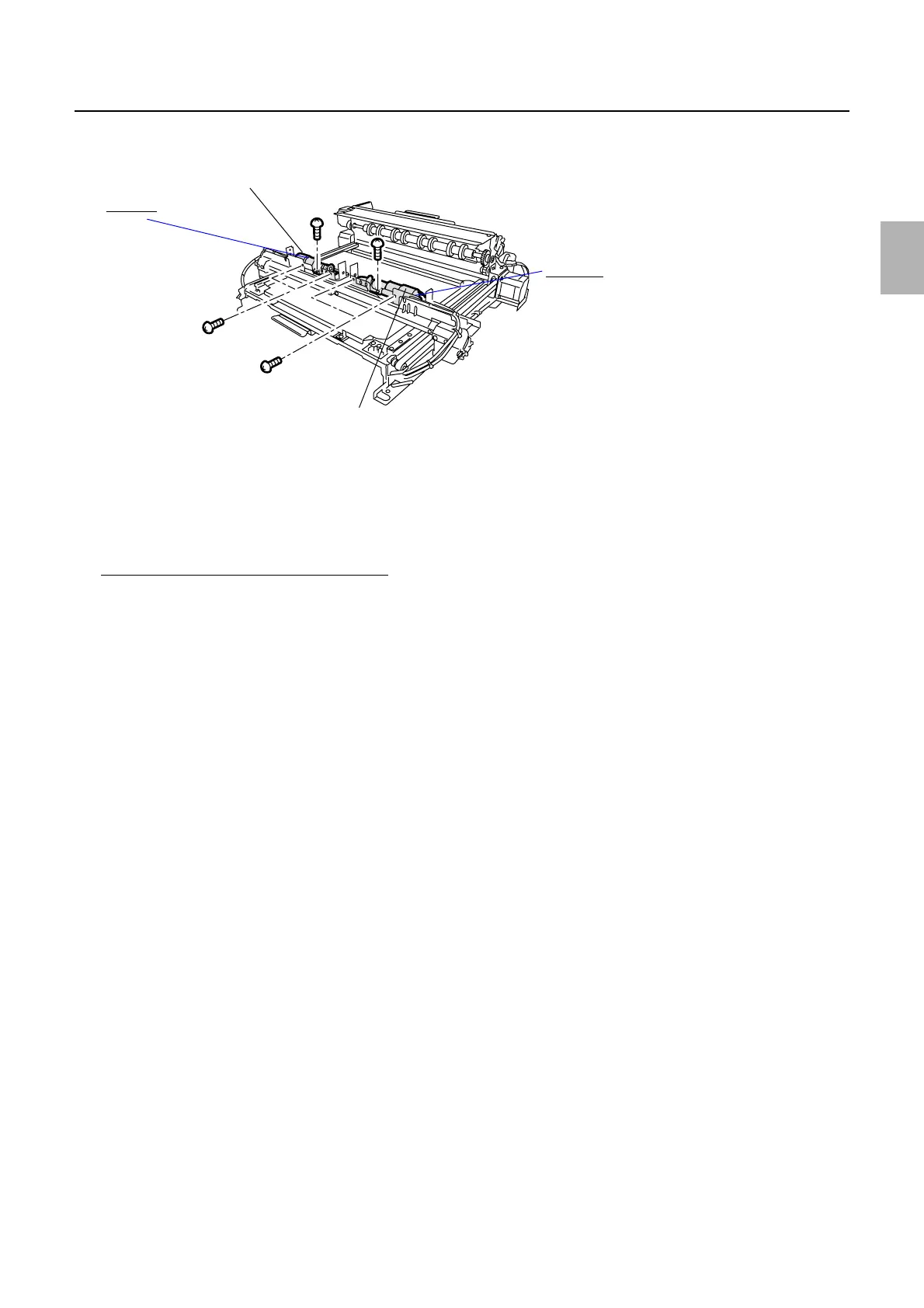
Paper advance unit 2
4. Remove the paper advance pressure change motor units (right and left). (three screws each)
5. Disconnect the connector(s).
J/P377 [Paper advance pressure change sensor (left)]
J/P378 [Paper advance pressure change sensor (right)]
J/P337 [Paper advance pressure change motor (left)]
J/P338 [Paper advance pressure change motor (right)]
Adjusting the paper hold timing of the arm
1. Adjust the position of the detection plates of the paper advance pressure change sensors (right and
left).
(1) View the detection plate in the direction indicated by the arrow.
(2) Rotate the cam using a hexagonal screwdriver to make the cam as shown in the illustration.
(3) Loosen the set-screw of the detection plate. (Loosen two set-screws.)
Paper advance pressure change motor unit (left)
Paper advance pressure change motor unit (right)
Arm (left)
Arm (right)
G069797
Distributed by: minilablaser.com



 To Next Page