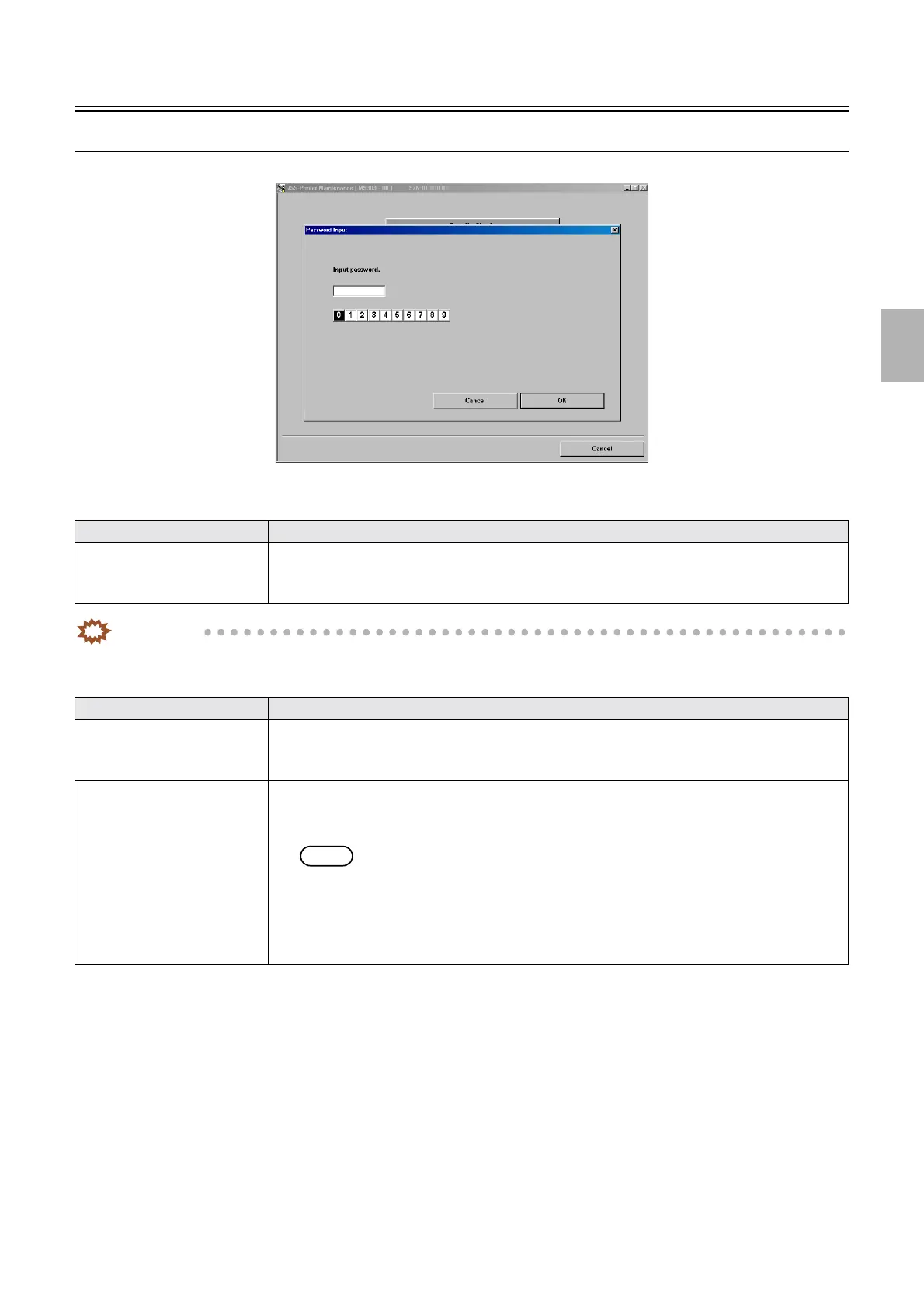
Password
1/1
3. Mode
30500
30500
Password
Password
Entering password
IMPORTANT
• Do not tell the service personnel password to users.
Deleting the password
Item Explanation
Entering the service personnel
password
1. Click Maintenance to access the Maintenance display.
2. Hold the F1 key, and press the F9 key on the Maintenance display, then enter the service
personnel password (2260).
Item Explanation
Deleting the service personnel
password
1. Click Maintenance to access the Maintenance display.
2. Hold the F1 key, and press the F9 key on the Maintenance display, then enter the number other
than the service personnel password (2260).
Deleting the owner password 1. Click Maintenance to access the Maintenance display.
2. Press the F1 key and press the F2 key to access the Password Deletion display.
3. Enter 000000 (0 for six times) on the Password Deletion display.
NOTE
• After the password is deleted, it is set to the initial value (0123).
The Password Deletion display is not shown if the password has not been registered.
The Password Deletion display is shown only when the password has been registered.
4. Click OK.
The password is deleted.
M5303-00
Distributed by: minilablaser.com



 To Next Page