2/2
3. Mode
36020
36020
Printer Mechanical Adjustment
• The paper width, 〈A ####(#)〉 is printed as the CVP imprinting.
!
!!
! Adjusting procedure
1. Carry out Test Print of F: Functions.
IMPORTANT
• Make a test print with the maximum paper size which you use.
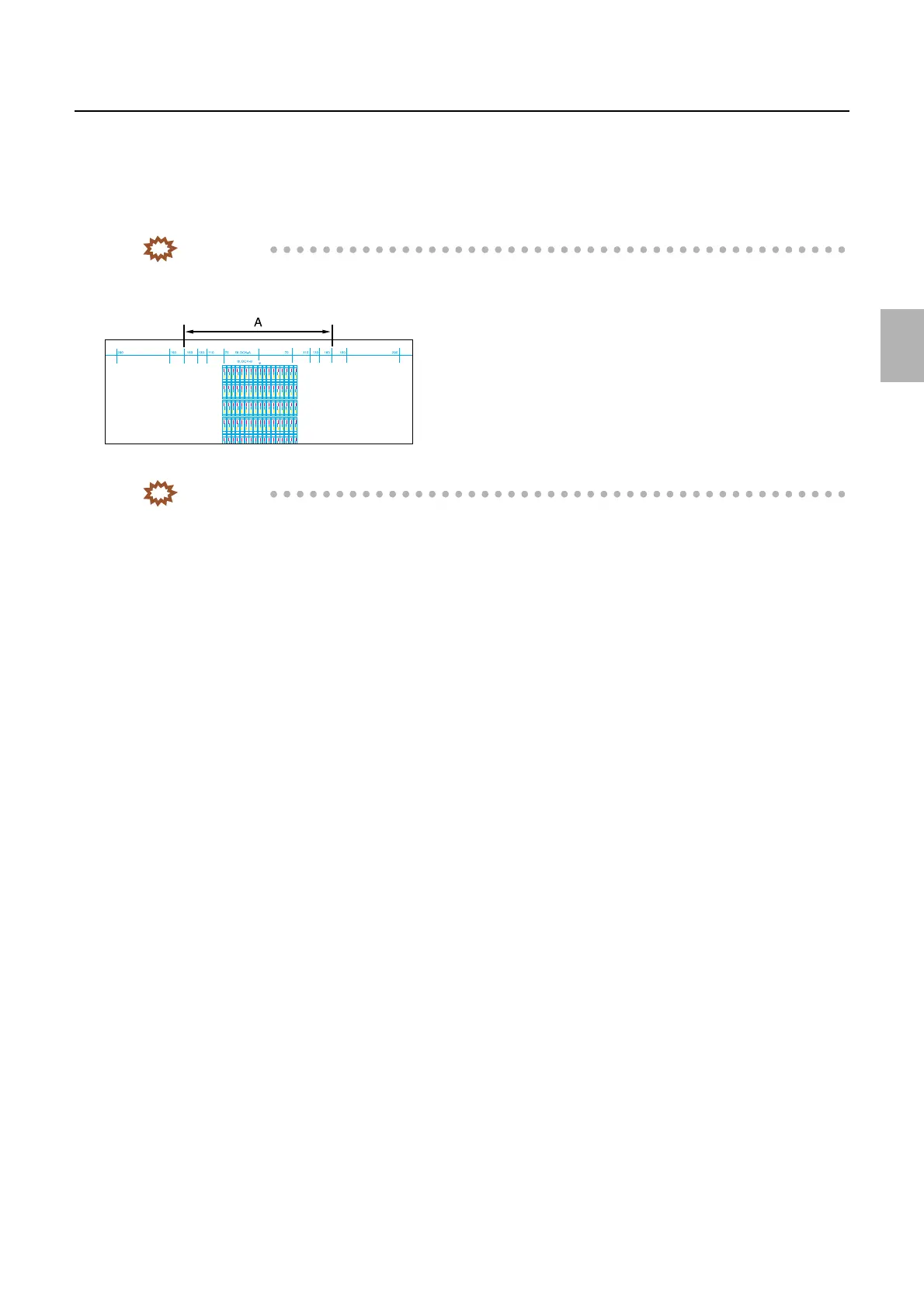
2. Measure length A on the test print.
3. Select the line from part A and enter the measured value in part B.
IMPORTANT
• Measure the length of 160 line usually.
• When you do not have the paper of 178 mm width or more, measure the length between most outside lines of it.
4. Perform Test Print Confirmation of Functions.
5. Confirm that Part A on the test print is within ±0.1 mm of the specified length.
6. Perform exposure center correction.
☞36070
7. Perform Exposure Position Adjustment.
☞36030
G068453
Distributed by: minilablaser.com



 To Next Page