4/5
3. Mode
36030
36030
Printer Mechanical Adjustment
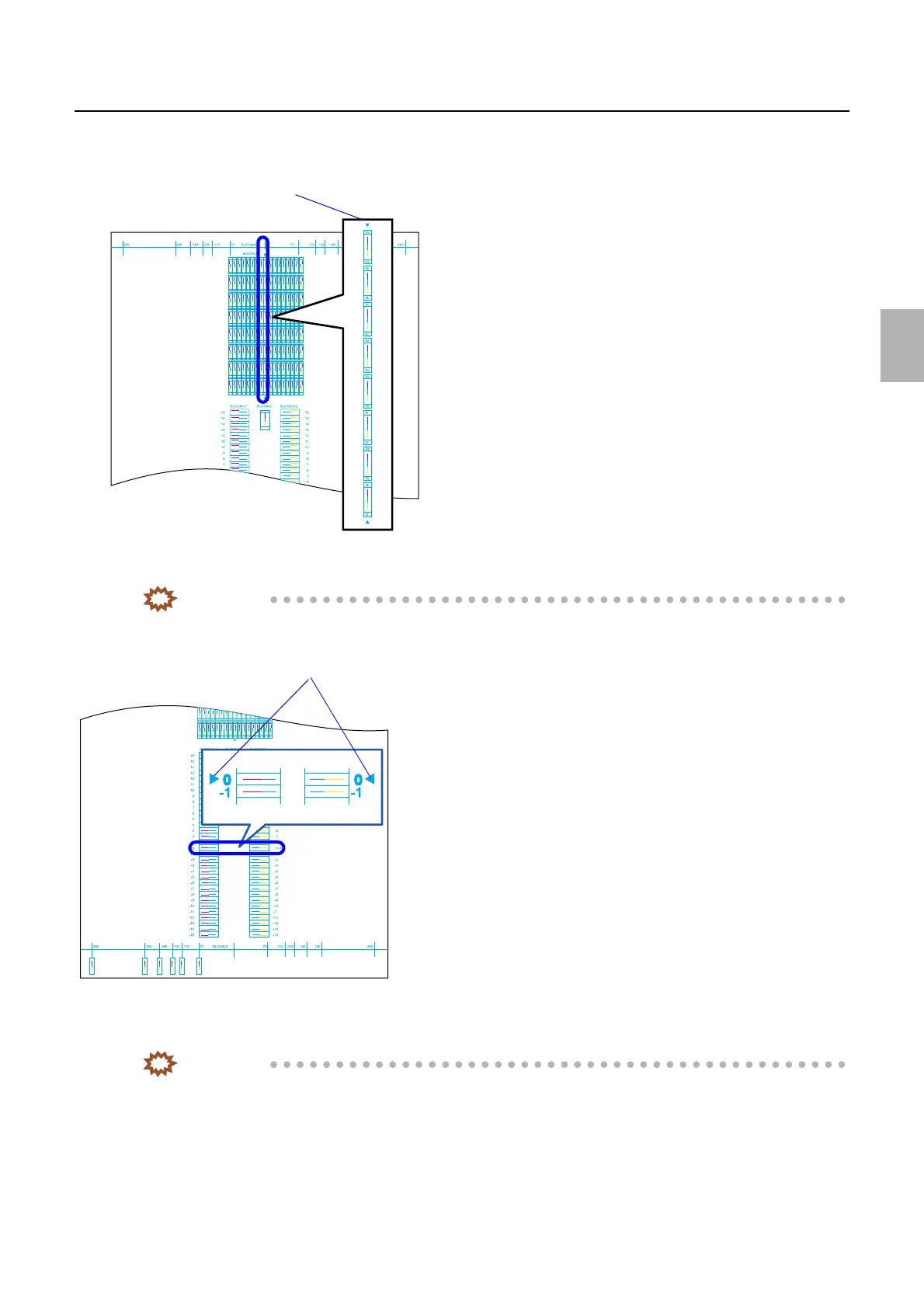
9. Confirm that the lines (cyan, magenta and yellow) of the column 0a to 0h in BLOCK-B are straighter
than any of the other columns.
10. Confirm that the lines (cyan, magenta and yellow) of rows 0 and -1 in BLOCK-D1 and D2 are straighter
than any of the other rows.
IMPORTANT
• On prints made via Test Print Confirmation, rows 0 and -1 of BLOCK-D1 and D2 are exposed in the same
position.
11. Confirm that the lines (cyan, magenta and yellow) make a straight line in BLOCK-E. If it is not the
straight line, perform Exposure Magnification Fine Adjustment.
☞36040
IMPORTANT
• Check line 160 usually.
• If you do not have paper of 178 mm or wider, make a test print with the widest paper you have, then measure
the length of the most outside line.
Check area
G068457
Check area
G068458
Distributed by: minilablaser.com



 To Next Page