2/9
3. Mode
36080
36080
Printer Mechanical Adjustment
NOTE
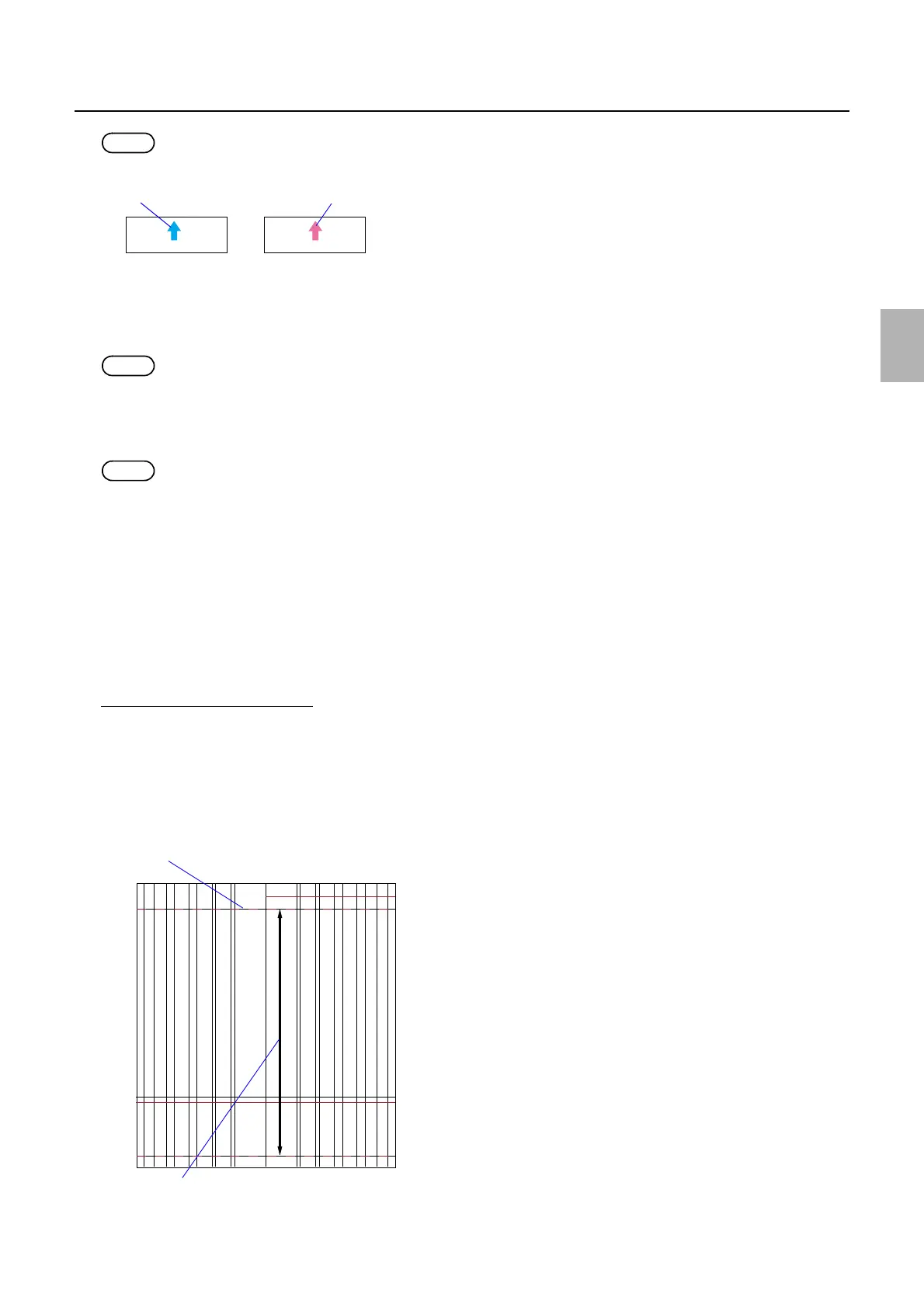
• A magenta arrow is shown on the Test Print Confirmation print.
• The paper width, 〈A ####(#)〉 is printed as the CVP imprinting.
!
!!
! Exposure Advance Pressure Inlet Roller Test Print (Paper Magazine A/A2/B/C)
Paper is advanced by the exposure advance unit inlet roller, and then a test print is made.
NOTE
• A piece of paper with the advance length 305.0 mm is printed.
!
!!
! Exposure Advance Pressure Exit Roller Test Print (Paper Magazine A/A2/B/C)
Paper is advanced by the exposure advance unit exit roller, and then a test print is made.
NOTE
• A piece of paper with the advance length 305.0 mm is printed.
!
!!
! Loading (Paper Magazine A/A2/B/C)
The paper is loaded.
!
!!
! Rewind
The paper which is being loaded is rewound.
!
!!
! Adjusting procedure
Exposure Advance Adjustment
1. Make a test print by selecting Test Print (Paper Magazine A, A2, B or C) in F:Functions.
2. Measure the length between the paper front end and 0 mm-line of the test print, then input the
measured value in Paper Front End - 0 mm-line Test Paper Measurement Value.
3. Measure the length between 0 mm-line and 254 mm line of the test print, then input the value in 0 mm-
line - 254 mm-line Test Paper Measurement Value.
Test print
Test Print (Confirmation)
G066121
A
0 mm-line - 254 mm-line Test Paper Measurement Value
Paper Front End - 0 mm-line Test Paper Measurement Value
Paper advance direction
G068465
Distributed by: minilablaser.com



 To Next Page