6/7
4. Troubleshooting
41000
41000
Attention message: Printer
No. 01000−01132
Attention messages not explained in the Service Manual
Condition
IMPORTANT
• Attention messages not explained in this Service Manual are listed in the table.
For corrective actions, see the Troubleshooting Manual, EZ Controller Troubleshooting Manual and EZ Controller
Service Manual.
See the EZ Controller Troubleshooting Manual.
For details, see the Troubleshooting Manual.
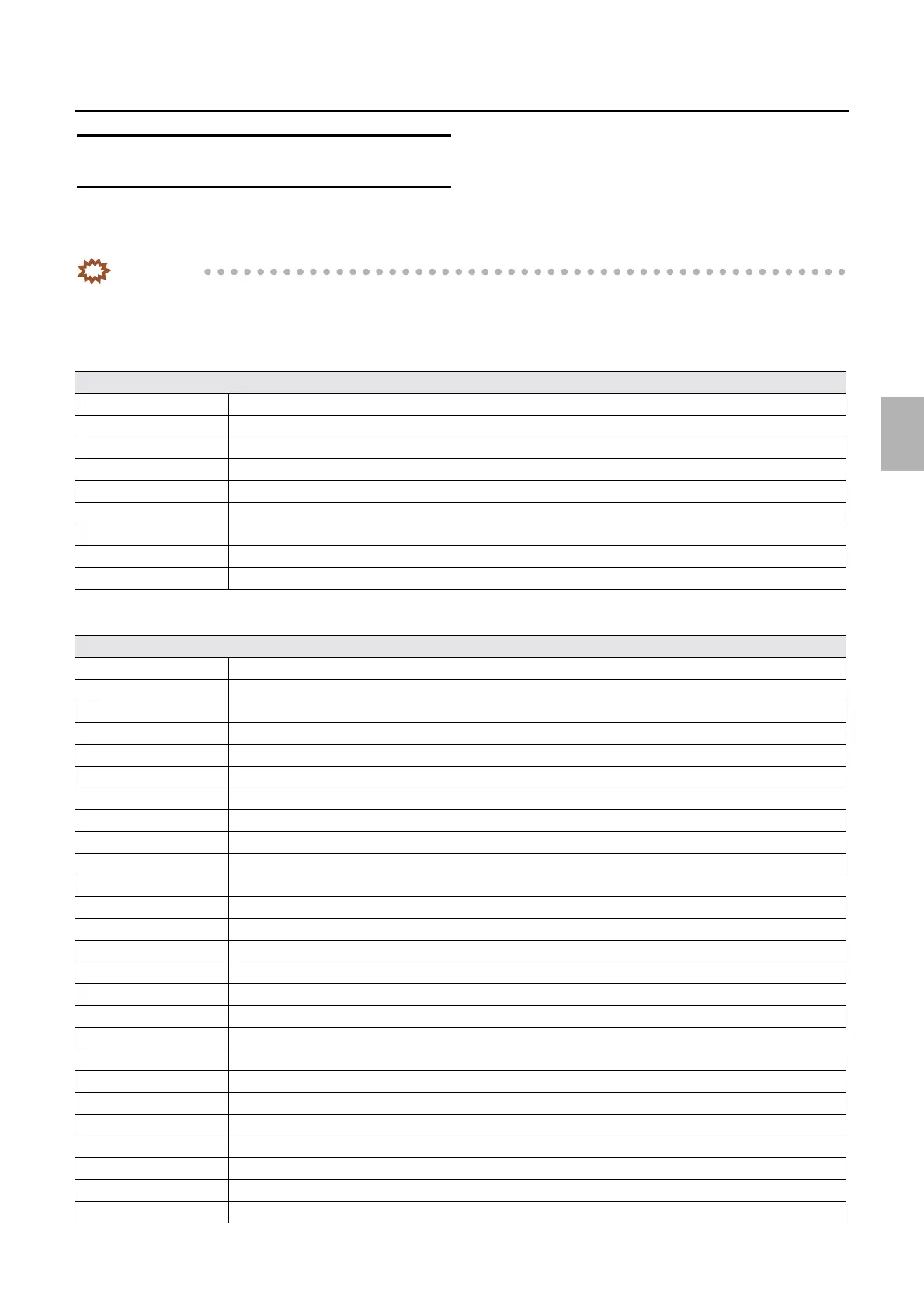
Attention message table
No. 01012 The print channel is not set. Confirm the print channel.
No. 01018 Would you like to stop processing?
No. 01032 One moment please. . .
No. 01040 Press the [ORDER] key.
No. 01048 Press the [ORDER] key. Wait until output has completed.
No. 01050 Additional Picture CD's cannot be made in this order. Press the [ORDER] key.
No. 01079 If you would like to make a Picture CD, using the current data, press the [ORDER] key.
No. 01080 Unable to accept additional processing at this time. Press the [ORDER] key.
No. 01095 Unable to accept additional processing at this time.
Attention message table
No. 01000 The Paper Magazine is out of paper. Paper Magazine A
No. 01001 The Paper Magazine is out of paper. Paper Magazine B
No. 01002 Would you like to feed the leading edge of paper? Paper Magazine A
No. 01003 Would you like to feed the leading edge of paper? Paper Magazine B
No. 01004 Attach the Paper Magazine. Paper Magazine A
No. 01005 Attach the Paper Magazine. Paper Magazine B
No. 01047 Close printer door.
No. 01052 The Paper Magazine is out of paper. Paper Magazine C
No. 01053 Would you like to feed the leading edge of paper? Paper Magazine C
No. 01067 Attach the Paper Magazine. Paper Magazine C
No. 01083 The Paper Magazine is out of paper. Paper Magazine A2
No. 01084 Would you like to feed the leading edge of paper? Paper Magazine A2
No. 01085 The Paper Magazine is out of paper. Paper Magazine A
No. 01086 Would you like to feed the leading edge of paper? Paper Magazine A
No. 01088 Attach the Paper Magazine. Paper Magazine A2
No. 01090 Attach the Paper Magazine. Paper Magazine A
No. 01096 Change the Paper Magazine.
No. 01103 The Paper Magazine is out of paper. Paper Magazine A
No. 01104 The Paper Magazine is out of paper. Paper Magazine B
No. 01105 The Paper Magazine is out of paper. Paper Magazine C
No. 01106 The Paper Magazine is out of paper. Paper Magazine A2
No. 01107 The Paper Magazine is out of paper. Paper Magazine A
No. 01110 The Paper Magazine is out of paper.
No. 01111 Attach the Paper Magazine. Paper Magazine A
No. 01112 Attach the Paper Magazine. Paper Magazine B
No. 01113 Attach the Paper Magazine. Paper Magazine C
Distributed by: minilablaser.com



 To Next Page