4. Troubleshooting
41800
4/5
41800
Attention message: Software upgrade
No. 01805
The printer program is corrupted. Run the recovery software.
Attention message release
YES
Condition
IMPORTANT
• The attention message above is shown if the power supply is reset during upgrading the printer.
Check Point
Suffix number Condition
00000 When the power supply is turned on, the software of the printer I/F main PCB corrupts and cannot function.
1 Restart the computer and printer.
2 Start the recovery software to recover it.
IMPORTANT
• If starting the recovery software, set the address of the printer I/F main PCB to 192.168.1.11.
If the same address is used for other printer, connect the PC and the printer I/F main PCB directly.
• The recovery software does not operate correctly when starting the recovery software while the error above is not
shown.
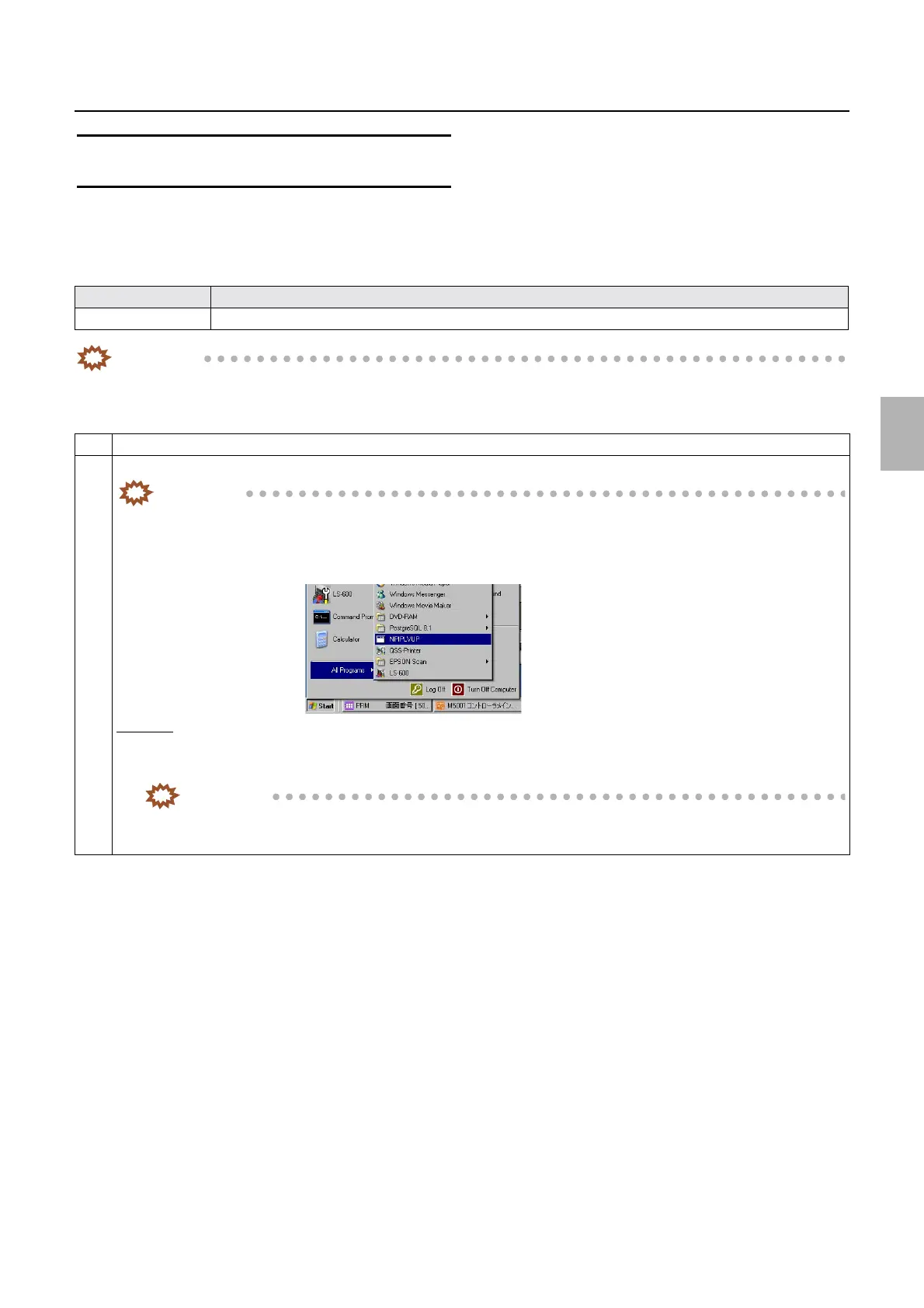
Procedure
1. Click Start of Windows → Programs or All Programs → NPIPLVUP.
2. The DOS display is shown for a moment and the recovery software starts, then upgrading is performed.
IMPORTANT
• It will take about one minute to upgrade. Do not turn off the power supply during upgrading.
3. Restart the printer/processor section.
Distributed by: minilablaser.com



 To Next Page