2/2
5. Operation sequence
56300
56300
Print sorter unit operation
NOTE
• Print size and quantity sorted by the print sorter unit vary depending on the type of size-specific sorting being performed.
3. Print receiving tray operation stops.
• Sorter motor: OFF
Condition: The sorter home sensor turns DARK.
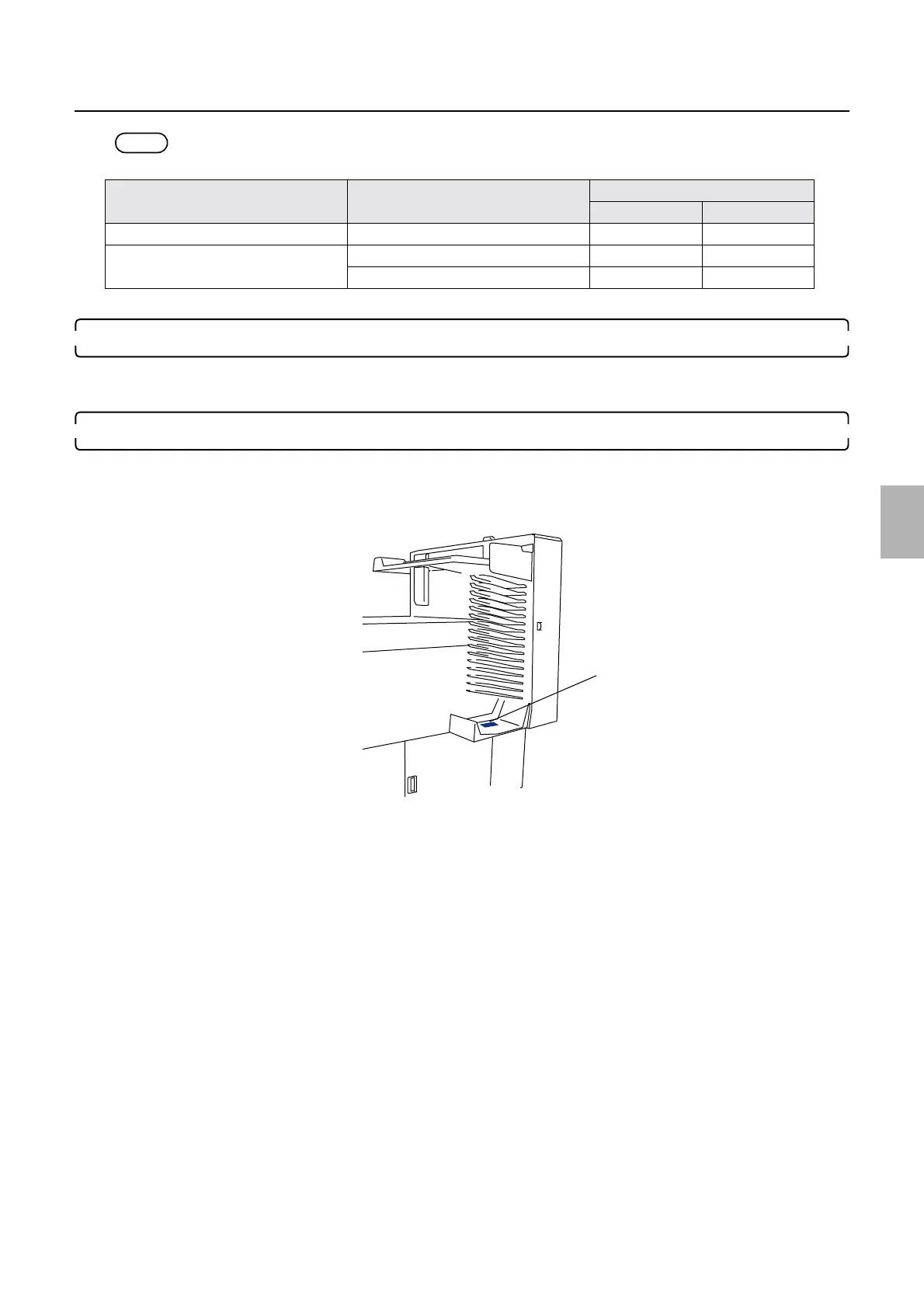
4. The print full sensor of the print sorter unit turns DARK.
• When the print full sensor turns DARK in a specified time, the message ☞No. 00505Remove the prints from the Print
Sorter Unit. is shown.
• The print sorter unit is not activated until attention message No. 0505 is closed.
Paper width Advance length Maximum capacity
Type 1 Type 2
Between 82.5 and 102 mm Between 82.5 and 305 mm 50 prints 82 prints
Between 102.1 and 152 mm. Between 82.5 and 254 mm 50 prints 82 prints
Between 254.1 and 305 mm. 50 prints 50 prints
Print full sensor: SE27
G082011
Distributed by: minilablaser.com



 To Next Page