Garmin G2000 Pilot’s Guide for the Cessna T240
190-01263-01 Rev. A190
Flight ManageMent
SYSteM
OVeRVieW
Flight
inStRUMentS
eiS
aUDiO Panel
& CnS
Flight
ManageMent
haZaRD
aVOiDanCe
aFCS
aDDitiOnal
FeatUReS
aPPenDiCeSinDeX
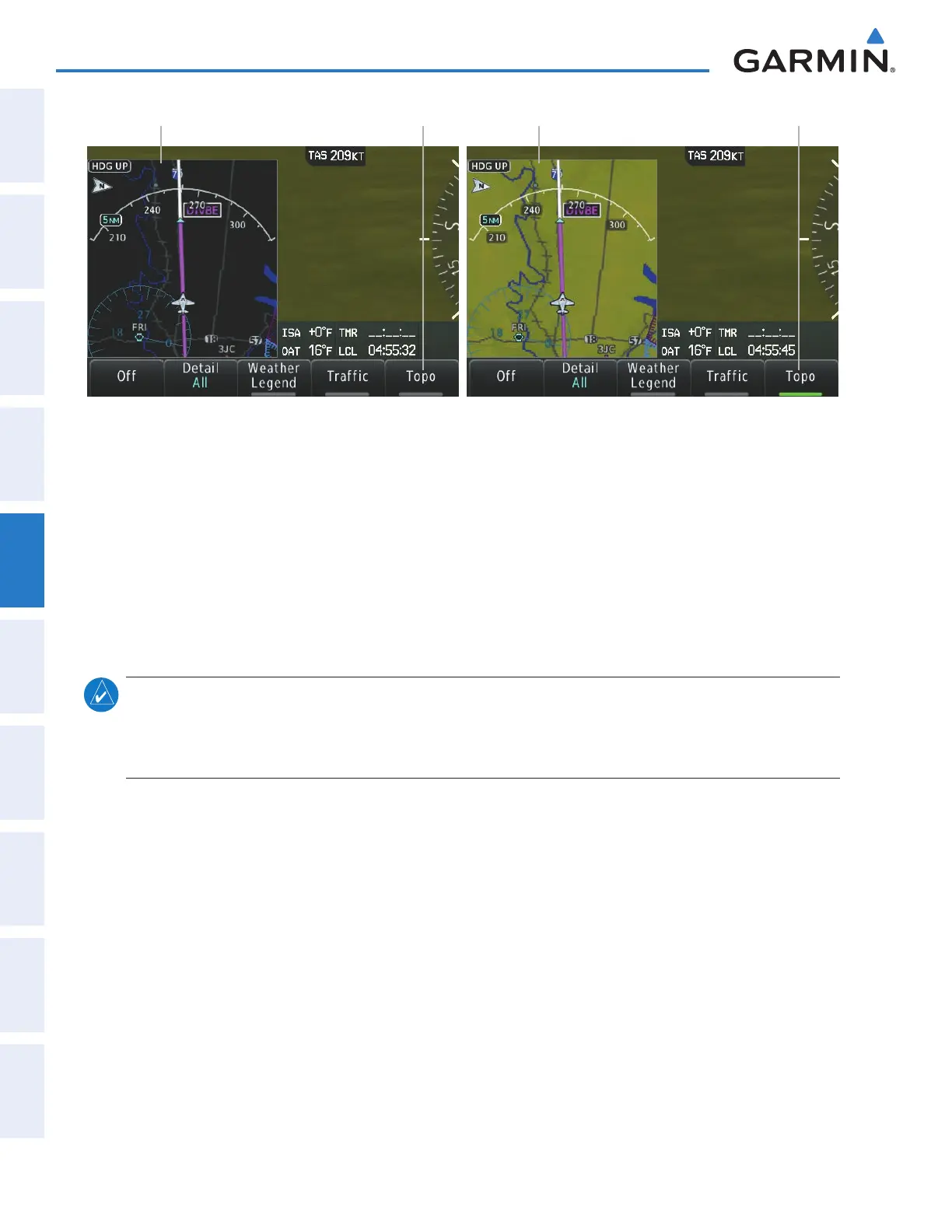
Figure 5-15 PFD Inset Map - Topographic Data
Topo Data Off Topo Disabled Topo Data On Topo Enabled
Displaying/removing topographic data from the PFD Inset Map:
1) Press the Inset Map Settings Softkey on the PFD.
2) Press the Topo Softkey to display/remove topographic data on the Inset Map. When the annunciator on the
button is green, topographical data is displayed. When the annunciator is gray, topographic data is removed,
and navigation data is presented on a black background.
3) Press the Back Softkey to return to the top level softkeys.
The topographic data range is the maximum map range on which topographic data is displayed.
note: Since the PFD Inset Map is much smaller than the MFD navigation maps, items are removed on the
PFD Inset Map one range level less than the range selected on the Map Options screen (e.g., a setting of 100
nm removes the item at ranges above 100 nm on MFD navigation maps, while the PFD Inset Map removes
the same item at 75 nm).
Selecting a topographical data range:
1) From Home, touch Map > Map Settings.
2) Touch the Land Tab, if necessary.
3) Scroll the list to find the Topo Data Settings Button, if necessary.
4) Touch the Topo Data Settings Button to display the Topo Data Settings Screen.
5) Touch the Topo Data Button to display the Map Topo Range list.
6) Scroll the list if necessary to find the desired range, and touch the range button.
This manual downloaded from http://www.manualowl.com



 To Next Page