190-01263-01 Rev. A
Garmin G2000 Pilot’s Guide for the Cessna T240
191
Flight ManageMent
SYSteM
OVeRVieW
Flight
inStRUMentS
eiS
aUDiO Panel
& CnS
Flight
ManageMent
haZaRD
aVOiDanCe
aFCS
aDDitiOnal
FeatUReS
aPPenDiCeS inDeX
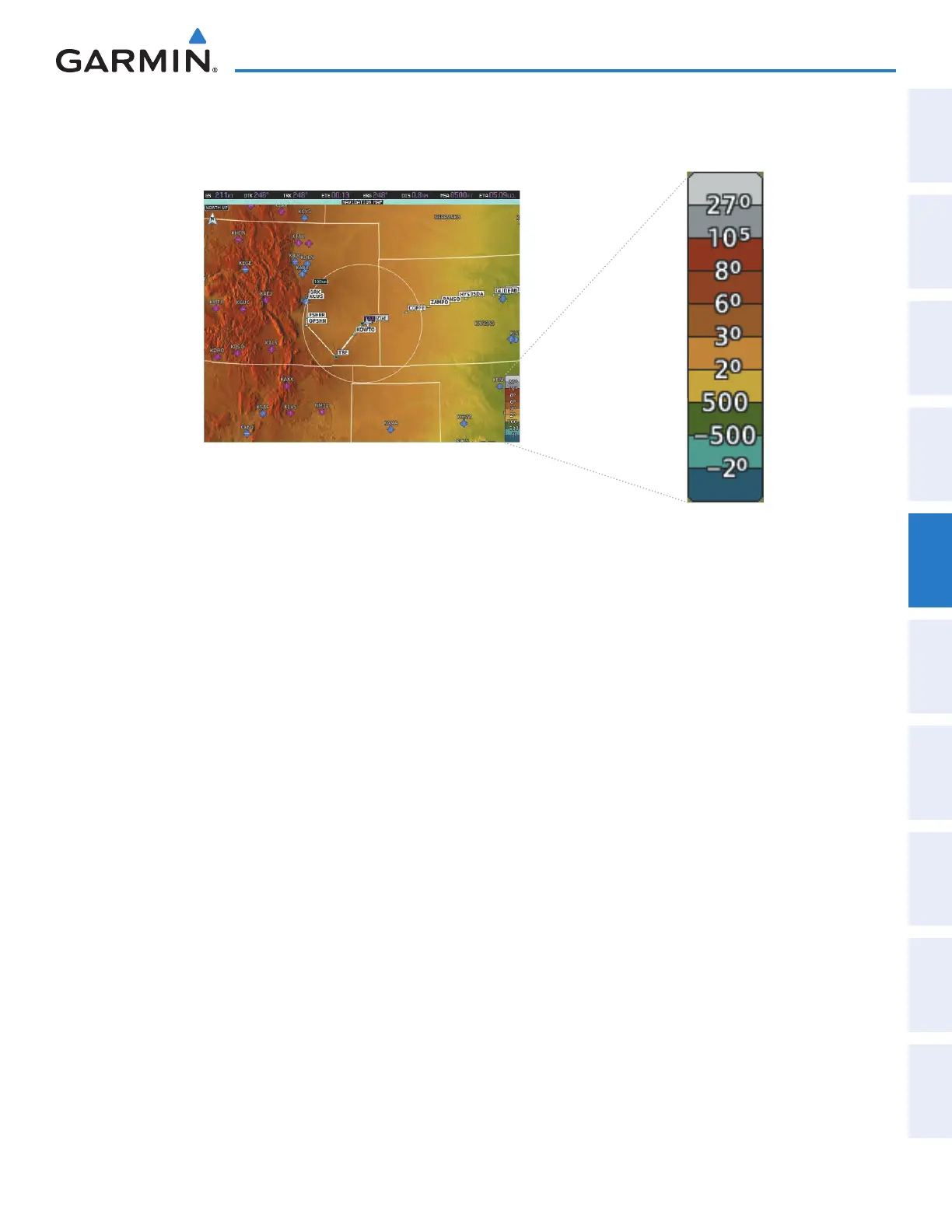
In addition, the Navigation Map can display a topographic scale (located in the lower right hand side of the
map) showing a scale of the terrain elevation.
Figure 5-16 Navigation Map - Topo Scale
Displaying/removing the topographic scale:
1) From Home, touch Map > Map Settings.
2) Touch the Land Tab, if necessary.
3) Scroll the list to find the Topo Data Settings Button, if necessary.
4) Touch the Topo Data Settings Button to display the Topo Data Settings Screen.
5) Touch the Topo Scale Button to display/remove the topographic scale.
This manual downloaded from http://www.manualowl.com



 To Next Page