190-01263-01 Rev. A
Garmin G2000 Pilot’s Guide for the Cessna T240
283
Flight ManageMent
SYSteM
OVeRVieW
Flight
inStRUMentS
eiS
aUDiO Panel
& CnS
Flight
ManageMent
haZaRD
aVOiDanCe
aFCS
aDDitiOnal
FeatUReS
aPPenDiCeS inDeX
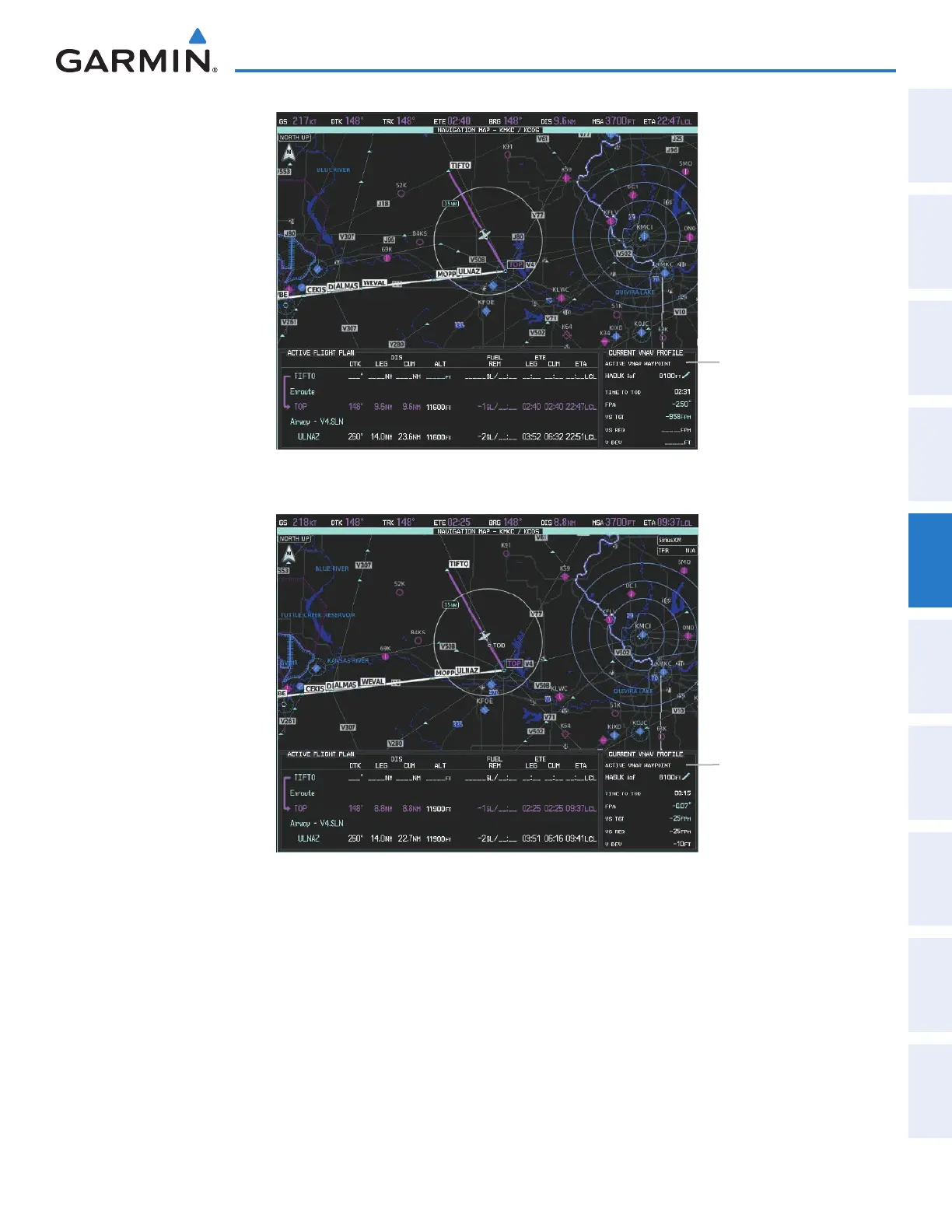
Figure 5-137 Active Flight Plan Pane - VNAV Direct To Not Active
Current Vertical
Navigation Profile
- Prior to VNAV Direct To
Figure 5-138 Active Flight Plan Pane - VNAV Direct To Active
Current Vertical
Navigation Profile
- After VNAV Direct To
The vertical navigation profile can be modified by directly entering a vertical speed target (VS TGT) and/or flight
path angle (FPA) on the VNAV Profile Screen.
Modifying the VS TGT and FPA:
1) From Home, touch Flight Plan > VNAV
2) Touch the Vertical Speed Target Button or the Flight Path Angle Button to display the keypad.
3) Use the keypad and the Enter Button to select the vertical speed target or the flight path angle.
This manual downloaded from http://www.manualowl.com



 To Next Page