Garmin G2000 Pilot’s Guide for the Cessna T240
190-01263-01 Rev. A308
Flight ManageMent
SYSteM
OVeRVieW
Flight
inStRUMentS
eiS
aUDiO Panel
& CnS
Flight
ManageMent
haZaRD
aVOiDanCe
aFCS
aDDitiOnal
FeatUReS
aPPenDiCeSinDeX
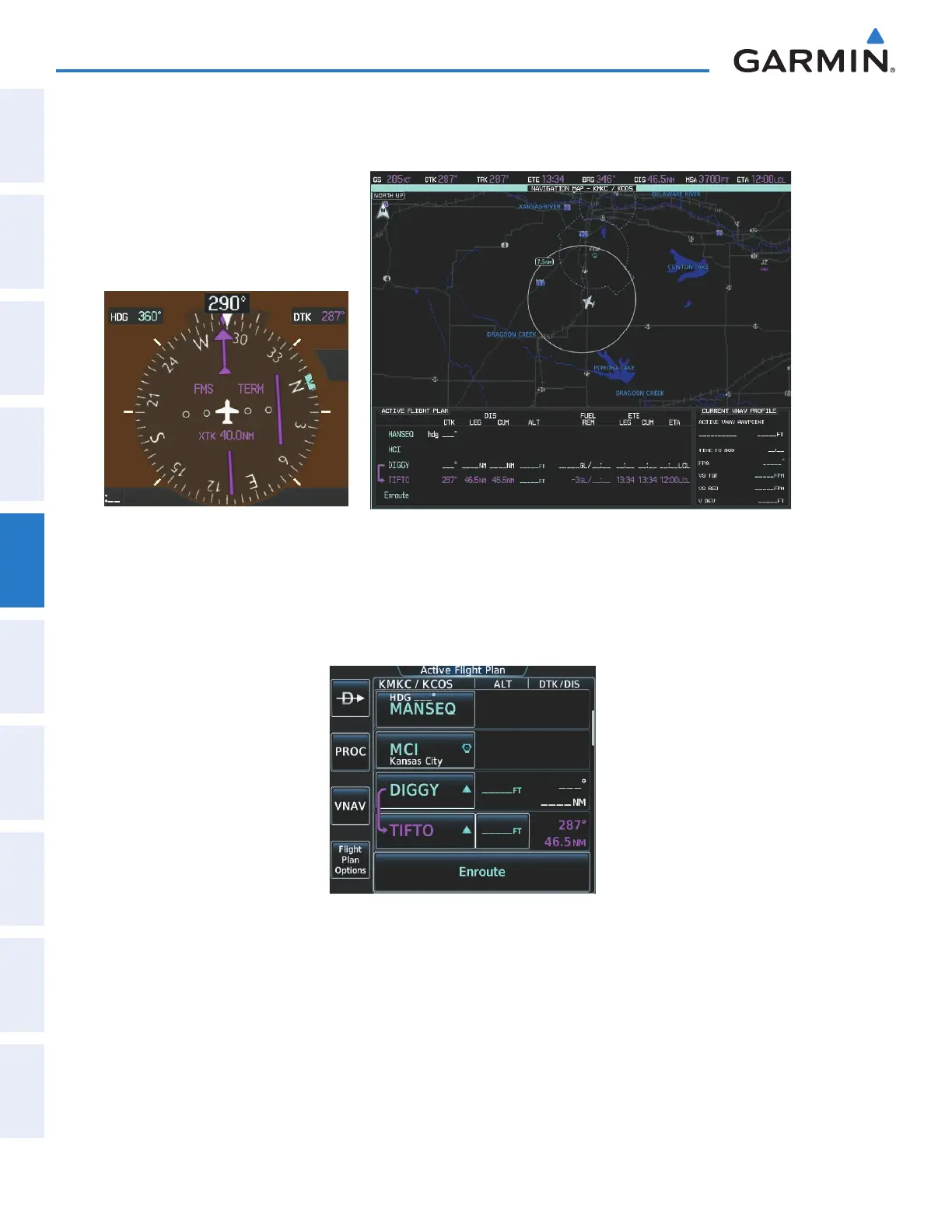
3) ATC now assigns routing to join V4. A heading of 290º is assigned to intercept V4. The aircraft turns to heading
290° as seen in Figure 5-157.
Figure 5-157 Assigned Heading of 290º
4) Enter V4 into the flight plan.
a) From Home on the Touchscreen Controller, touch the Flight Plan Button to display the Active Flight Plan
Screen as shown in Figure 5-158.
Figure 5-158 Begin Adding V4 to the Active Flight Plan
This manual downloaded from http://www.manualowl.com



 To Next Page