Garmin G2000 Pilot’s Guide for the Cessna T240
190-01263-01 Rev. A512
AdditionAl FeAtures
sYsteM
oVerVieW
FliGHt
instruMents
eis
Audio PAnel
& Cns
FliGHt
MAnAGeMent
HAZArd
AVoidAnCe
AFCs
AdditionAl
FeAtures
APPendiCesindeX
ENTERTAINMENT CATEGORIES
The Category field on the Music Screen shows the currently selected entertainment category. Categories of
audio entertainment, such as jazz, rock, talk/news, sports, etc., can be selected to list the available channels
for a type of music or other contents.
Selecting a category:
1) From the Home Screen, touch Services > Music > Category.
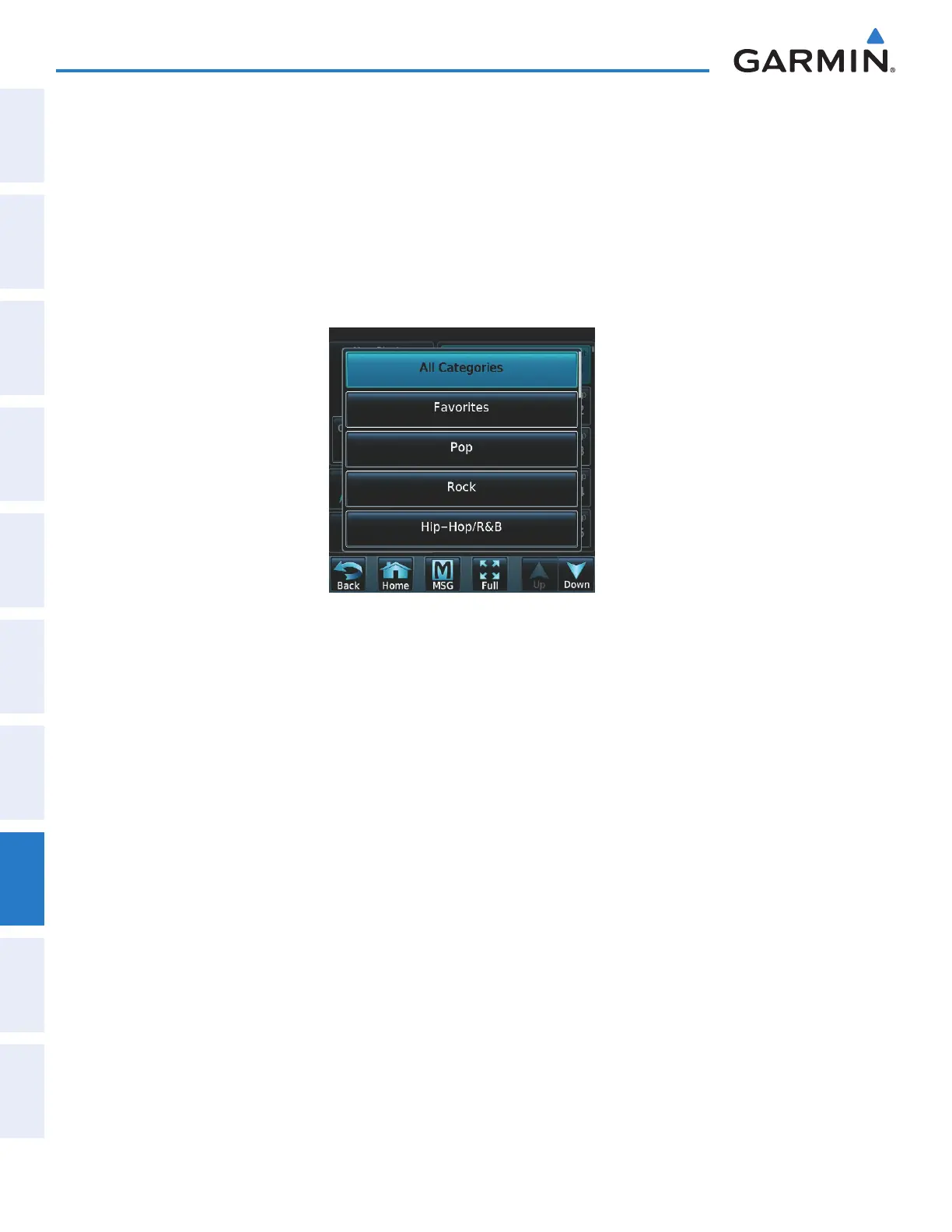
2) The list of categories is displayed as shown in Figure 8-43.
Figure 8-43 Channel Categories
3) Scroll to view the available categories.
4) Touch the desired category to select. The selected category is displayed on the Category Button and the
channel list displays channels available for the selected category.
FAVORITES
Channels can be saved to a list of favorites and recalled for listening later.
Save a channel to favorites list:
1) From the Home Screen, touch Services > Music to access the Music Screen as in Figure 8-42.
2) Select a desired channel as the ‘Now Playing’ channel.
3) Touch the Favorite Annunciator Button. The current channel is placed in the favorites list. Note, a green
annunciator indicates a favorite channel is ‘Now Playing’.
Select a favorite channel for listening:
1) From the Home Screen, touch Services > Music > Category.
2) The list of categories is displayed as shown in Figure 8-42.
3) If necessary, scroll to view the Favorites Button.
4) Touch the Favorites Button to view the favorite channel list.
5) Touch the desired channel in the list. The channel is now displayed in the Now Playing field.
This manual downloaded from http://www.manualowl.com



 To Next Page