Garmin G2000 Pilot’s Guide for the Cessna T240
190-01263-01 Rev. A514
AdditionAl FeAtures
sYsteM
oVerVieW
FliGHt
instruMents
eis
Audio PAnel
& Cns
FliGHt
MAnAGeMent
HAZArd
AVoidAnCe
AFCs
AdditionAl
FeAtures
APPendiCesindeX
Mute settings:
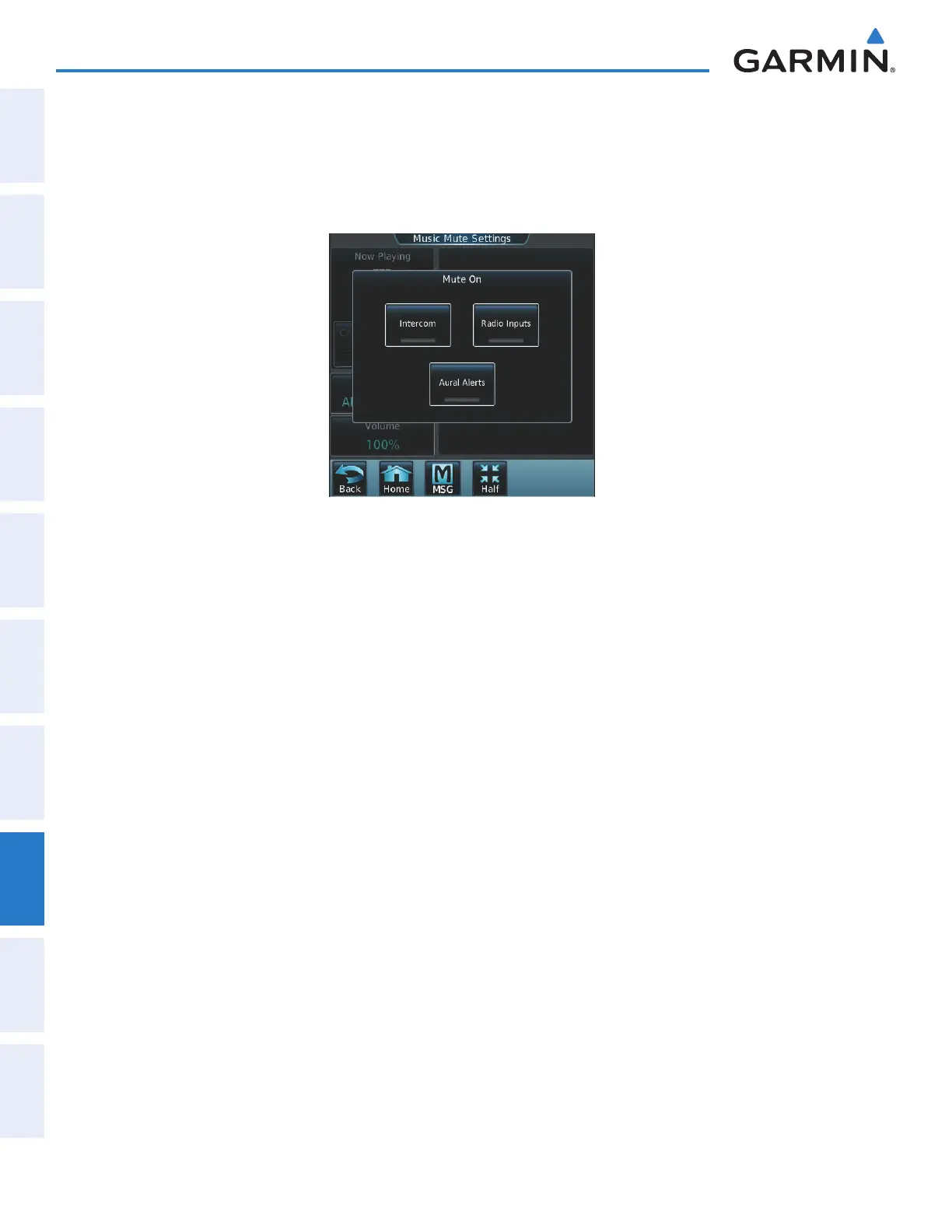
1) From the Home Screen, touch Services > Music > Volume > Mute Settings.
2) Touch the Intercom Annunciator Button (Figure 8-45) to allow automatic muting of entertainment audio when
intercom audio is present. This function is active when the annunciator is green.
Figure 8-45 Mute Settings
3) Touch the Radio Inputs Annunciator Button to allow automatic muting of entertainment audio when COM,
NAV, ADF, etc. audio is present. This function is active when the annunciator is green.
4) Touch the Aural Alerts Annunciator Button to allow automatic muting of entertainment audio when an aural
alert is issued. This function is active when the annunciator is green.
5) Touch the Back Button to return to the Music Screen.
This manual downloaded from http://www.manualowl.com



 To Next Page