190-01263-01 Rev. A
Garmin G2000 Pilot’s Guide for the Cessna T240
527
AdditionAl FeAtures
sYsteM
oVerVieW
FliGHt
instruMents
eis
Audio PAnel
& Cns
FliGHt
MAnAGeMent
HAZArd
AVoidAnCe
AFCs
AdditionAl
FeAtures
APPendiCes indeX
3) Touch the Time Button. A green annunciator indicates an active selection.
4) Touch the Back Button to return to the previously selected message box.
Viewing messages sorted by address:
1) From the Home Screen, touch Services > SMS Text.
2) Touch the Options Tab. The ‘Sort Messages By’ selections are displayed as in Figure 8-82.
3) Touch the Address Button. A green annunciator indicates an active selection.
4) Touch the Back Button to return to the previously selected message box.
Marking all messages as read:
1) From the Home Screen, touch Services > SMS Text.
2) Touch the Options Tab. The selection buttons are displayed as in Figure 8-82.
3) Touch the Mark All Read Button.
4) Touch the Back Button to return to the Inbox. All messages in the Inbox now indicate they have been opened.
Delete all messages:
1) From the Home Screen, touch Services > SMS Text.
2) Touch the Options Tab. The selection buttons are displayed as in Figure 8-82.
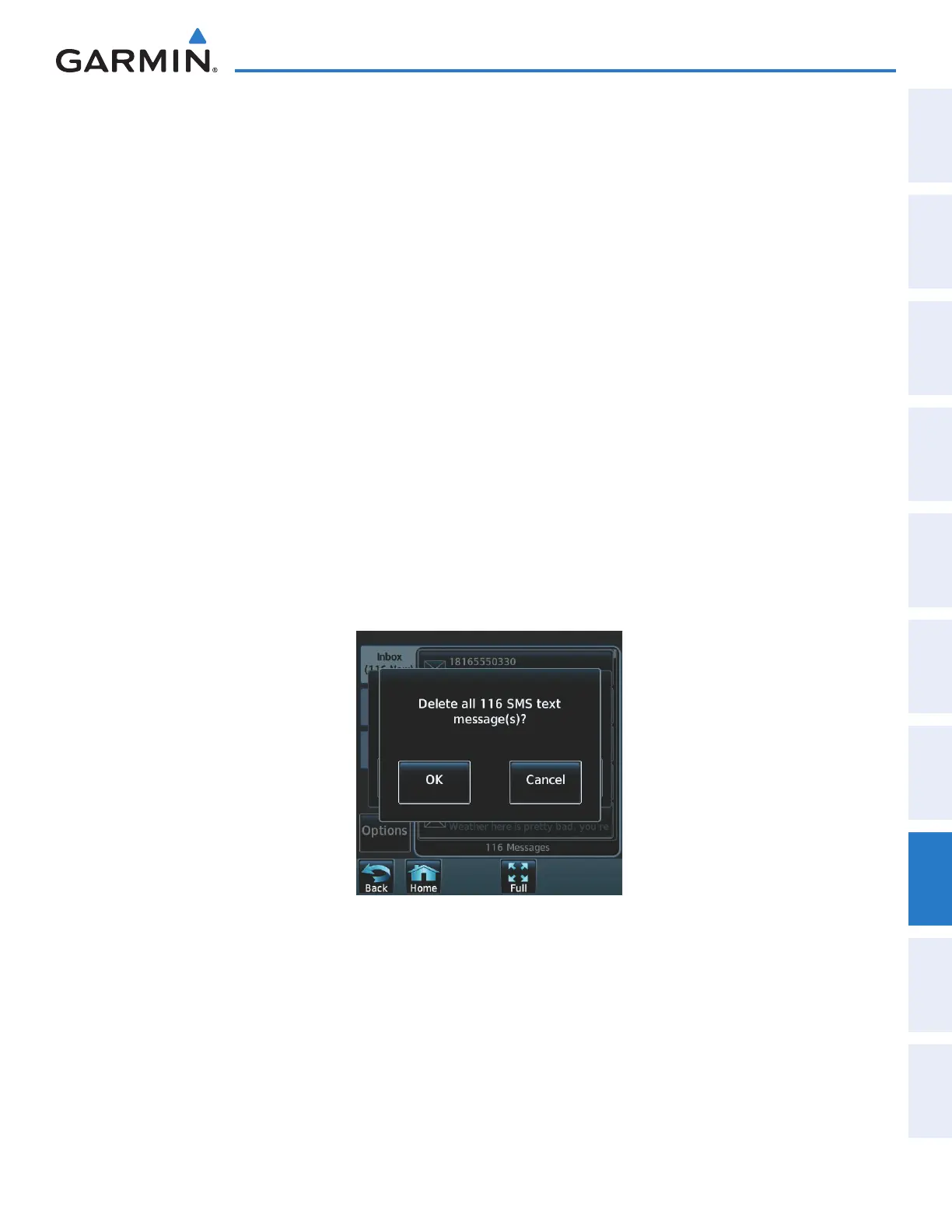
3) Touch the Delete All Messages Button. A confirmation screen is displayed as in Figure 8-83.
Figure 8-83 Confirm Deletion of Messages
4) Touch the OK Button.
This manual downloaded from http://www.manualowl.com



 To Next Page