D1 Servo Drive User Manual Tuning
HIWIN MIKROSYSTEM CORP. 6-13
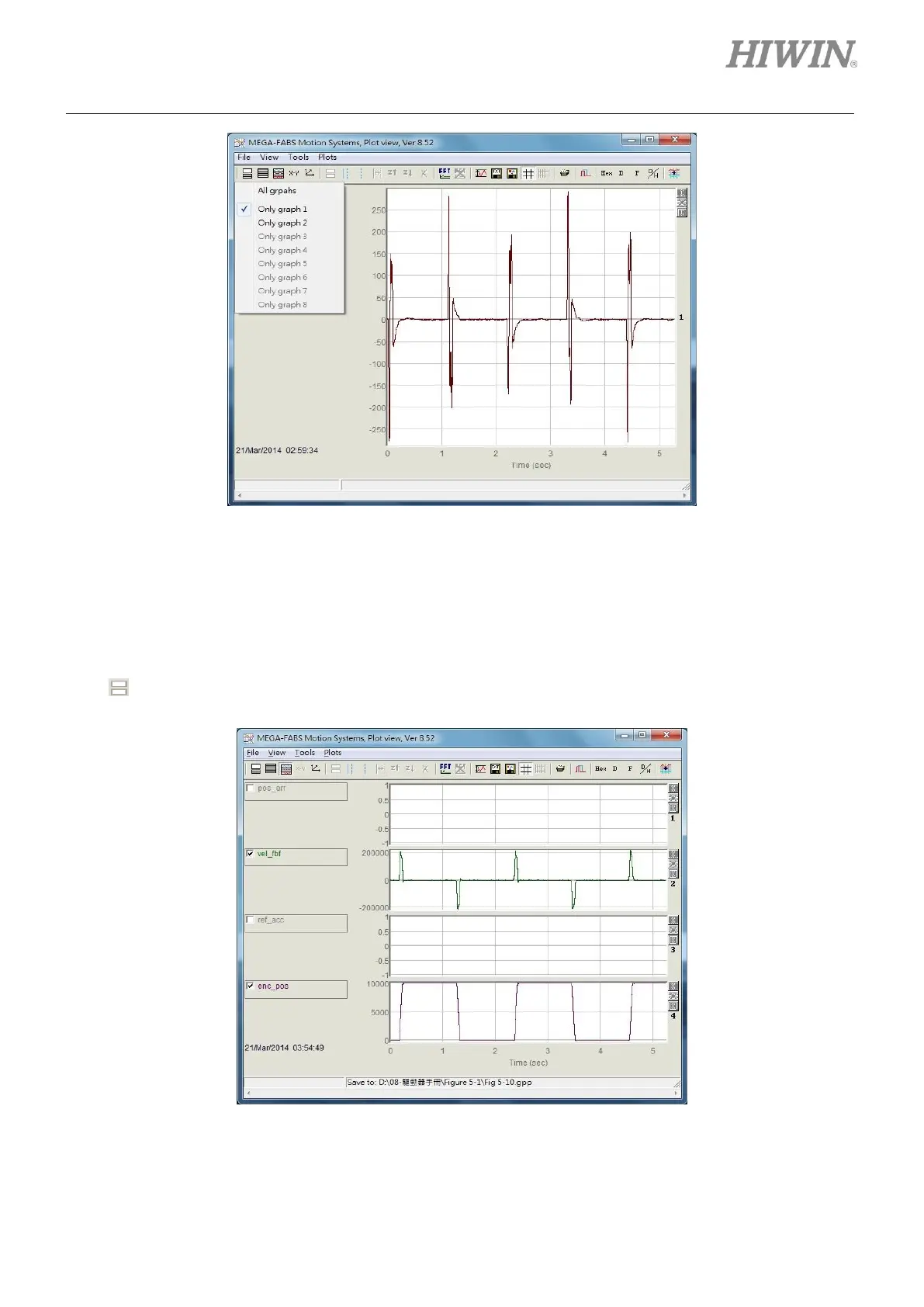
Figure6.5.1.1
(2) Show or hide physical quantities
Uncheck the checkbox of physical quantity to hide the graph of that physical quantity. For instance,
in figure 6.5.1.2, the checkboxes of pos_err and ref_acc are unchecked. Icon in Plot view window
is described as below.
- : Click on this icon or press Delete key to hide all physical quantities.
Figure6.5.1.2



 To Next Page