Protection Function D1 Servo Drive User Manual
8-4 HIWIN MIKROSYSTEM CORP.
(3) Applicable timing of deceleration of emergency stop (Dec. kill)
In the following occasions, deceleration of emergency stop will be used.
A. In position mode or velocity mode, the motor is disabled and emergency stop is activated.
B. While performing point to point motion (P2P) or relative move in Performance center, Stop
motion button is clicked on.
C. The deceleration after home position is found
D. The deceleration used in jog.
(4) Smooth motion
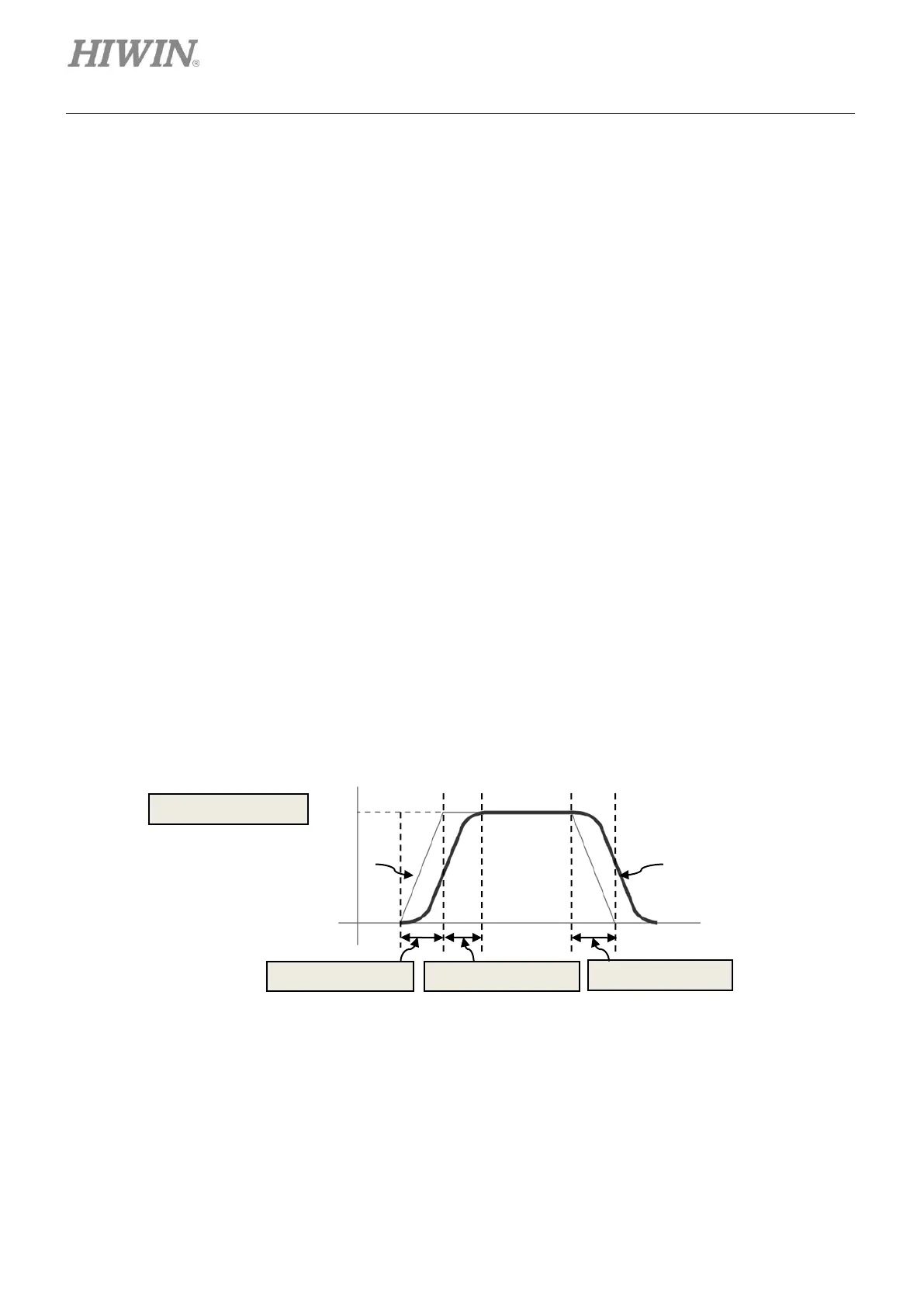
Set smooth factor to reduce the impact of motor force to load during acceleration and deceleration.
This parameter is designed by the number of samples in moving average filter, as shown in figure
8.1.3. The relationship between filter time constant and smooth factor is described as below.
• Models which do not support CoE communication: Filter time constant = Smooth factor ×
0.5333 ms
• Models which support CoE communication: Filter time constant = Smooth factor × 0.5 ms
The setting range of smooth factor is from 0 to 500. Higher value means smaller impact. Set smooth
factor to 1 to disable smooth function. Since the impact caused by motor force is decreased as
smooth factor is increased, in some occasions, settling performance can be enhanced. However,
smoother motion may have longer move time, please refer to section 3.7. Find suitable value for
smooth factor by executing test run and tuning on your machine. When smooth factor is set to 0, the
motion protection of the servo drive is disabled. In stand-alone mode, smooth factor cannot be 0.
Figure8.1.3



 To Next Page