L-INX User Manual 244 LOYTEC
Version 4.0 LOYTEC electronics GmbH
To Add a Modbus Device Manually Using a Template without Creating Data
Points
1. Enter a name for the Modbus device in the Device Name field. If no name is specified
the name is created automatically from the name in the template file.
2. Fill in the Device Address and select the Type (either RS485 or TCP) from the drop
down box. If TCP is selected also enter the Device IP Address. If more devices with
the same properties have to be created using subsequent addresses, the number of
devices can be specified in the input field under the Device IP Address field.
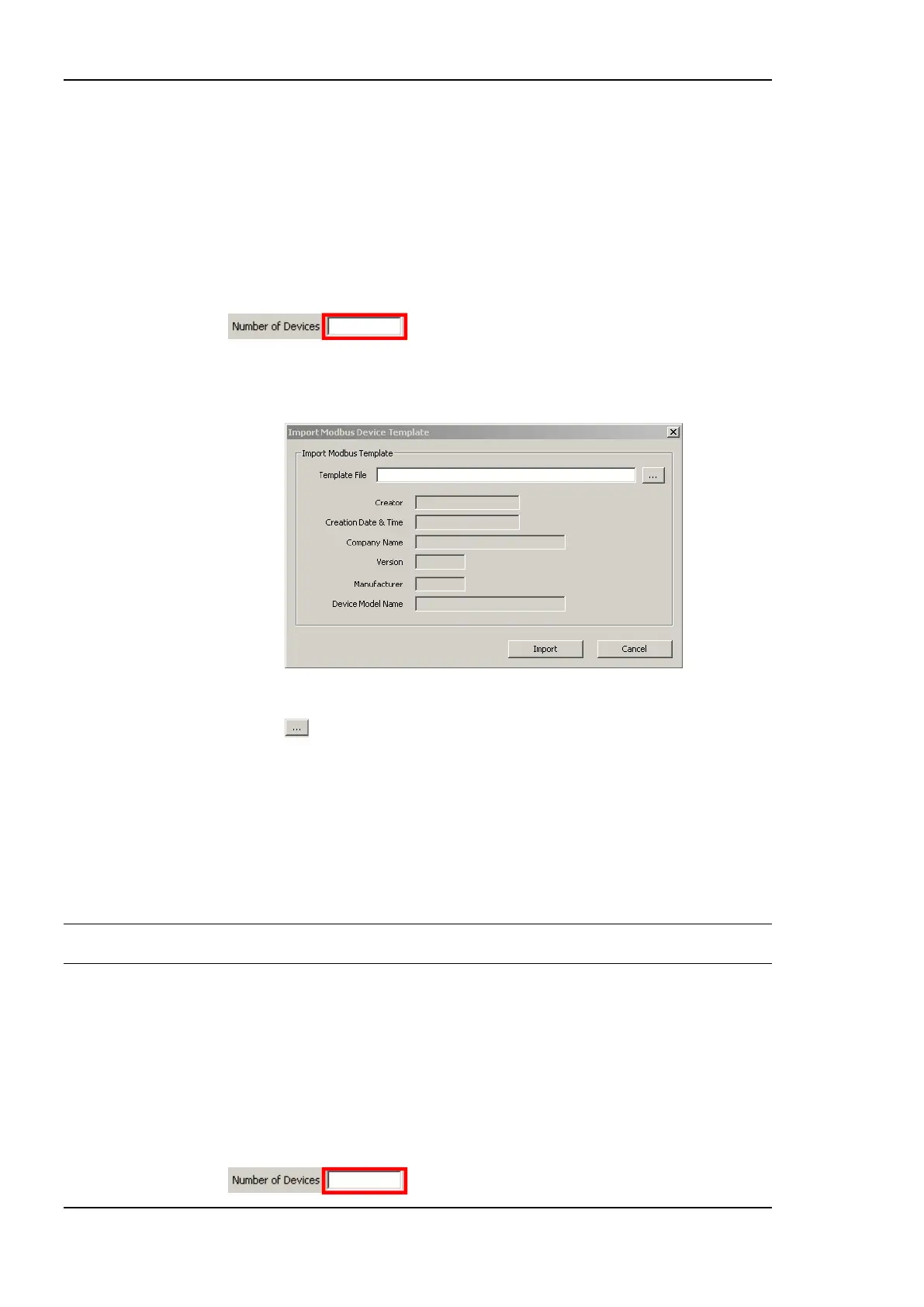
3. Click on the Create From Template button. This opens the Import Modbus Device
Template dialog shown in Figure 191.
Figure 191 Import Modbus Device Template dialog.
4. Press the button and select a template file from the Open dialog.
5. After selecting the file, the device information is displayed.
6. Press Import for importing the template or Cancel for closing the dialog without any
changes.
7. When a template is imported, a folder with the name of the device is created. Under
this folder a Datapoints folder containing the data points from the template file is
created.
Tip: Data points can be added to the data points of the template by right-clicking in the data
point list and selecting New Datapoint.
To Add a Modbus Device Manually Using a Template Creating Data Points
1. Enter a name for the Modbus device in the Device Name field. If no name is specified
the name is created automatically from the name in the template file.
2. Fill in the Device Address and select the Type (either RS485 or TCP) from the drop
down box. If TCP is selected also enter the Device IP Address. If more devices with
the same properties have to be created using subsequent addresses, the number of
devices can be specified in the input field under the Device IP Address field.



 To Next Page