L-INX User Manual 33 LOYTEC
Version 4.0 LOYTEC electronics GmbH
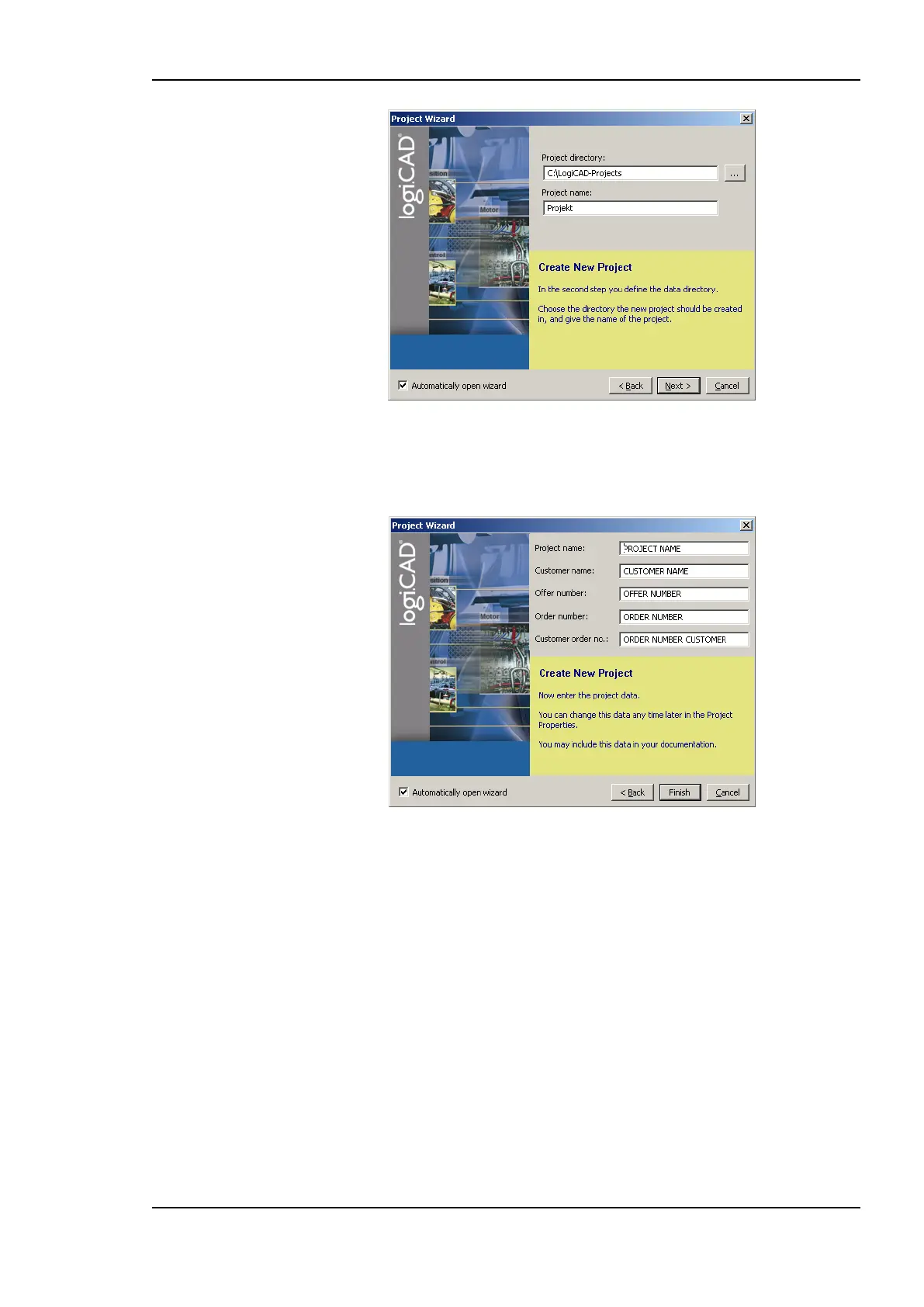
Figure 15: Project name and path
5. Specify the name of the project and the path where to store the project files, see Figure
15.
Figure 16: Additional information
6. After specifying additional information the new project is created by pressing the
Finish button.
7. As shown in Figure 17 below, expand the tree element Functionplans and double click
Plan_1 in order to start editing the plan.



 To Next Page