214683 141 Revision A
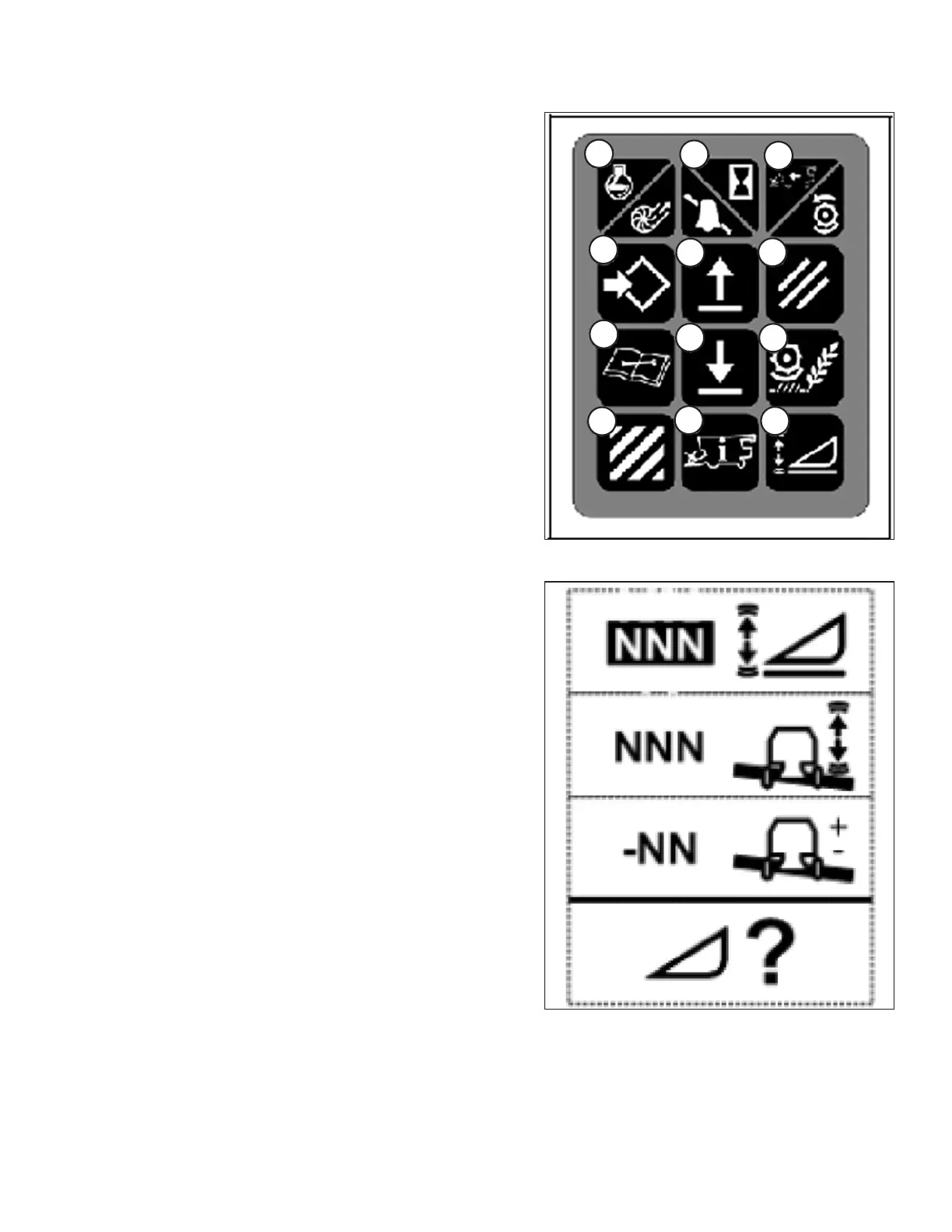
Figure 3.186: Combine Controls
1. Use the HEADER SETTINGS key (M) to display the
HEADER SENSITIVITY CHANGE page as shown in
Figure 3.187, page 141.
2. Use the UP or DOWN keys (E) or (H) to adjust the
highlighted item. The height sensitivity setting range is 0
(least sensitive) to 250 (most sensitive) in
increments of 10.
NOTE:
Adjustments take effect immediately. Use the CANCEL
key to return to the original settings.
3. Use the HEADER SETTINGS key (M) to highlight the
next changeable item.
4. Use the ENTER key (D) to save changes and return to
the monitor screen. If there are no changes, the screen
will return to the monitor screen after 5 seconds.
Figure 3.187: Height Sensitivity Change Page
OPERATION








 To Next Page