214683 229 Revision A
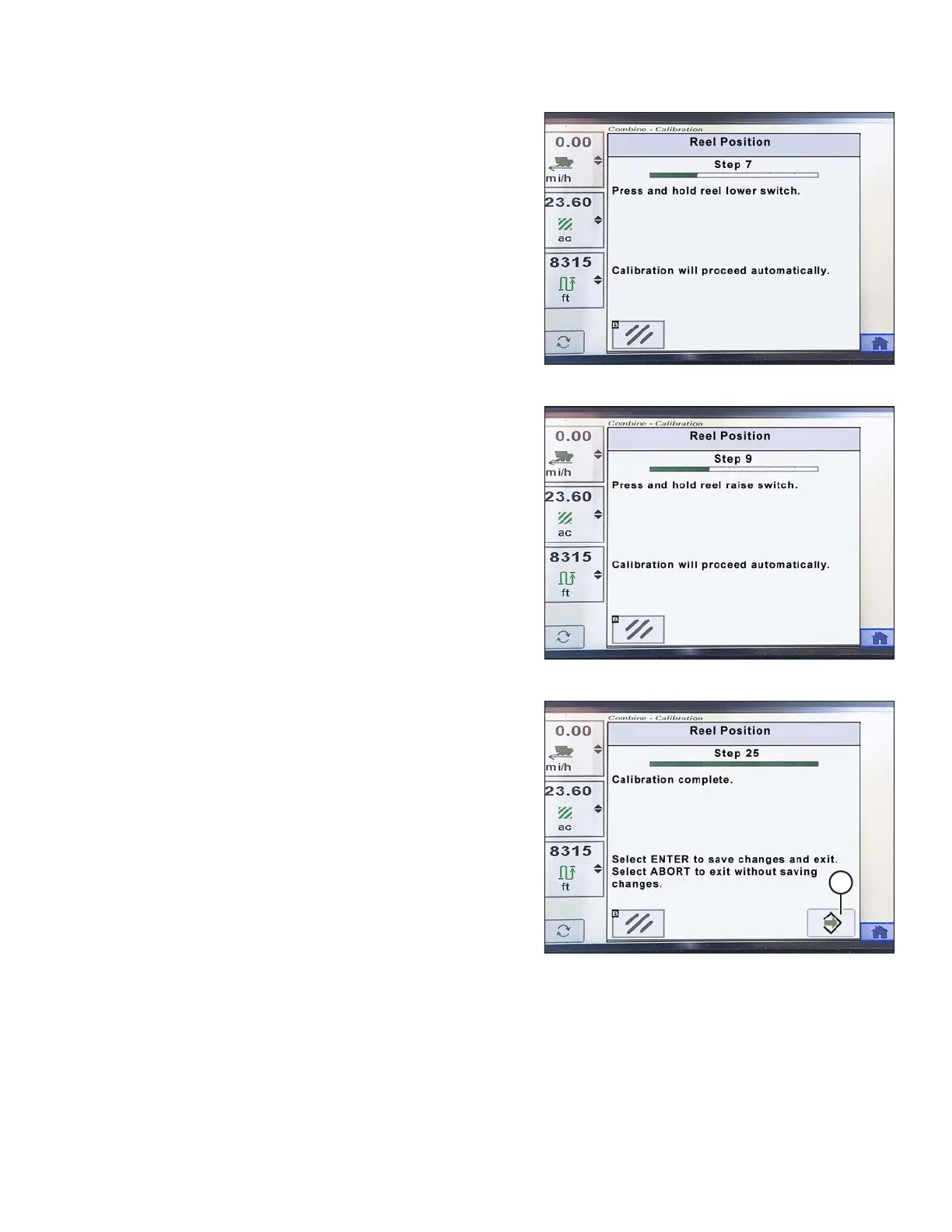
Figure 3.383: John Deere Combine Display
7. Press and hold REEL LOWER switch until reel is fully
lowered. Continue holding REEL LOWER switch until
prompted by the display.
Figure 3.384: John Deere Combine Display
8. Press and hold REEL RAISE switch until reel is fully
raised. Continue holding REEL RAISE switch until
prompted by the display.
Figure 3.385: John Deere Combine Display
9. When all steps have been completed, CALIBRATION
COMPLETE message is displayed on the screen. Exit
the CALIBRATION menu by pressing the ENTER
icon (A).
NOTE:
If an error code appears during calibration, the sensor is
out of voltage range and will require adjustment. Refer
to Checking Reel Height Sensor Voltages (John Deere
S and T Series), page 225.
OPERATION








 To Next Page