Pathway Technical Reference Manual
Proprietary 120 of 190
10.2.4 CoVAS Calibration
Calibrating the CoVAS ensures the CoVAS range 0 to 100 corresponds with the left most and
right most point of the slider, respectively.
Calibrate the CoVAS before the first time it is used
The CoVAS should be calibrated when:
It is used for the first time
Software or firmware are re-installed
To Calibrate the CoVAS:
1. From the Settings menu, select the Hardware Settings option.
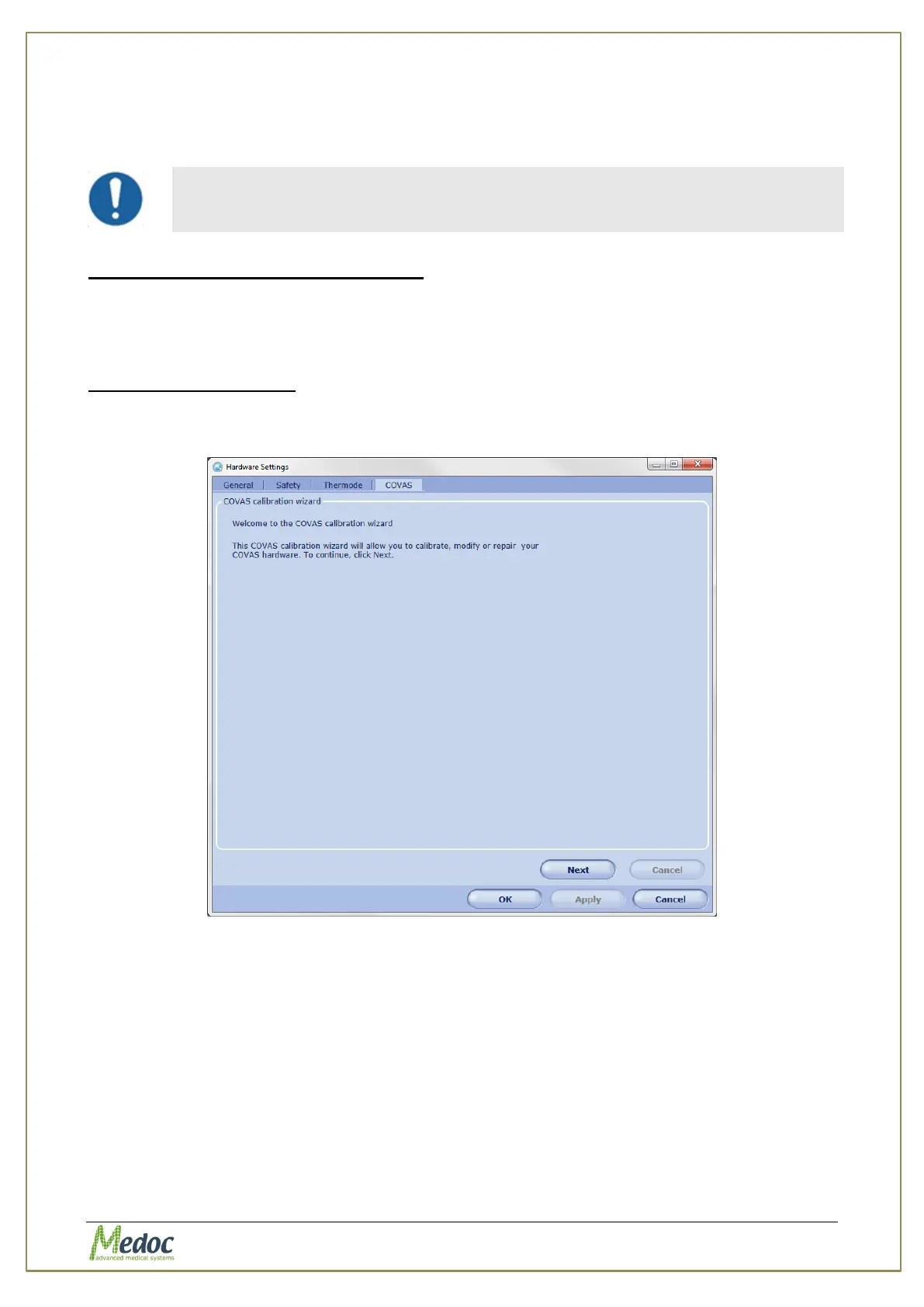
Select the COVAS tab. The following screen is displayed:
Figure 81: Hardware Settings - CoVas calibration
2. Click the Next button and follow the instructions shown on screen (a short version is given
here)
3. Move the CoVAS slider all the way to the left and click the Next button.
4. Move the CoVAS slider all the way to the right and click the Next button.
5. Click Next to save the calibration results.
6. Click the Finish button to complete the calibrating process; then click OK.



 To Next Page