Pathway Technical Reference Manual
Proprietary 135 of 190
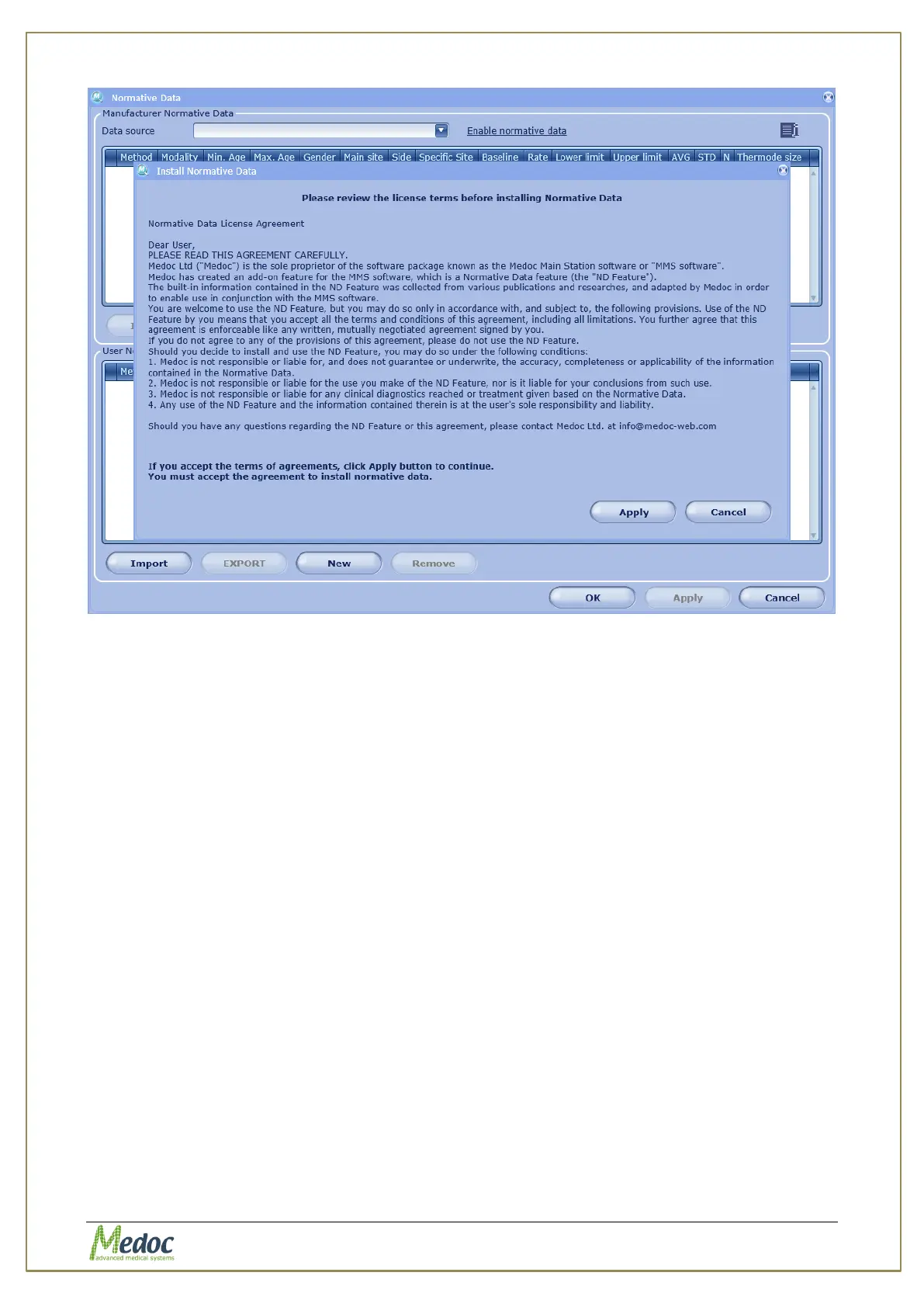
Figure 93: Normative Data License Agreement
3. Read the license agreement and click Apply to accept.
4. Normative Data is now enabled.
12.3 Normative Data Editor
The Normative Data editor allows you to select the Normative Data source and to add your
own customized normative data.
To open the Normative Data editor select Utilities from the top menu bar, and then select
Normative Data. The following screen is displayed:



 To Next Page