Pathway Technical Reference Manual
Proprietary 97 of 190
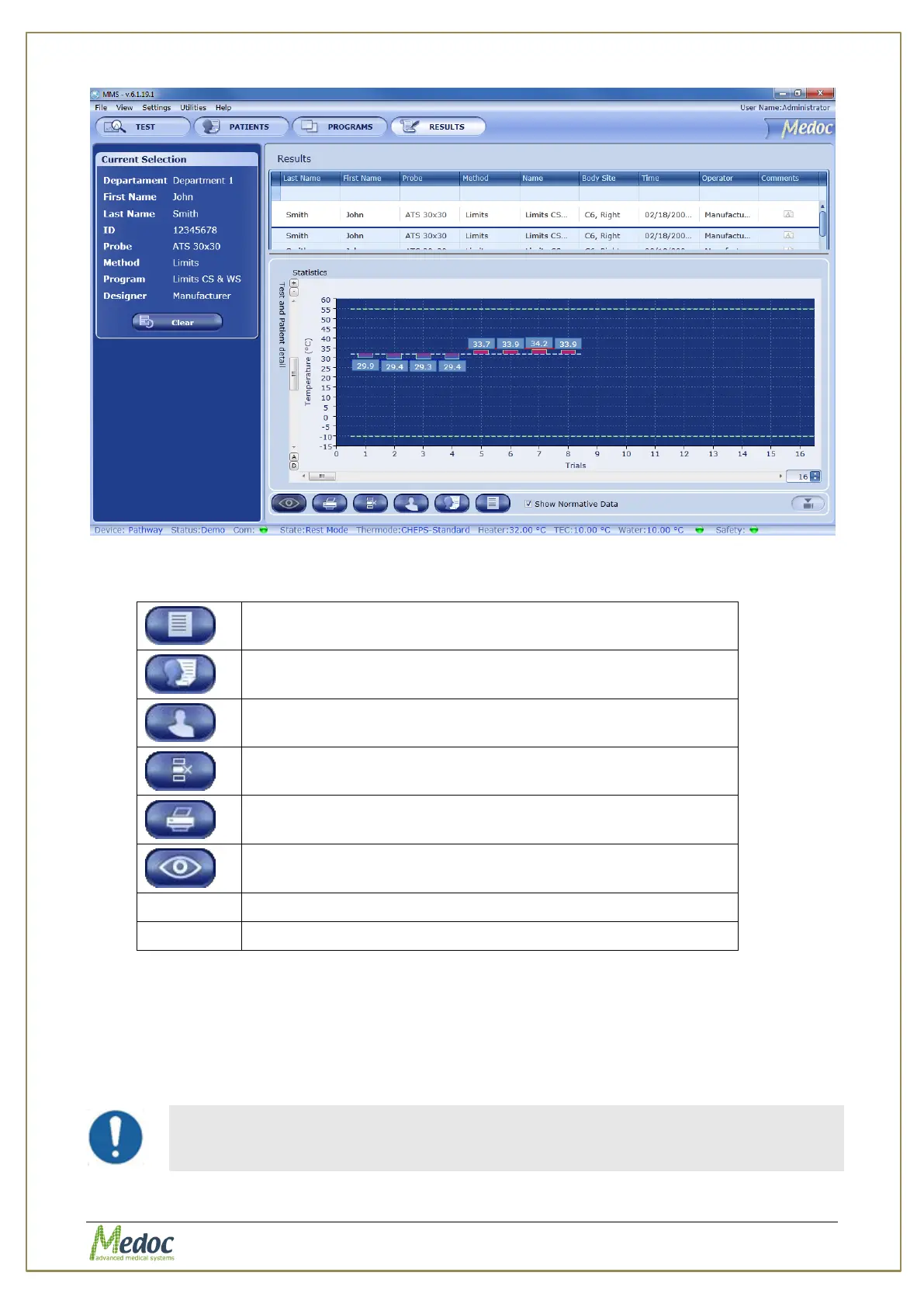
Figure 58: Result preview display
The following options are available from the detailed test result view:
Display details of program used in selected test results
Delete selected test results
Print test results as a report
Show / Hide Normative data display (if applicable)
Show / Hide CoVAS data (if applicable)
9.2 Import / Export Results
Test Results can be exported and saved for backup, further analysis or to import to another
Pathway system. Test results can be exported using the default export format which is secure
and can only be accessed by Medoc Main Station software. Alternatively, results can be
exported to an excel file for further analysis.
Importing and/or exporting test results between different software
versions may result in compatibility errors and loss of data. Check
database compatibility before proceeding.



 To Next Page