Pathway Technical Reference Manual
Proprietary 142 of 190
14. Appendix C – External Control
14.1 Overview
The External Control Interface enables external applications to communication with the Medoc
Main Station software. The interface enables the user to automate the process of program
selection and test initiation, timing of trial onset, emulate patient response and more. In
combination with analog output option, the interface can be used to implement complex
decision making protocols.
Communication between Medoc Main Station and the external application can be established
using either parallel communication or TCP socket communication. The interface can be used
with any experiment control program or research application that supports any of the above
communication protocols.
The External Control Interface requires a separate license. Contact your local distributor for
further information.
14.2 Use Examples
The following section describes two typical setup examples for the external control interface.
14.2.1 Open Control Mode
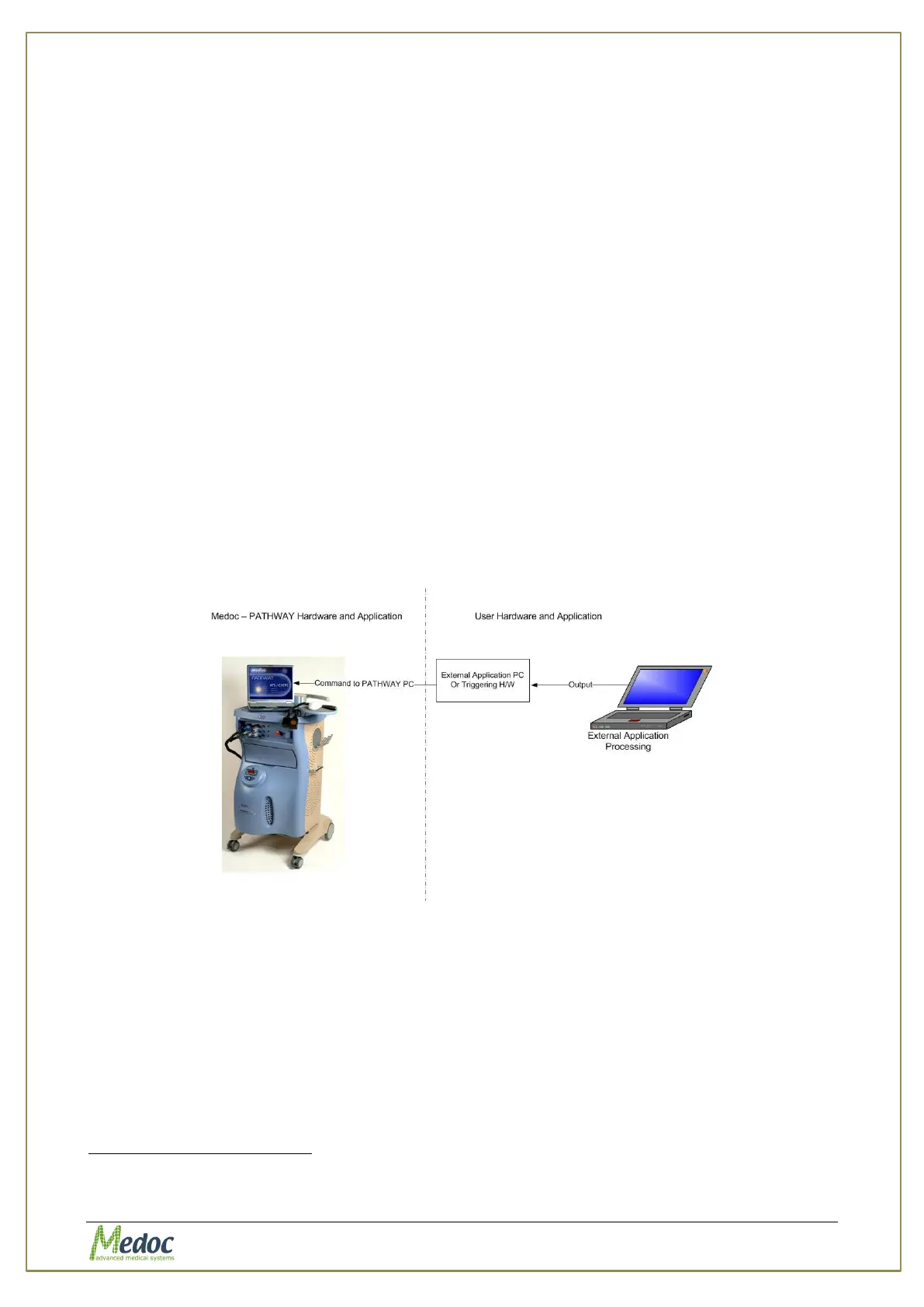
In an open control mode, the external application communicate with the Medoc Main Station
computer and sends commands to select and start specific programs, start or stop the test, or
emulate the subject’s response by sending ‘Yes’ or ‘No’ commands.
Figure 97: External Control Interface Open Control Loop Example
14.2.2 Closed Control Mode
In an close control mode, the external application communicates with the Medoc Main Station
computer with the External Control Interface, and simultaneously collects data from the
Pathway using the Analog output option
. The data collected from the Pathway can be used in
a closed control loop to determine the next command and influence the test process.
Recording Analog output requires data acquisition hardware



 To Next Page