Pathway Technical Reference Manual
Proprietary 59 of 190
6.2 Selecting a Program
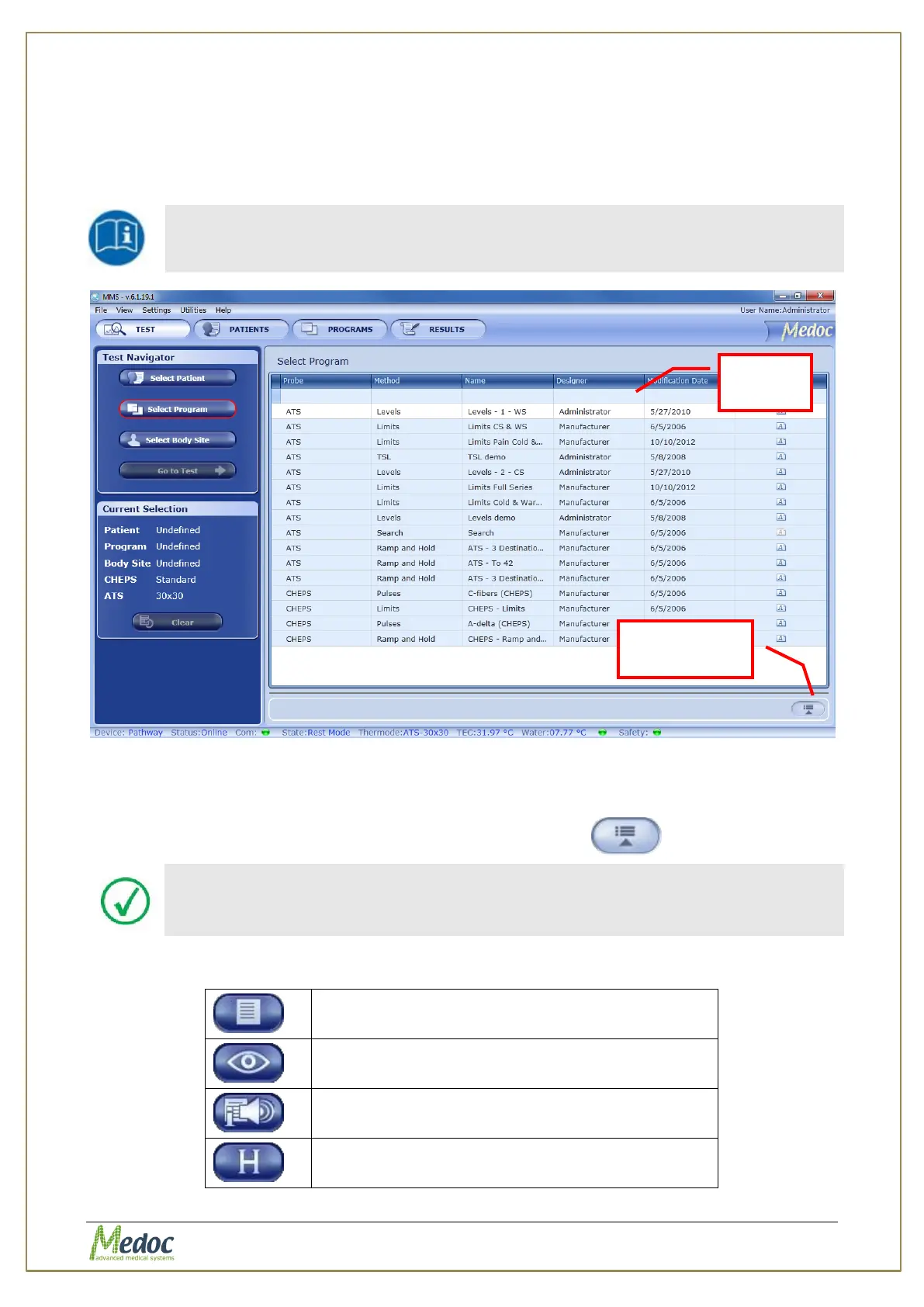
1. Click on the Select Program button from the Test Navigator
2. Use the Search Row (see section 5.3.3 above) to filter and sort list in order to find the
relevant program entry.
The Program List can be sorted according to any of the displayed fields.
Click the relevant column header to sort the list.
Figure 26: Program Selection Menu
3. Click the program entry to select (or double-click to select and move on to the next step).
The selected entry will be displayed in the current selection details in the left panel.
4. In order to view program details, click on the Show Details button.
Program details can only be viewed from the Test screen. For editing, refer
to Program Management section (section 7, page 66).
5. The following options are available in the Program Details view:
Display program graph preview (selected
methods only)
View recent program modification dates.



 To Next Page