Pathway Technical Reference Manual
Proprietary 125 of 190
10.3.3 Event Sound Configuration
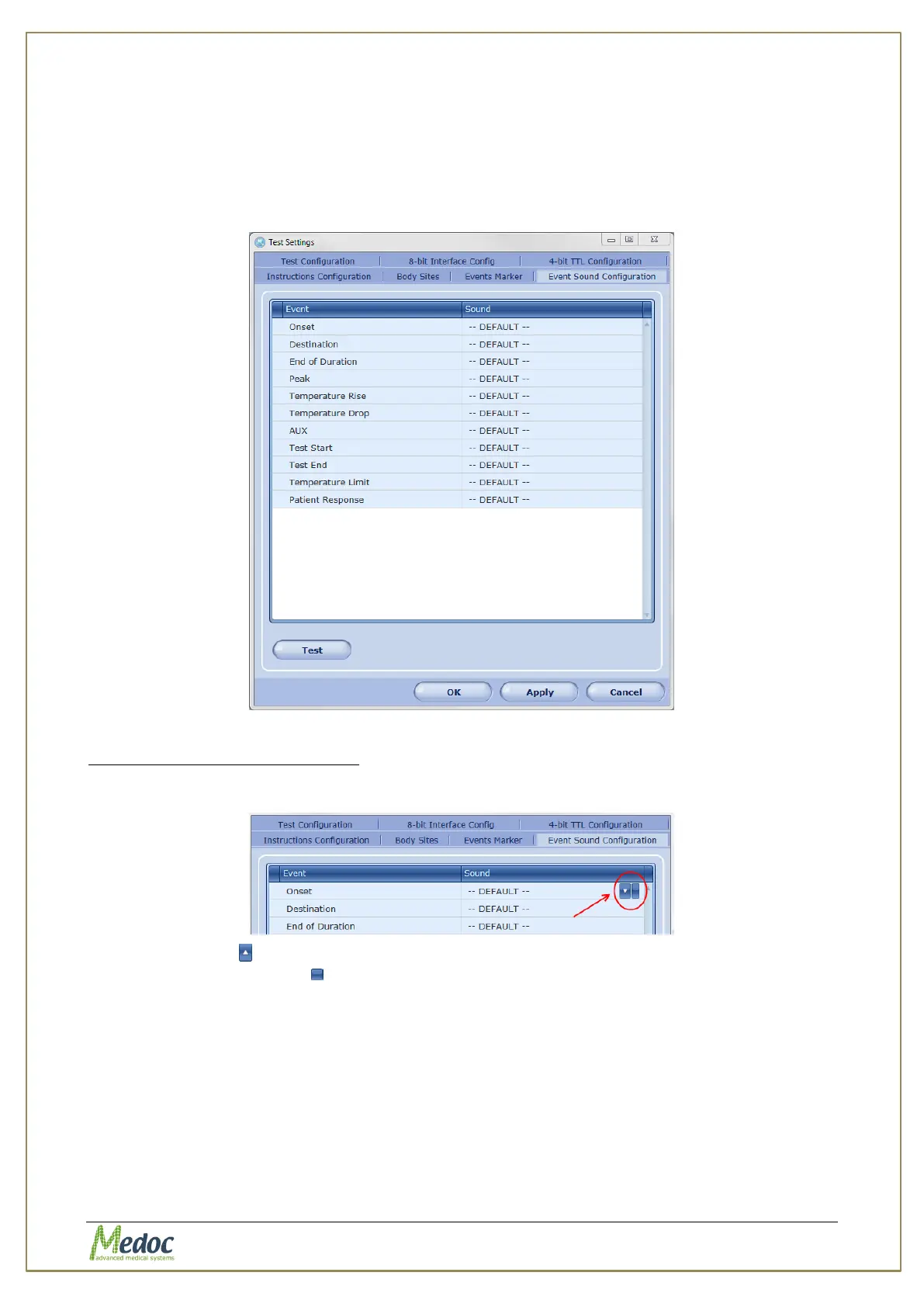
Configure the sounds which will be played if a sound event is defined in a test.
To access the Event Sound Configuration settings: from the top menu bar, select Settings and
then Test Settings. In the Test Settings window that opens, select the Event Sound
Configuration tab. The following window is displayed:
Figure 84: Event Sound Configuration
To change the sound for an event:
1. Click the cell in the right column of the event
2. Click the arrow to view a list of available sounds from Medoc Main Station sound library
or click the blank button to add your own.
3. Click the Test button to listen to the selected sound effect.



 To Next Page